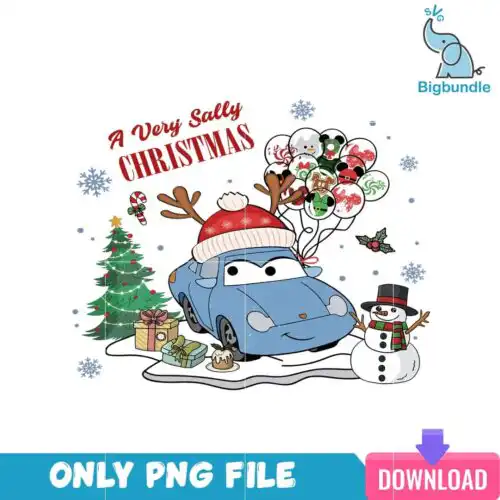
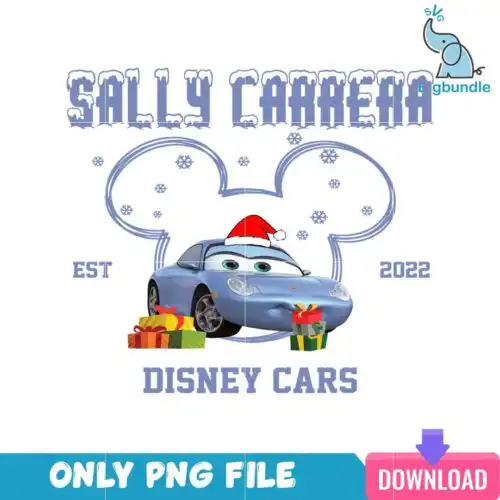
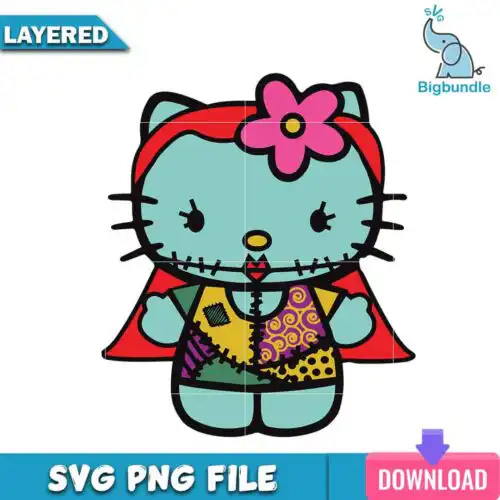
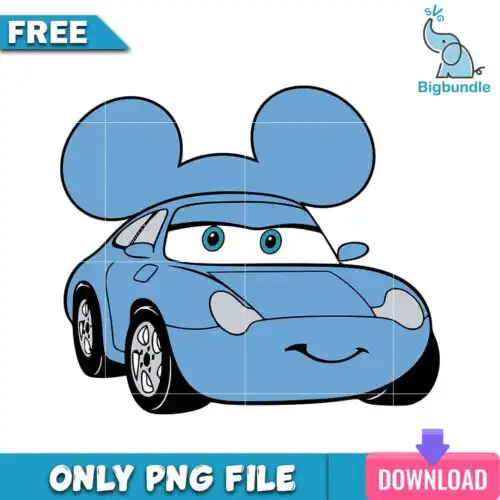
Sally SVG files are craft designs featuring the stitched patchwork doll character, offered as SVG cut files that include PNG, DXF, EPS, PDF or as high-res 300 dpi transparent PNG sublimation designs, made for shirts, tumbler wraps, signs, decals and handmade gifts. These designs all center on the same recognizable character but come in mixed subjects and mixed styles, from chibi and retro to inflated 3D and couple poses. Because the occasions are year-round, you will find Halloween, Christmas and everyday looks in one place. They are built for Cricut, Silhouette and other cutters and printers, and work well for personal projects and small-business products.
Choosing the right design
Choosing between these Sally designs comes down to layer count, style detail, and where you will use it. Layered cut-file designs cut cleanest as single-color or separated layers for HTV, vinyl and cardstock, while PNG-only designs are made for sublimation and print-then-cut with no weeding. For small areas like baby onesies, left-chest logos and mugs, pick simpler silhouettes and bold lines that stay readable at 3 to 4 inches. For large backs, tumbler wraps and wood signs, you can use detailed couple scenes, text combos and textured looks. Before you cut, check each design's file list, because cut-file designs include SVG, PNG, DXF, EPS and PDF while PNG-only designs are for sublimation and printing. Test size, mirror for HTV, and consider an offset for easy weeding.
Are Sally SVG better for shirts or tumbler wraps?
Both work, choose by layout. Sally SVG files for shirts need a tall, centered shape that fits a chest or full back, while tumbler wraps need a wide, continuous scene that wraps without a focal face getting cut off. For apparel, look for clean silhouettes with limited fine inner cuts. For tumblers, pick wrap-style PNGs or wide horizontal compositions made for 20oz and 30oz skins.
Sally SVG vs png which file should I use
Use SVG when you are cutting vinyl or cardstock and PNG when you are printing. Cut-file designs include SVG, PNG, DXF, EPS and PDF for Cricut, Silhouette and other cutters, while PNG-only designs are 300 dpi transparent PNGs for sublimation and DTF print. If a design lists only PNG, it will not cut in layers. Check each design's included files before you buy.
How to cut layered Sally SVG on Cricut?
Layered versions cut best as separate colors with weeding. Ungroup in Cricut Design Space, assign each layer a color, size the whole group together, then cut one color at a time. Use everyday iron-on for shirts at 315°F for 15 seconds with cold peel, and permanent vinyl for signs and decals with transfer tape. Add a 0.05 inch offset behind tiny patchwork stitches to avoid losing detail.
What size should Sally SVG be for adult and kids shirts?
Size by shirt area, not by file. For adult shirts use 10 to 11 inches wide for full front or back, 3.5 to 4 inches for left chest. For youth use 8 to 9 inches, and for baby and toddler use 5 to 6 inches. Keep chibi faces at least 4 inches tall so small eyes and stitches do not get lost. Always make a test cut in cheap vinyl first.
It depends on the design type. Cut-file designs include SVG, PNG with 300 dpi transparent background, DXF, EPS and PDF. PNG sublimation designs are PNG only with 300 dpi and transparent background for printing. Each design lists its own included files, so check that list to confirm whether you are getting a full cut-file set or a print-only PNG.
Do these work with Cricut, Silhouette and sublimation printers?
Yes. SVG cut files work with Cricut Design Space, Silhouette Studio Designer Edition, Brother ScanNCut, Adobe Illustrator, Inkscape and CorelDRAW. PNG sublimation designs work with sublimation printers like Epson and Sawgrass, DTF and print-and-cut workflows, plus Canva and Photoshop. For Silhouette, use Designer Edition or higher to open SVG directly.
Can I sell shirts and tumblers I make with these?
Yes for finished physical items. The license allows personal and small-business commercial use to sell finished shirts, tumblers, signs, decals and gifts you made. You may not resell, share, or redistribute the digital files themselves as files, and you may not claim to be official or licensed. The character name in the keyword is for search, not an official license.