
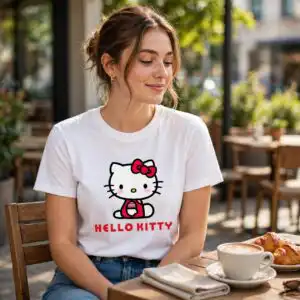
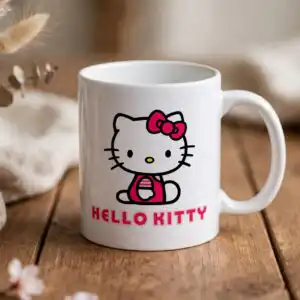
Birthday Hello Kitty Character Collection Cut Files for Party Crafts, Shirts and Mugs
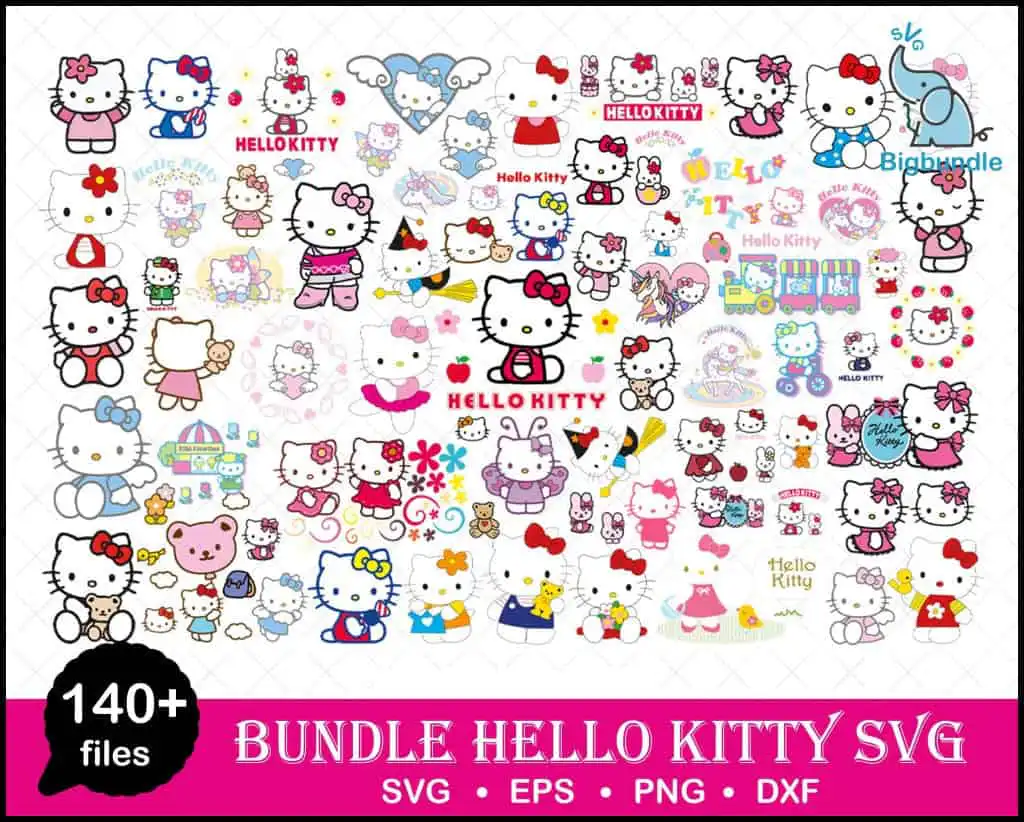
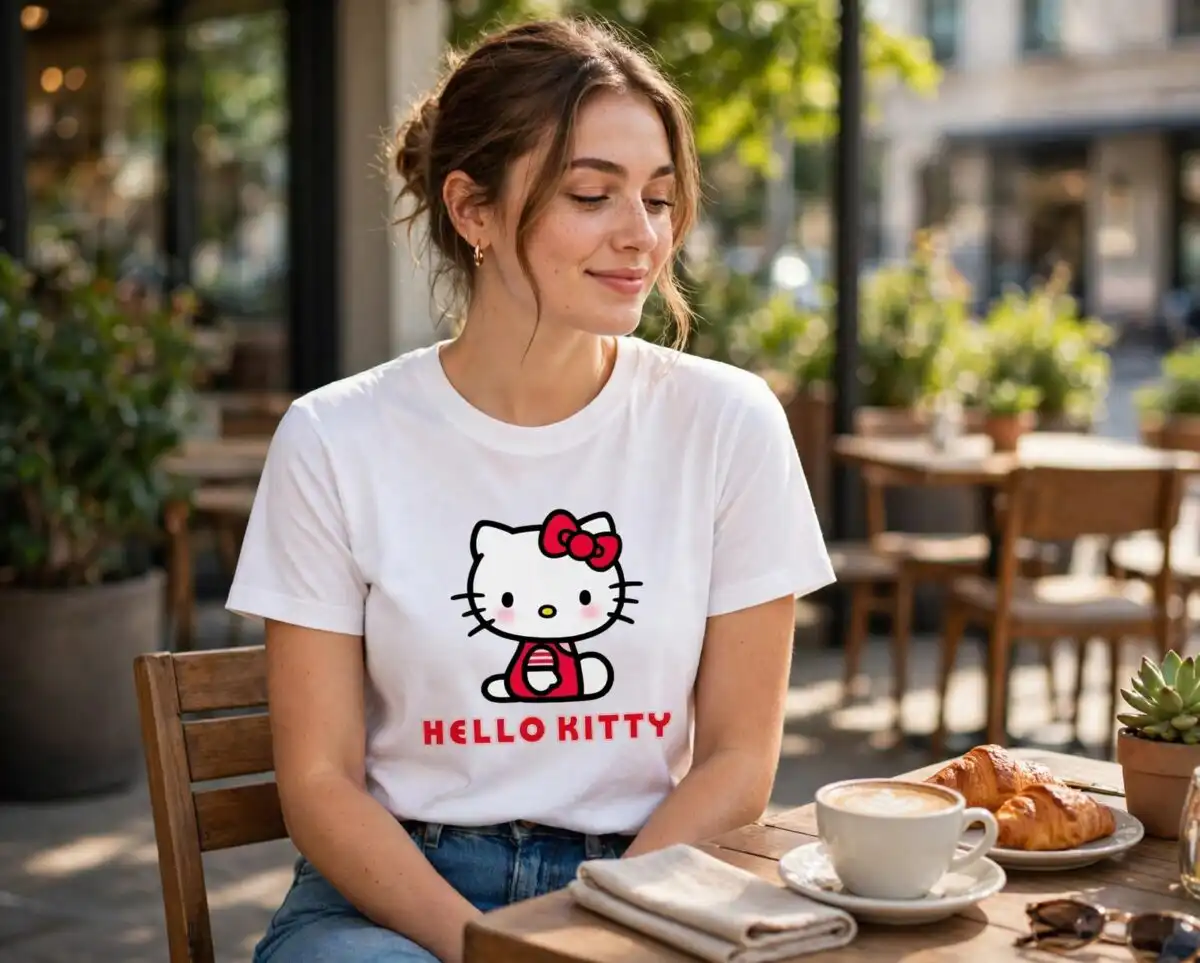
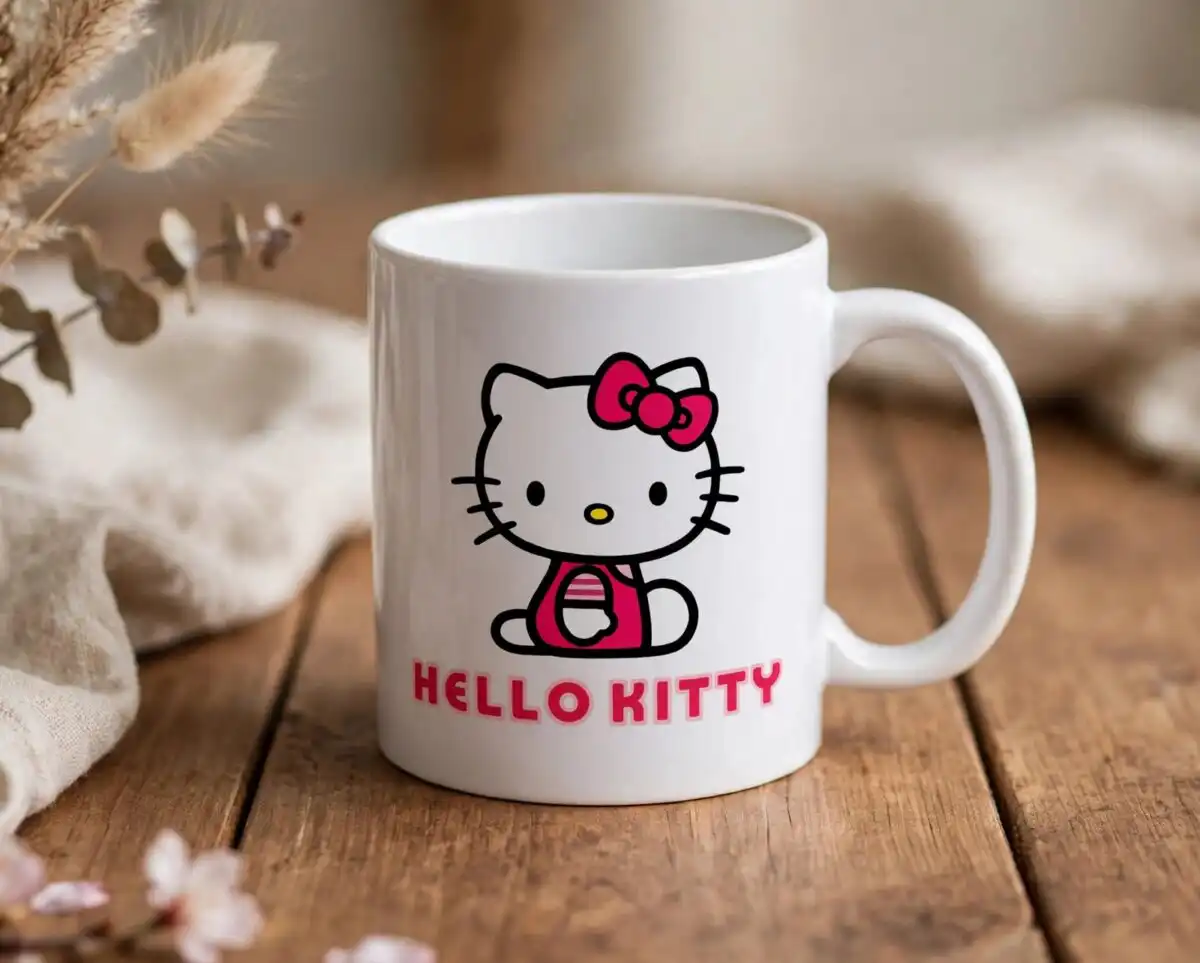
This birthday hello kitty character collection SVG is a bundle of Hello Kitty artwork in cartoon, kawaii clip-art style, shown on one preview sheet, with SVG, PNG, DXF and EPS files included. Each design is set against a white background and drawn in hot pink, light pink, red, blue and yellow, with black and white accents. The artwork covers Hello Kitty characters in different poses and outfits, along with red bows, hearts, balloons, strawberries, butterflies, a rainbow, teddy bears and a carousel-style train. Use it for birthday party decorations, favour tags, gift wrap, stickers and scrapbook pages. Cutting machine users can load the SVG and DXF files into Cricut Design Space or Silhouette Studio, while sublimation printers can use the transparent PNG files for shirts, mugs and tumblers.
Design breakdown
The preview sheet is a collage of many Hello Kitty designs, and the bundle is built from flat vector artwork cut in 3 layers. The main colours are white, hot pink, light pink, red, black, blue and yellow. Designs in the preview include Hello Kitty characters, red bows, flowers, hearts, angel wings, teddy bears, bunnies, apples, a carousel-style train, balloons, strawberries, butterflies, a rainbow, cupcake-like items, and sun and stars. Fine details such as bows, whiskers and small hearts are best cut at 4 inches or larger. The collection is cut-ready in every format listed, and the PNG files have transparent backgrounds at 300 dpi.
| Layers | 3 |
|---|---|
| Colours | 7 — white (#FFFFFF), hot pink (#E91E8C), light pink (#F8C8DC), red (#D7263D), black (#1A1A1A), blue (#3A7BD5) |
| Lettering | HELLO KITTY / Hello Kitty / Hello Kitty / SVG • EPS • PNG • DXF / 140+ files / sVg |
| Background | white |
| Cut complexity | high |
| Orientation | landscape |
What’s included
- SVG
- PNG (300 dpi, transparent)
- DXF
- EPS
Works with
- Cricut Design Space
- Silhouette Studio (Designer Edition)
- Brother ScanNCut
- Adobe Illustrator
- Inkscape
- CorelDRAW
How to use
Download the zip file and unzip it to a folder on your computer before you do anything else. Open Cricut Design Space or Silhouette Studio, choose Upload, and import the SVG or DXF file you want. Check the layers and sizing on the canvas, then cut. For sublimation, open the transparent PNG in your design software and print at the size you need. Keep the original files stored in your folder so you can reuse them.
Licence
Personal and small-business commercial use. Sell finished physical items; do not resell or redistribute the files themselves.
FAQ
What files are included in this Hello Kitty character collection?
The download includes SVG, PNG, DXF, EPS and PDF files. The PNG files are 300 dpi with transparent backgrounds.
Can I put one of these Hello Kitty designs on a 20oz tumbler?
Yes, the PNG files work for tumbler wraps made with sublimation. Choose a design with a simple outline, such as a bow or a balloon, so it is easy to size to the tumbler wrap.
Which machines and programs does this work with?
It works with Cricut Design Space, Silhouette Studio (Designer Edition), Brother ScanNCut, Adobe Illustrator, Inkscape and CorelDRAW. Sublimation printing uses the PNG files.
Can I resize these designs and use them for my small business?
Yes, you can resize the files in your cutting software. The licence covers personal and small-business commercial use, so you can sell finished physical items, but you may not resell or redistribute the files themselves.


