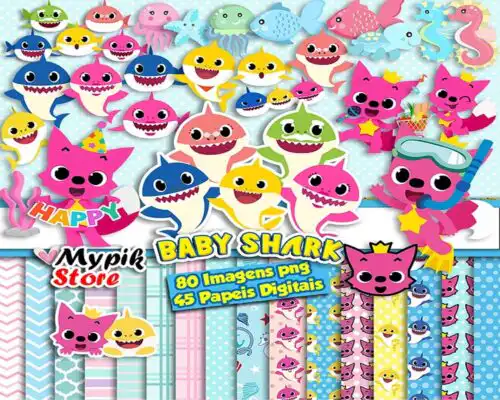
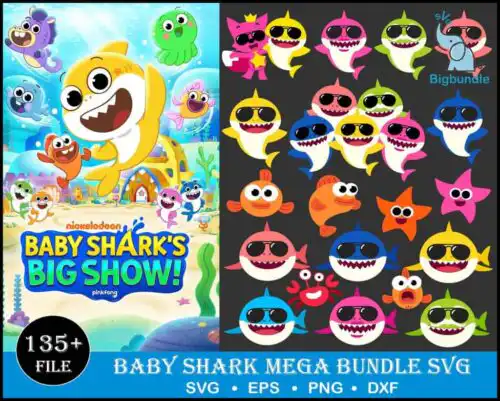
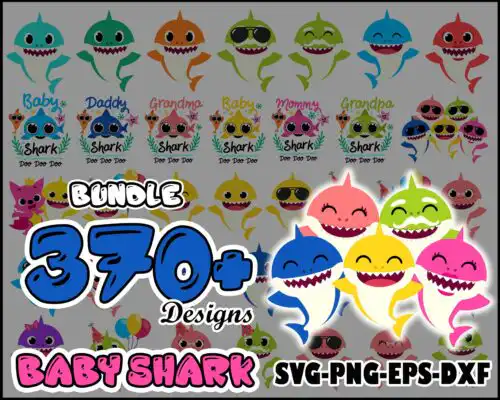
Baby Shark SVG files are cut and print designs that typically come as SVG plus PNG (300 dpi with transparent background), DXF, EPS and PDF, made for shirts, party decor, tumblers, stickers, and other handmade items. These designs are united by the same playful shark theme, with a mix of subjects and styles so you can match different ages, projects and color palettes year-round. You will find bold single-color cuts for quick vinyl work, layered sets for multi-color shirts, and PNG-only artwork made for sublimation and print-and-cut. Cut-file designs include SVG, DXF, EPS, PDF and PNG, while PNG-only designs are for sublimation and printing, and each design lists its own included files.
Choosing the right design
Start by deciding how you will make it. If you are cutting vinyl, choose layered SVG designs with clean, separated colors and welded outlines; if you are sublimating or doing print-and-cut, PNG at 300 dpi gives you smooth shading and no weeding. For small items like onesies, favor simpler silhouettes with thicker lines that stay readable at 3-4 inches wide, and save detailed, busy artwork for larger surfaces like family shirts or tote bags. Check the file list before you buy: cut-file options include SVG, PNG, DXF, EPS and PDF, while PNG-only options are for sublimation and printing. Finally, look at layer count, negative space for personalization, and whether the design needs mirroring for HTV.
Which Baby Shark SVG works best for shirts vs tumblers?
Shirts need bolder, simpler shapes and tumblers need tall, narrow artwork. For shirts, pick designs with solid fills and fewer tiny pieces so they weed and press fast. For tumblers and mugs, look for vertical layouts, seamless patterns or wrap-friendly panels that fit around curves without distortion.
Baby Shark SVG vs png which should I use
Use SVG for vinyl and use PNG for sublimation and printing. SVG, DXF, EPS and PDF are for cutting machines, giving you crisp edges at any size. PNG at 300 dpi with a transparent background is for sublimation, DTF and print-and-cut where you want photo-like color, shading and no cut lines.
How to cut layered Baby Shark SVG on Cricut?
Ungroup the layers in Cricut Design Space and cut by color on matching vinyl. Keep the registration square, weed small pieces first, and press from light to dark with a heat press or EasyPress. If the design is PNG-only, use Print Then Cut instead of layering vinyl.
What size should Baby Shark SVG be for kids and adult shirts?
Make it 7-8 inches wide for toddler shirts, 8-9 inches for youth, and 10-11 inches for adult shirts. Measure chest width and leave 2 inches of margin on each side. For onesies and small items, shrink to 4-5 inches and choose a simplified version so details stay readable.
What file formats are included with Baby Shark SVG?
It depends on the design type. Cut-file designs include SVG, PNG (300 dpi, transparent), DXF, EPS and PDF and work with Cricut, Silhouette and other cutters. PNG sublimation designs are PNG (300 dpi, transparent background) for printers, DTF and print-and-cut. Each product page lists its exact files.
Will Baby Shark SVG work with Cricut and Silhouette?
Yes. SVG works in Cricut Design Space and Silhouette Studio Designer Edition, DXF works in Silhouette basic, and EPS, PDF and PNG work with Illustrator, Inkscape, CorelDRAW, Photoshop, Canva and sublimation printers including Epson and Sawgrass workflows.
Can I sell shirts and tumblers made with Baby Shark SVG?
Yes, for small-business commercial use. You can sell finished physical items you make, like shirts, tumblers, party decor and stickers. You cannot resell, share or redistribute the digital files themselves as files, bundles or templates.