
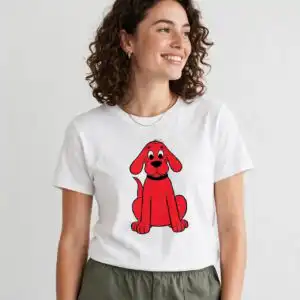

Clifford The Big Red Dog Character Sheet for Birthday Parties, Kids Rooms and Crafts
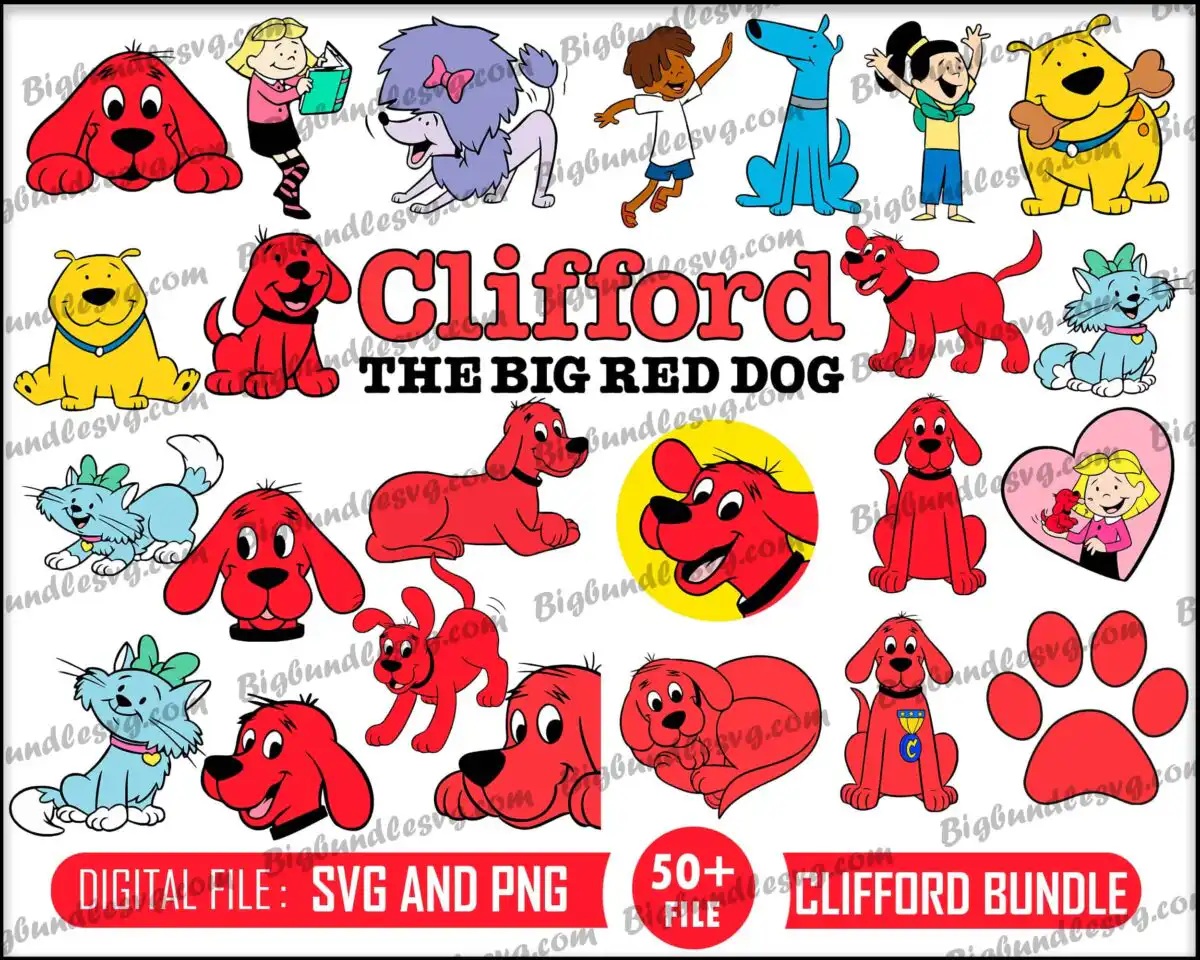
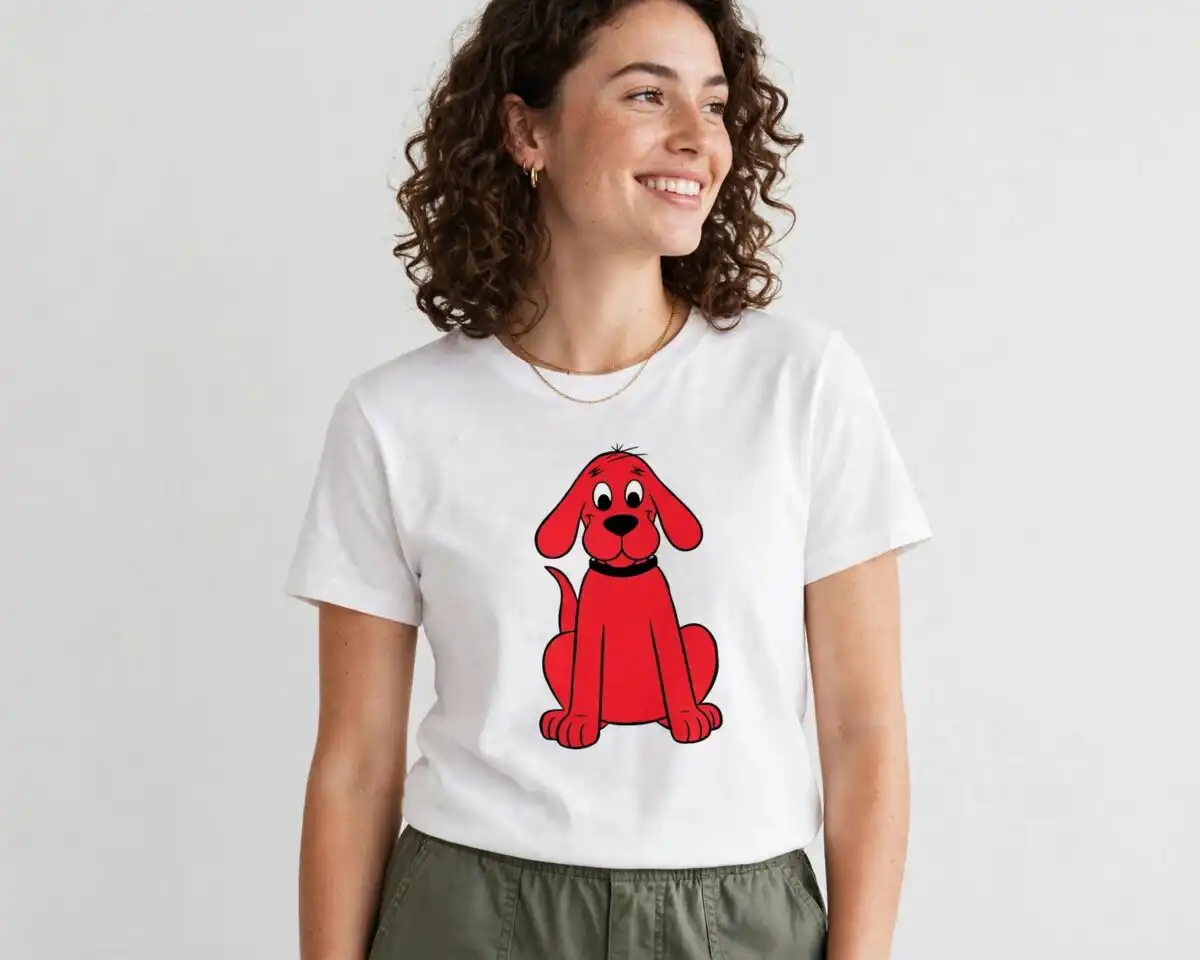
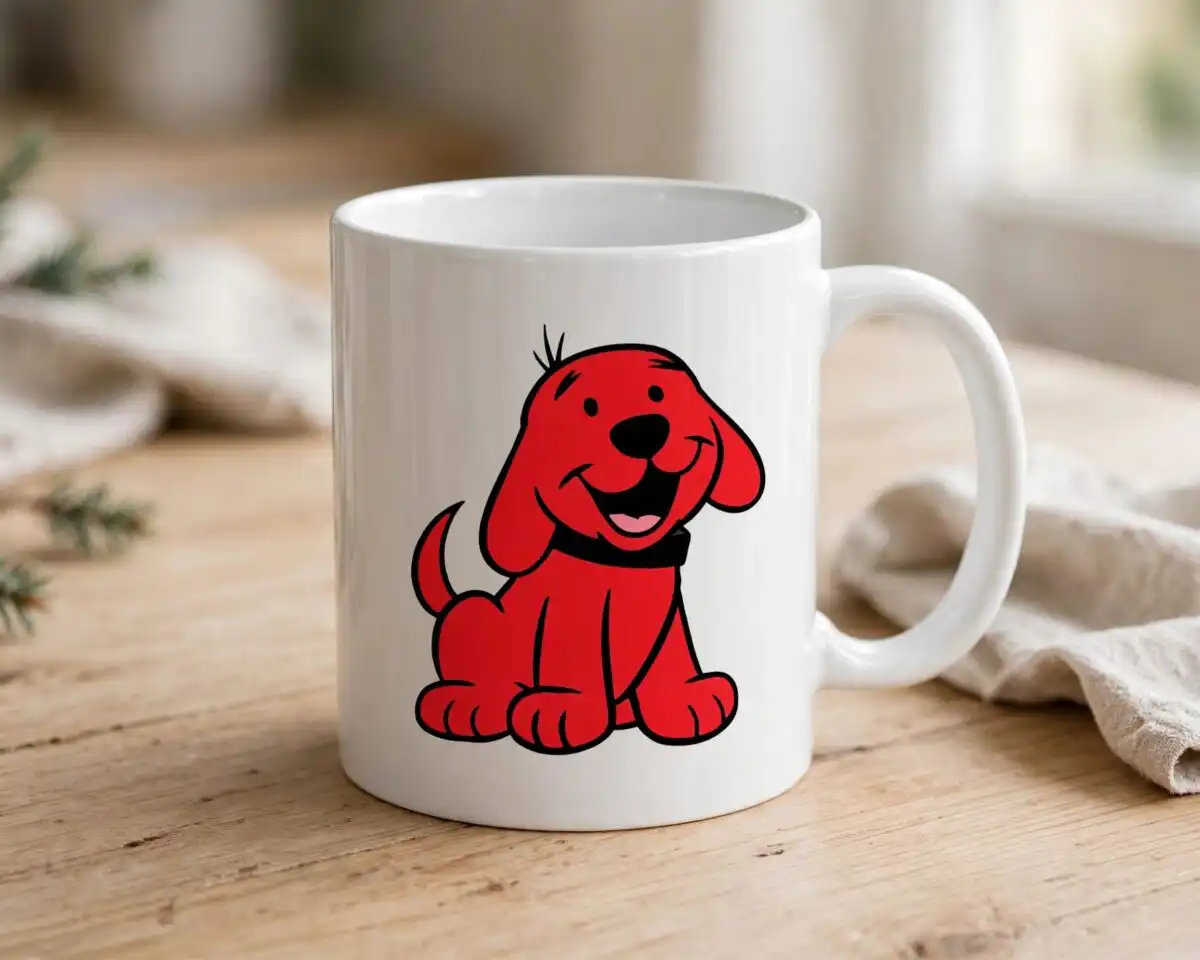
This clifford big red dog SVG is a digital character sheet of Clifford The Big Red Dog, delivered as a downloadable SVG and PNG bundle for cutting, printing and sublimation. The sheet shows the red dog in sitting, lying and running poses, plus head close-ups, alongside a yellow dog, a blue dog, a light blue cat with a green bow and a gray-purple dog with a pink bow. Children characters appear too, including a girl reading a book, a boy, and a girl waving, along with a girl holding a red puppy inside a heart frame. The artwork sits on a yellow circle backdrop with the Clifford head, and the Clifford logo lettering and THE BIG RED DOG wording run across the design, with a red paw print for a finishing touch. Bold outlines and flat colour in red, yellow, blue and white keep the artwork clear when you cut vinyl or print it for a t-shirt, tumbler or cake topper. The files come ready to open in Cricut Design Space, Silhouette Studio, Adobe Illustrator and Inkscape.
Design breakdown
The design is a collage of character poses on one white background, shown in a landscape layout, and it is cut in 3 layers. The colours are red, white, yellow, blue, light blue, lavender gray and black, with the red dog, yellow dog and blue dog among the designs shown in the preview, along with the light blue cat with a green bow and the girl reading a book. Fine details such as the thin outlines of the faces and the bow shapes need care, so cut it at 4 inches or larger. The preview sheet shows more designs than the individual cut pieces you will work with, so pull out only the characters you need before you cut.
| Layers | 3 |
|---|---|
| Colours | 7 — red (#D32F2F), white (#FFFFFF), yellow (#FFD600), blue (#1E88E5), light blue (#7FD3E8), lavender gray (#8E8AB8) |
| Lettering | Clifford / THE BIG RED DOG / DIGITAL FILE : SVG AND PNG / 50+ FILE |
| Background | white |
| Cut complexity | high |
| Orientation | landscape |
What’s included
- SVG
- PNG (300 dpi, transparent)
- DXF
- EPS
Works with
- Cricut Design Space
- Silhouette Studio (Designer Edition)
- Brother ScanNCut
- Adobe Illustrator
- Inkscape
- CorelDRAW
How to use
Download the zip file from your order and unzip it to a folder on your computer. Open the SVG in Cricut Design Space, Silhouette Studio or Inkscape, or import it into Adobe Illustrator. Delete any characters you do not need, resize the rest to your project, then cut or print. For sublimation, use the PNG file, which has a transparent background.
Licence
Personal and small-business commercial use. Sell finished physical items; do not resell or redistribute the files themselves.
FAQ
What files are included with this Clifford design?
You get SVG, PNG (300 dpi, transparent), DXF, EPS and PDF files. The PNG is suited to printing and sublimation, and the SVG is suited to cutting machines and vector software.
Can I use this Clifford design on a 20oz tumbler?
Yes, the PNG file works for a 20oz tumbler wrap. Resize the characters so the fine outlines still print clearly and keep the sheet within your wrap area.
Which machines and software does this work with?
It works with Cricut Design Space, Silhouette Studio (Designer Edition), Brother ScanNCut, Adobe Illustrator, Inkscape and CorelDRAW. Any printer that handles PNG files can print the transparent version.
Can I sell items made with this design?
Yes, you can use it for personal and small-business commercial use to sell finished physical items. You may not resell or redistribute the files themselves.


