

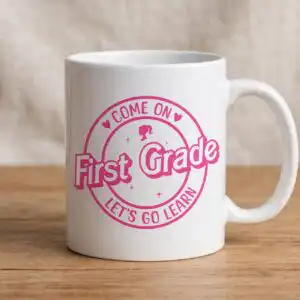
Barbie-Inspired Back to School Badges Set of Eight Circular Come On Let’s Go Learn Designs
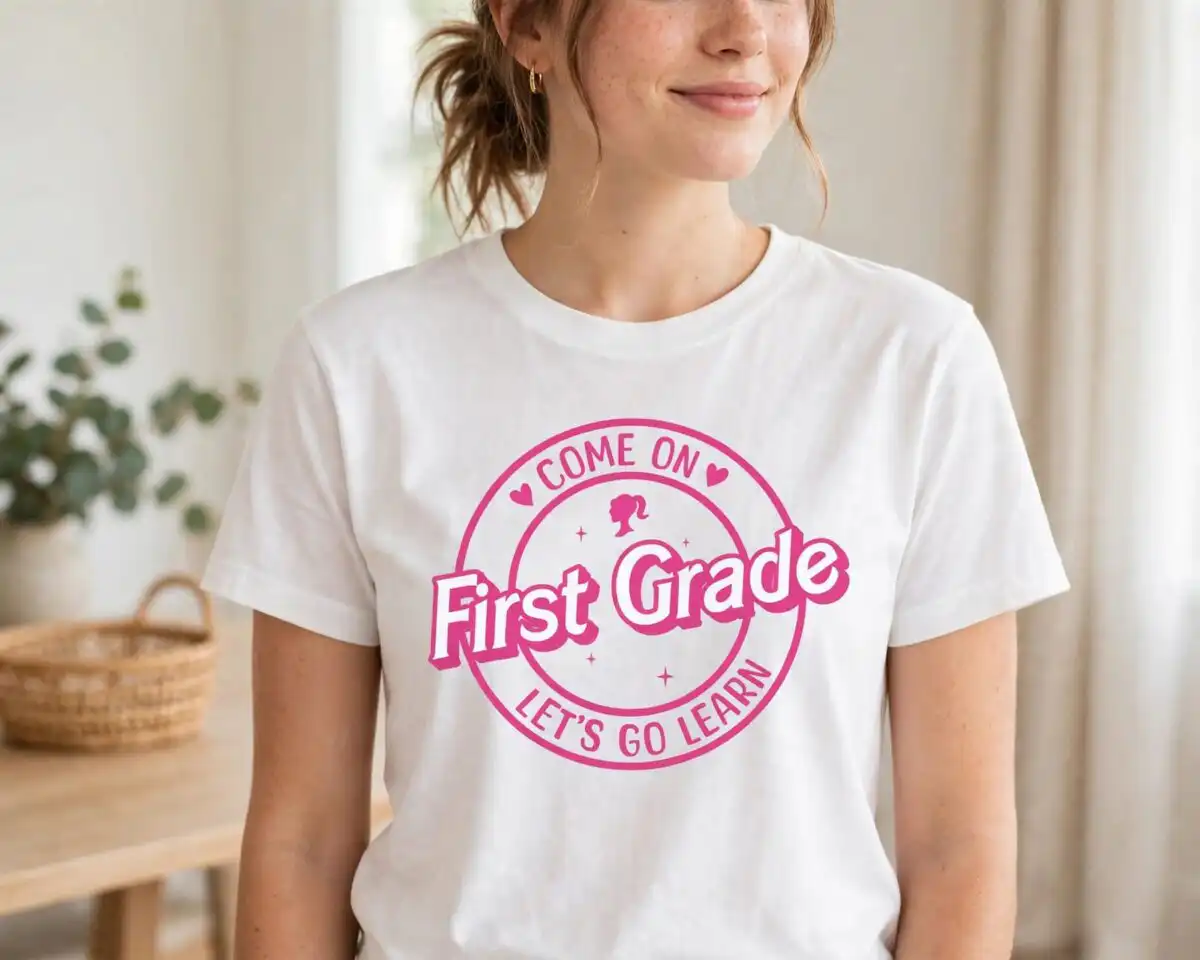
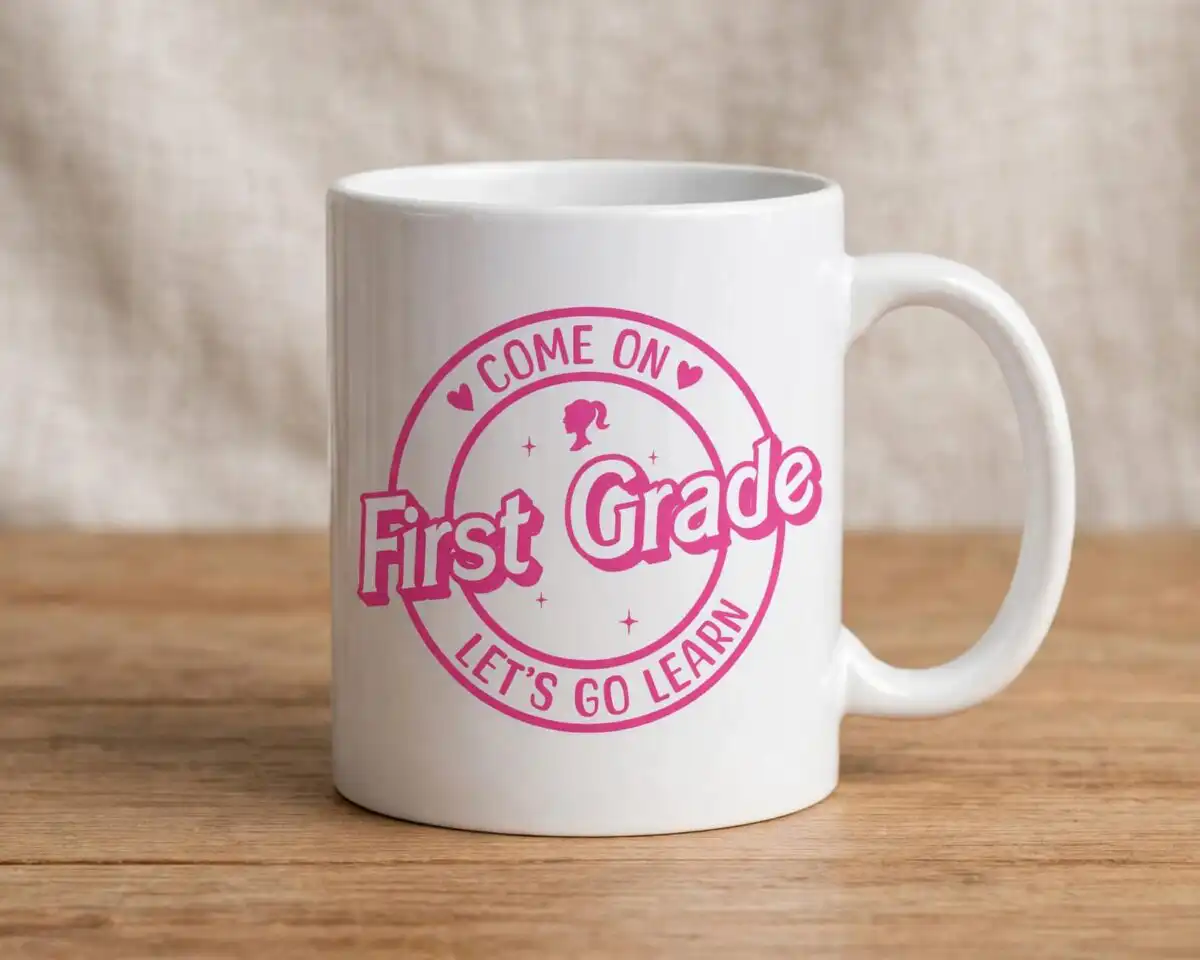
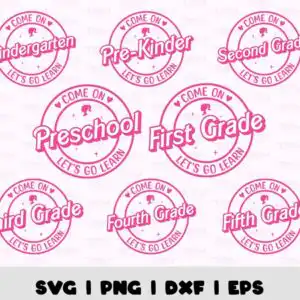
This back to school set of eight circular “Come On … Let’s Go Learn” badges is a retro, Barbie-inspired SVG cut file for shirts, tumblers, classroom signs and decals. Each badge carries the COME ON and LET’S GO LEARN lettering in bold hot pink script with a drop shadow, framed by a monoline circle, with small hearts and sparkle icons around the edge. The eight badges are labelled Kindergarten, Pre-Kinder, Second Grade, Preschool, First Grade, Third Grade, Fourth Grade and Fifth Grade, and each one has a silhouette of a woman’s head with a ponytail and hair bow at the top. You receive SVG, PNG (300 dpi, transparent), DXF, EPS and PDF files, all on a clean white background. Because every badge is a separate design, you can pick the grade level your class or child needs and cut only that one.
Design breakdown
The artwork is built in two colours, hot pink and white, and is cut in 2 layers. The hot pink layer holds the circular badge frames, the COME ON and LET’S GO LEARN lettering, the grade labels and the drop shadows, while the white layer holds the background and the small heart and sparkle icons that sit inside each badge. Each of the eight badges (Kindergarten, Pre-Kinder, Second Grade, Preschool, First Grade, Third Grade, Fourth Grade and Fifth Grade) is a separate design with its own silhouette of a woman’s head at the top. The sheet is laid out as a collage and the badges are landscape in orientation. The lettering is bold script and display type, so cut it at a size where the thin monoline circles and small hearts remain legible, and check the fine details before you weed.
| Layers | 2 |
|---|---|
| Colours | 2 — hot pink (#E0218A), white (#FFFFFF) |
| Lettering | COME ON / LET’S GO LEARN / Kindergarten / Pre-Kinder / Second Grade / Preschool / First Grade / Third Grade / Fourth Grade / Fifth Grade / SVG | PNG | DXF | EPS |
| Background | white |
| Cut complexity | medium |
| Orientation | landscape |
What’s included
- SVG
- PNG (300 dpi, transparent)
- DXF
- EPS
Works with
- Cricut Design Space
- Silhouette Studio (Designer Edition)
- Brother ScanNCut
- Adobe Illustrator
- Inkscape
- CorelDRAW
How to use
Download the ZIP file from your order and unzip it to a folder on your computer. Open Cricut Design Space, Silhouette Studio or your cutting software, then choose Upload and import the SVG for the badge you want. Resize the badge to the width you need, check the layers in the layer panel, and send it to cut. For printables, open the PNG file, which has a transparent background, and print it on sticker paper.
Licence
Personal and small-business commercial use. Sell finished physical items; do not resell or redistribute the files themselves.
FAQ
What files are included with this back to school badge set?
You get SVG, PNG (300 dpi, transparent), DXF, EPS and PDF files. The SVG suits Cricut Design Space and Silhouette Studio, while the PNG is useful for printable stickers and iron-on printing.
Can I put one of these Kindergarten badges on a t-shirt?
Yes, the badges work for t-shirts, and the Kindergarten and First Grade designs are sized for vinyl or iron-on decals. Cut the hot pink layer with the white layer in the same colour order you need, and press it following your vinyl or transfer sheet instructions.
Which machines and software work with these files?
The files work with Cricut Design Space, Silhouette Studio (Designer Edition), Brother ScanNCut, Adobe Illustrator, Inkscape and CorelDRAW. The PNG files can also be printed on any home printer.
Can I resize the badge or use it for a small-business product?
Yes, you can resize the badge in your cutting software. The licence covers personal and small-business commercial use for finished physical items, but you may not resell or redistribute the files themselves.


