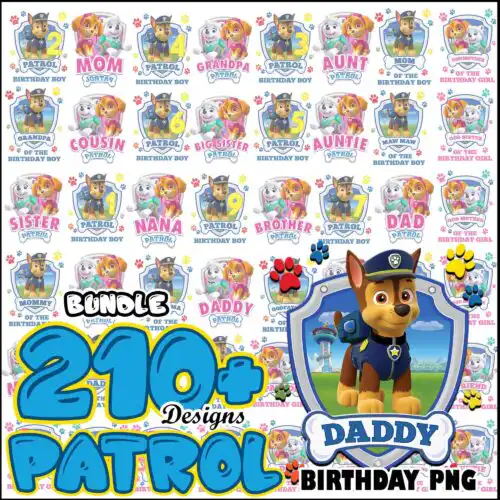
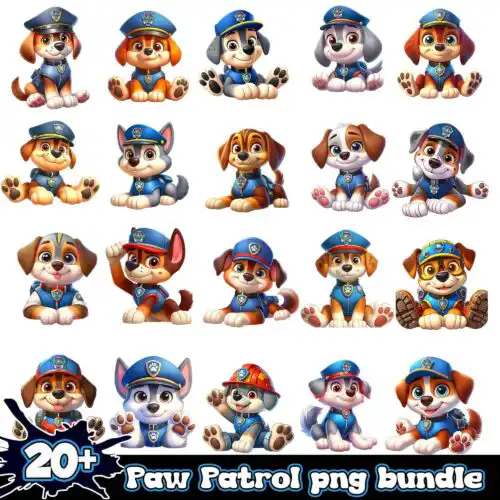
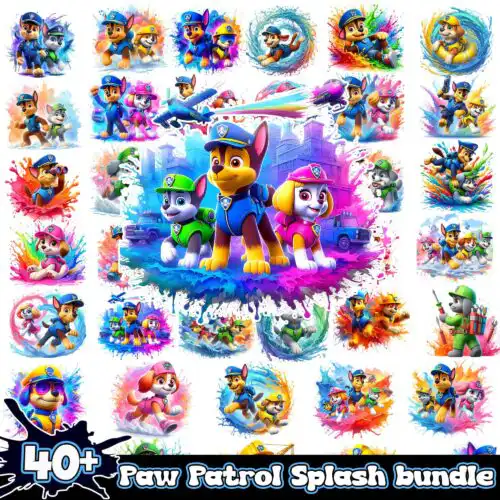
Paw Patrol SVG files are cut and printable designs supplied as SVG, PNG, DXF, EPS and PDF that people use to make shirts, tumblers, birthday decorations, stickers and more. These designs are united by playful, kid-friendly artwork inspired by rescue pups and adventure themes, drawn in mixed styles that work for both bold single-color cuts and detailed layered looks. They are made for year-round crafting — birthday parties, everyday kids' clothes, party favors, cups, bags and classroom projects. Cut-file designs include SVG plus PNG, DXF, EPS and PDF, while PNG-only designs are made for sublimation and direct printing with transparent 300 dpi files; each design lists its own included files.
Choosing the right design
Start by deciding how you want to make it. Single-layer designs cut fastest and suit small items like pocket tees, baby onesies, or vinyl decals where fine details would weed badly. Layered or color-separated versions are better for larger shirts, hoodies and tote bags where you can stack heat-transfer vinyl. For tumblers, mugs and sublimation, choose PNG-focused designs with clean edges and transparent backgrounds so they wrap without a white box. Check sizing before you cut — scale pups and lettering to at least 3 inches wide for youth and adult shirts, smaller for baby sizes, and mirror your design for HTV. If a design has tiny paws or text, use the PNG print-then-cut version instead of weeding small vinyl pieces.
Paw Patrol SVG for shirts vs tumblers which to choose
Choose layered SVG for shirts and PNG for tumblers. Layered SVG files let you cut each color of heat-transfer vinyl separately and press on fabric with a Cricut or Silhouette, which holds up wash after wash. PNG files with transparent 300 dpi backgrounds are better for tumblers and mugs because you can print them full color for sublimation or DTF without weeding small details or worrying about vinyl lifting on curves.
Do I need SVG or PNG for Paw Patrol SVG?
You need SVG for vinyl cutting and PNG for printing. Cut-file designs include SVG, DXF, EPS, PDF and PNG so you can cut with Cricut Design Space, Silhouette Studio, ScanNCut, Illustrator, Inkscape or CorelDRAW. PNG-only designs are made for sublimation printers, DTF and print-and-cut workflows in Photoshop, Canva or similar, with transparent backgrounds ready to print. Each design lists its own files, so check the file list before you buy.
How to cut layered Paw Patrol SVG on Cricut?
Cut layered Paw Patrol SVG files by uploading the SVG to Design Space and using the color layers as separate mats. Size the whole group first, then cut each color of HTV or adhesive vinyl, weed, and press from background to foreground using parchment to protect previous layers. For small details, turn on the bleed for print-then-cut PNG or increase the cut size to avoid losing tiny pieces in weeding.
What size should Paw Patrol SVG be for kids shirts?
Make Paw Patrol SVG designs 7-9 inches wide for adult shirts, 6-7 inches for youth, and 4-5 inches for baby and toddler sizes. Keep lettering at least 0.5 inch tall so it weeds cleanly, and leave 2-3 inches from the collar. If you are making a front pocket design or small chest logo, shrink to 3-3.5 inches and use the single-color or PNG version to keep details readable.
Cut-file designs come with SVG plus PNG (300 dpi, transparent), DXF, EPS and PDF for cutting and editing. PNG-only designs are for sublimation and printing and come as PNG with transparent backgrounds at 300 dpi. Not every design includes every format, so each design lists its own included files. All work with Cricut Design Space, Silhouette Studio Designer Edition, Brother ScanNCut, Illustrator, Inkscape, CorelDRAW, Canva, Photoshop, and sublimation and DTF printers.
Can I use Paw Patrol SVG with Cricut and Silhouette?
Yes. These designs work with Cricut Design Space, Silhouette Studio Designer Edition, Brother ScanNCut, Adobe Illustrator, Inkscape, CorelDRAW and Canva for vinyl, and with Photoshop and sublimation printers for PNG. Upload SVG for layered vinyl or upload PNG for print-then-cut, sublimation or DTF. If you cut HTV, remember to mirror the design before cutting.
Can I sell what I make with Paw Patrol SVG files?
Yes, under personal and small-business commercial use. You can sell finished physical items like shirts, tumblers, cards and decor you make with the files. You cannot resell, share, or redistribute the digital files themselves as files, as part of a bundle, or as a template. Designs are inspired fan art and are not official or licensed merchandise.