
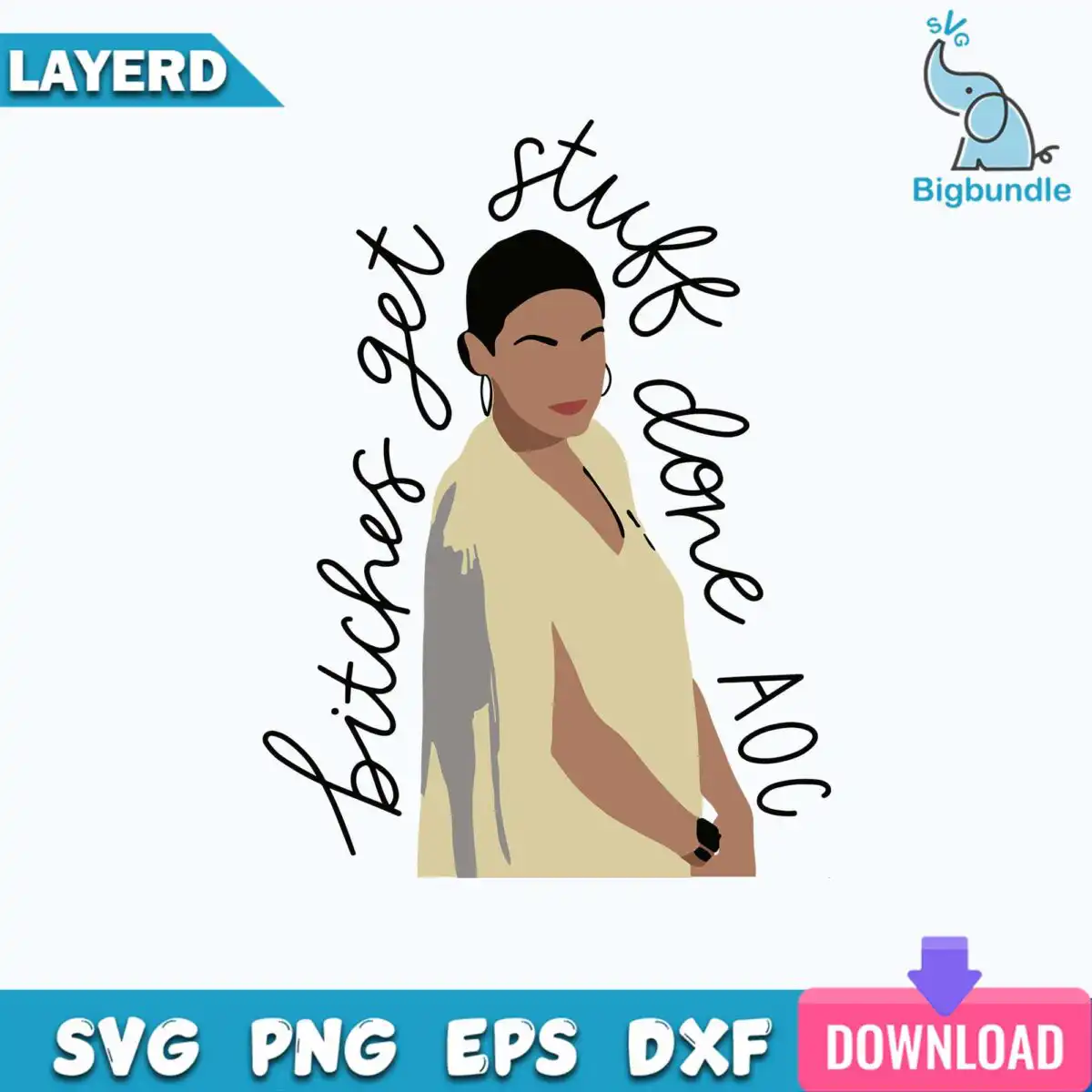
Bitches Get Stuff Done AOC Flat Style Woman Cut File for Shirts, Mugs and Totes
This Bitches Get Stuff Done AOC design is a single flat-style illustration of a woman with a short dark updo, hoop earrings and a cream V-neck top, supplied as a cut file for shirts, tumblers, mugs, tote bags and sublimation. You get SVG, PNG (300 dpi, transparent), DXF, EPS and PDF files. The curved black script lettering arches above and beside her, and the figure is built from black, cream beige, skin tone brown, gray and a small red lip. Because the artwork is a minimal silhouette-style portrait, it reads clearly on a plain white or light garment and cuts cleanly in a few colour layers. Each file keeps the lettering and portrait together so you can weed, press or print the whole piece in one pass.
Design breakdown
The artwork is cut in 4 layers and uses 5 colours: black for the lettering and outlines, cream beige for the V-neck top, skin tone brown for the face and arms, and gray for the shadow shape behind her, with a red lip and a dark ring detail added in the same flat style. The hoop earrings and short dark updo are drawn as simple solid shapes, so they hold up when cut from vinyl. The cursive lettering “bitches get stuff done AOC” is the main graphic element and is arched above and beside the portrait. The file is a single design sheet with no background, and the fine script strokes are best cut at 4 inches or larger.
| Layers | 4 |
|---|---|
| Colours | 5 — black (#000000), cream beige (#D9CBA0), skin tone brown (#A87B5E), gray (#9E9E9E), red lip (#C0392B) |
| Lettering | bitches get stuff done AOC |
| Background | white |
| Cut complexity | medium |
| Orientation | portrait |
What’s included
- SVG
- PNG (300 dpi, transparent)
- DXF
- EPS
Works with
- Cricut Design Space
- Silhouette Studio (Designer Edition)
- Brother ScanNCut
- Adobe Illustrator
- Inkscape
- CorelDRAW
How to use
Download the zip file from your order and unzip it to a folder on your computer. Open Cricut Design Space, Silhouette Studio or Brother ScanNCut, then use the upload or import option to select the SVG file. Check the layers and colours on the canvas, resize the artwork to your project, and send it to cut. For sublimation or printing, use the PNG file, which has a transparent background.
Licence
Personal and small-business commercial use. Sell finished physical items; do not resell or redistribute the files themselves.
FAQ
What files are included with this design?
You get SVG, PNG (300 dpi, transparent), DXF, EPS and PDF files. The SVG is the one to use for cutting machines, and the PNG suits sublimation and printing.
Can I put this design on a 20oz tumbler?
Yes, it works on tumblers, mugs and tote bags as well as t-shirts. For a tumbler, use the PNG file for sublimation and size the artwork to fit the wrap.
Which machines and programs will open this file?
It works with Cricut Design Space, Silhouette Studio (Designer Edition), Brother ScanNCut, Adobe Illustrator, Inkscape and CorelDRAW. Any of these will open the SVG, EPS or DXF file.
Can I resize the design and use it for my small business?
Yes, the file is a vector, so you can resize it without losing quality. The licence covers personal use and small-business commercial use, selling finished physical items, but you may not resell or redistribute the files themselves.


