
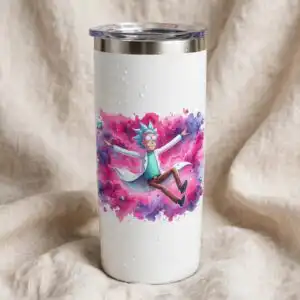
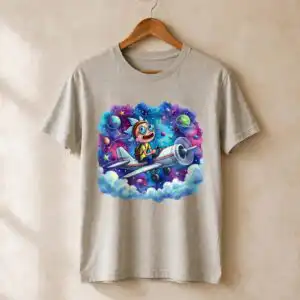
Rick Morrty Splash Watercolor PNG Birthday Grid for Shirts, Mugs and Tumblers
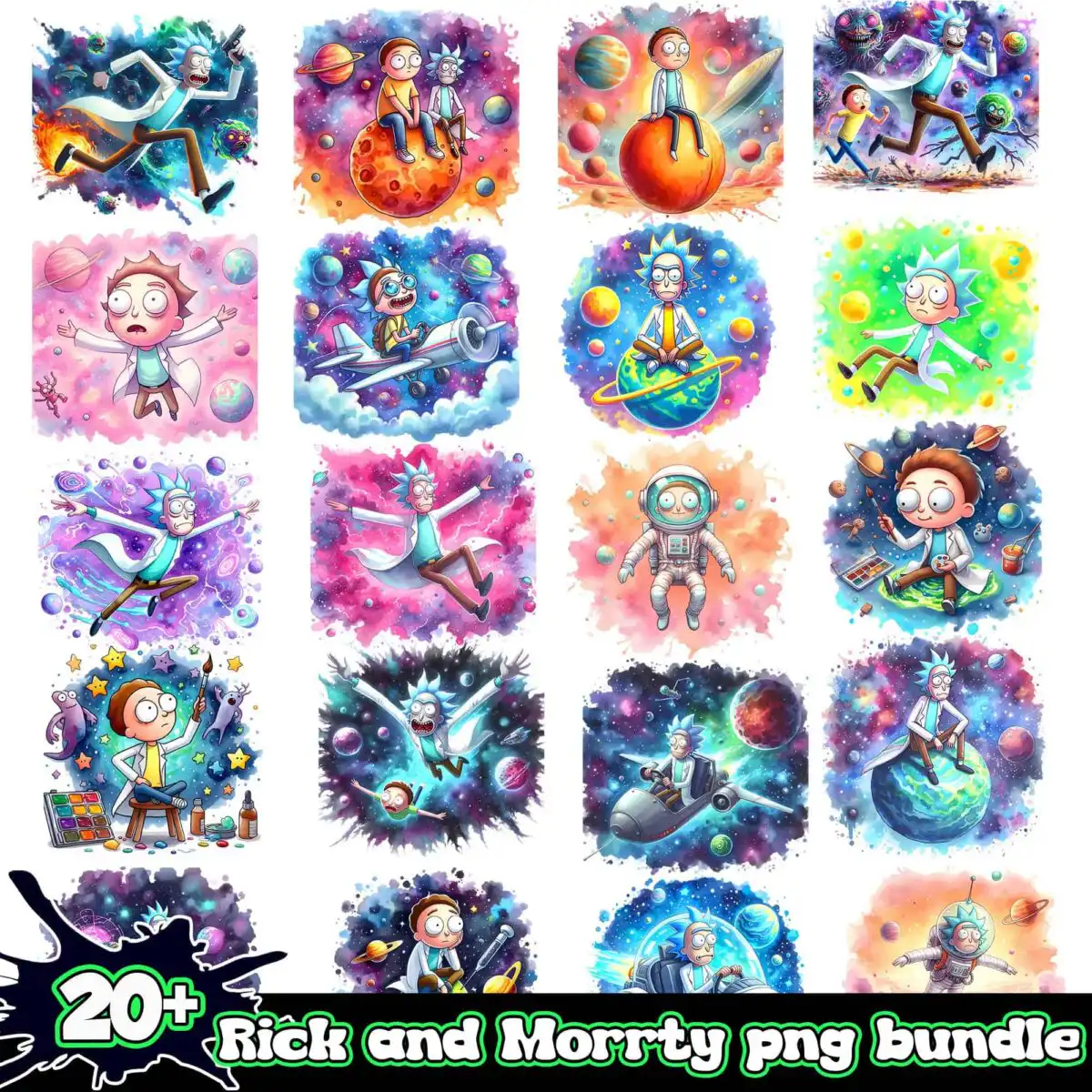
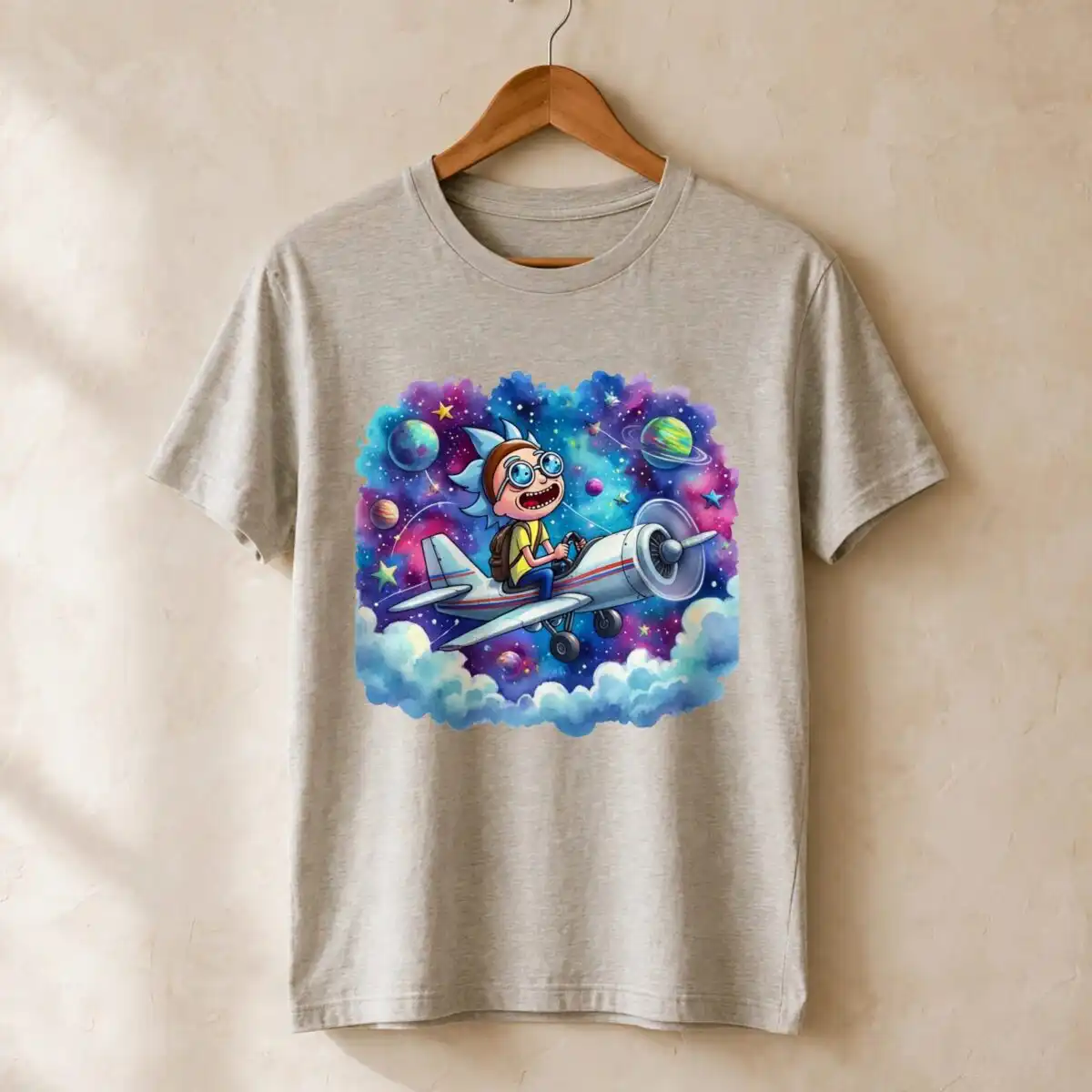
This Rick Morrty Splash Watercolor PNG is a single sheet of 20 cosmic illustrations, delivered as transparent PNG files for sublimation, transfers and cutting. The artwork shows cartoon figures in space: a tall spiky-haired character in a white lab coat and a shorter figure with large round eyes and a yellow shirt. Each scene is painted in a loose watercolor style with teal blue, purple, hot pink and orange, set against galaxy swirls, nebula clouds, ringed and orange planets, and scattered stars. You can use the designs for birthday shirts, mugs and tumblers, or for everyday crafting and digital scrapbooking. Because each square is a separate picture, you can pick the scene that suits the person you are making the item for and print it at the size you need.
Design breakdown
The sheet is laid out as a grid of 20 separate square illustrations on a white background, and each one is delivered as its own PNG with a transparent background at 300 dpi. The palette is near-black navy, teal blue, purple, hot pink, orange, lime green and white, with the navy and purple used for the deepest space backgrounds and the pink, orange and lime used for the figures, planets and sparkles. Scenes include a rocket or spaceship, an astronaut suit and space helmet, a paint palette with paintbrushes, bubbles, clouds, and an easel-like stool. Each design carries the lettering 20+. The artwork is detailed and has many small elements, so it is best cut or printed at 4 inches or larger. The files are built in 6 layers, so colour areas can be separated for cutting or printing.
| Colours | 7 — near-black navy (#1A1A2E), teal blue (#2E86AB), purple (#8E44AD), hot pink (#E84393), orange (#F39C12), lime green (#A8E063) |
|---|---|
| Lettering | 20+ |
| Background | white |
| Orientation | square |
What’s included
- PNG (300 dpi, transparent background)
Works with
- Sublimation printers (Epson, Sawgrass)
- DTF / print-and-cut workflows
- Canva
- Adobe Photoshop
How to use
Download the ZIP file from your order and unzip it to a folder on your computer. Open the PNG you want in Canva, Adobe Photoshop or your sublimation software, then import it into your design layout. Resize it proportionally, keeping the transparent background intact, and place it on your blank. Print with a sublimation printer or send the file to your DTF or print-and-cut workflow, then press or apply it as your product requires.
Licence
Personal and small-business commercial use. Sell finished physical items; do not resell or redistribute the files themselves.
FAQ
What files do I get with this design?
You get PNG files at 300 dpi with a transparent background. The sheet contains 20 separate designs, each saved as its own image.
Can I use this design on a 20oz tumbler?
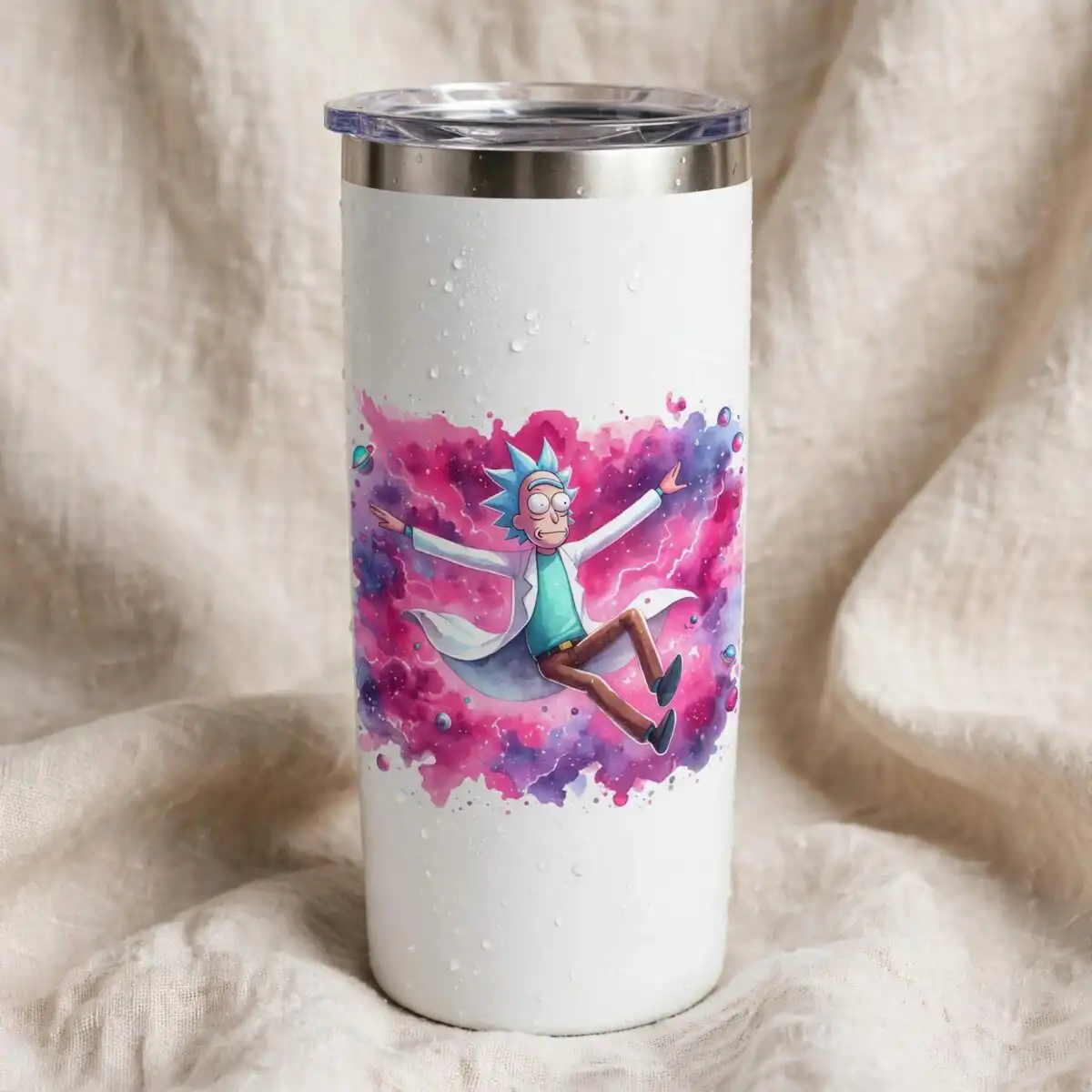
Yes, the PNG works on a 20oz tumbler when you size it to the wrap area. Check that the scene you pick fits the tumbler’s printable width before you print.
Which printers and software does this work with?
It works with sublimation printers such as Epson and Sawgrass, plus DTF and print-and-cut workflows. You can open the files in Canva and Adobe Photoshop.
Can I resize it and sell the finished items?
You can resize the PNG freely. The licence covers personal and small-business commercial use for selling finished physical items, but you may not resell or redistribute the files themselves.


