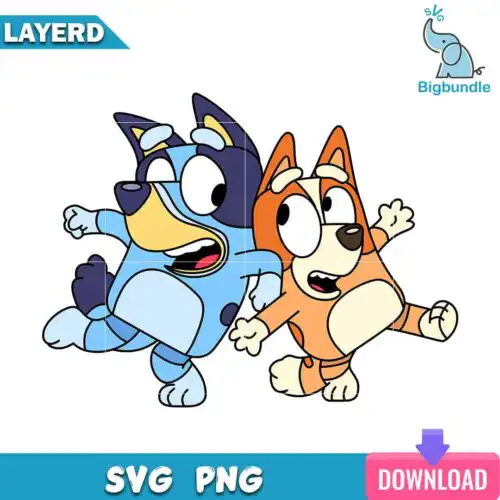
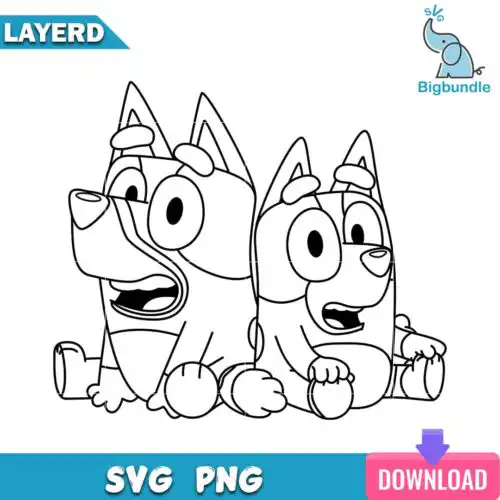
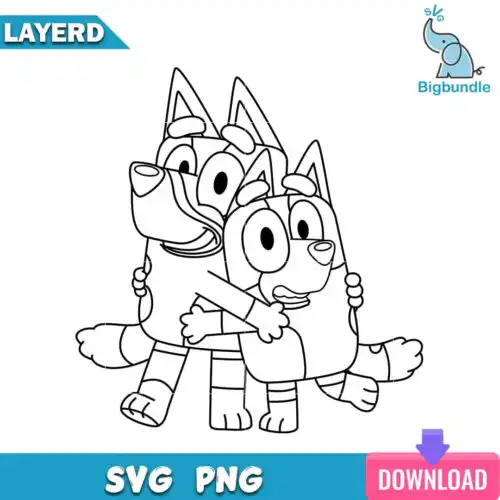
Bluey Bingo SVG files are cut and print-ready designs featuring the two sisters together, with cut-file designs including SVG, PNG (300 dpi, transparent), DXF, EPS and PDF and PNG-only designs for sublimation, made for shirts, tumblers, mugs, party decor, stickers and gift items. These designs are united by the duo themselves, with mixed subjects and styles that work year-round for family matching looks, kids birthdays, playroom art and everyday outfits. They are made for crafters who want both characters in one design, whether you cut with vinyl, print and cut, or sublimate, and each design clearly shows its included files so you can match it to your project.
Choosing the right design
Choosing between these designs comes down to layers, detail and scale. Layered versions give you separate colors for vinyl and are great for shirts, tote bags and large signs where you have room to weed. Single-layer, outline and silhouette versions cut fast and stay crisp on small surfaces like baby onesies, cups, keychains and party favor bags. Look at the art style before you buy: bold, chunky lines hold up at 2-3 inches, while detailed costume or toy-inspired art needs to be cut larger or used as PNG for print. Always check if the design is a full cut-file set or PNG-only for sublimation and printing. Cut-file designs include SVG, PNG, DXF, EPS and PDF; PNG-only designs are for sublimation and DTF. Each design lists its own files and license on the product page.
Bluey Bingo SVG for shirts vs tumblers which style works best
For shirts use bold layered or filled designs, for tumblers and mugs use single-layer, outline or silhouette designs. Shirts can handle multiple vinyl layers and larger sizes, so the sisters read clearly from a distance. Tumblers have tight curves and small panels, so clean outlines with minimal weeding press faster and wrap better without lifting.
Bluey Bingo SVG vs png which file should I use
Use SVG, DXF or EPS for vinyl cutting and PNG for sublimation, DTF and print-and-cut. Cut-file designs include SVG, PNG (300 dpi, transparent), DXF, EPS and PDF for Cricut Design Space, Silhouette Studio, Brother ScanNCut and other cutters. PNG-only designs are made for sublimation printers, DTF and direct printing on light or sublimation-ready blanks, and each design shows exactly what files are included.
How to cut layered Bluey Bingo SVG on Cricut?
Cut layered Bluey Bingo SVG by ungrouping colors in Design Space and cutting each color on its own mat. Use everyday iron-on vinyl for shirts, permanent vinyl for hard surfaces, and mirror the image for HTV. Weed the smallest pieces first, press or transfer the base layer, then align the next layer using the transparent PNG preview as a guide for placement.
What size should Bluey Bingo SVG be for baby youth adult shirts?
Make it 6-7 inches wide for baby, 8-9 inches for youth, and 10-11 inches for adult shirts. That keeps both characters proportional on the chest. For pocket or sleeve accents drop to 3-4 inches and choose outline or single-layer versions so fine details do not get lost when you weed and press.
Cut-file designs include SVG, PNG (300 dpi, transparent), DXF, EPS and PDF so you can cut, print and sublimate. PNG-only designs are 300 dpi transparent PNGs for sublimation, DTF and print-and-cut workflows. Each product page lists its exact files before you buy.
Do these work with Cricut, Silhouette and sublimation printers?
Yes. SVG, DXF and EPS work with Cricut Design Space, Silhouette Studio (Designer Edition), Brother ScanNCut, Adobe Illustrator, Inkscape, CorelDRAW and Canva. PNG files work with sublimation printers like Epson and Sawgrass, DTF, and Adobe Photoshop for printing. Check your software for layered SVG support.
Can I sell shirts and cups I make with these files?
Yes, you can sell finished physical items you make with them under personal and small-business commercial use. You cannot resell, share or redistribute the digital files themselves as-is or as part of another digital set. Each design includes the full license terms.