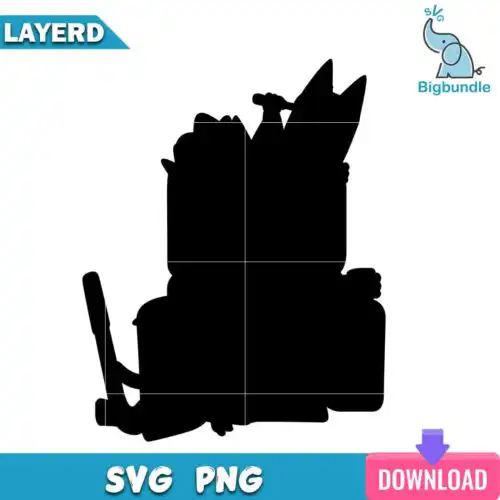
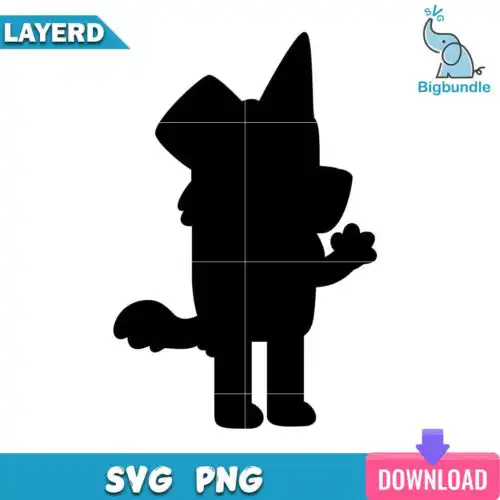
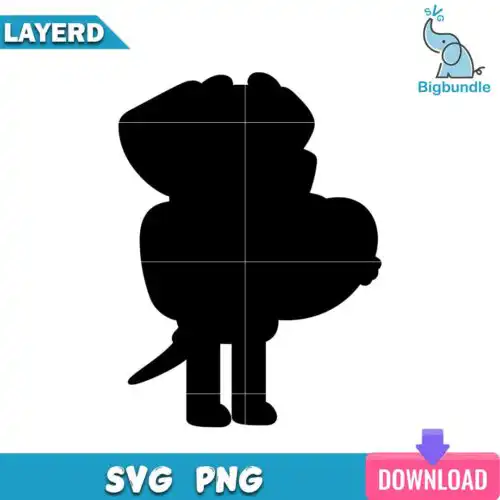
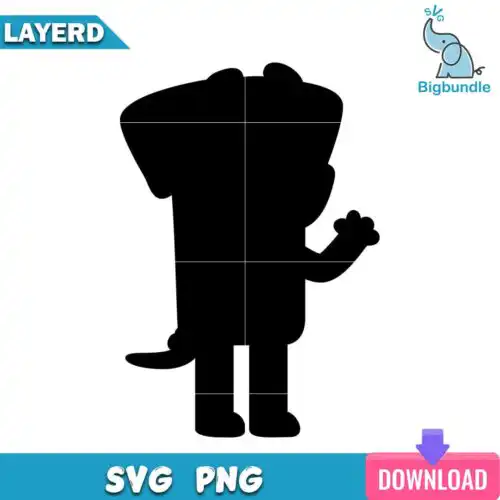
Bluey Silhouette SVG files are ready-to-cut and print designs that come in SVG, PNG, DXF, EPS and PDF and people use them to make shirts, mugs, stickers, decals, tote bags and party decorations. These designs are united by the solid silhouette look, which gives you a clean, bold shape that cuts fast, weeds easily and reads well from a distance. You'll find a mixed range of subjects and styles here for year-round making, ideal for family shirts, kids' birthdays, classroom crafts, nursery decor and small-business products where you want a simple, recognizable outline that works on both light and dark materials.
Choosing the right design
Choose by how you plan to make it. For single-color vinyl, look for the solid-filled silhouettes in this group — they cut in one pass, weed in seconds and work great on small items like mugs, water bottles, keychains and car decals. For shirts and larger projects, pick bolder, less detailed silhouettes that stay readable when sized up for adult or youth tees. If you like layered looks, check the design for how many layers the file has and which colors are separated. Before cutting, mirror for heat-transfer vinyl, size a test cut at 3 to 4 inches for small items and 9 to 11 inches for shirts, and check that any tiny inner cutouts are set to not cut too small on your blade setting. Cut-file designs include SVG, DXF, EPS and PDF with a 300 dpi transparent PNG, while PNG-only designs are for sublimation and printing, and each design lists its own included files.
Are Bluey Silhouette SVG good for shirts or tumblers?
Both work, just pick the right density. For shirts choose bolder silhouettes with thicker shapes that press cleanly in heat-transfer vinyl and stay visible across the chest. For tumblers, mugs and small decals choose simpler single-layer silhouettes with minimal inner cutouts so they weed fast and wrap without lifting.
Do I need SVG or PNG for Bluey Silhouette SVG?
Use SVG for vinyl cutting and PNG for printing. SVG, DXF, EPS and PDF cut with Cricut Design Space, Silhouette Studio Designer Edition, Brother ScanNCut, Illustrator, Inkscape and CorelDRAW, while the 300 dpi transparent PNG is for sublimation, DTF and printable vinyl. Cut-file designs include the cut formats plus PNG, PNG-only designs are for sublimation and printing, and each design page lists its files.
How to cut Bluey Silhouette SVG with Cricut?
SVG cuts as a single layer with no extra setup. Upload the SVG to Cricut Design Space, size it for your blank, and if using heat-transfer vinyl turn on Mirror. Cut, weed the background, then press. For layered versions in this group, keep each color on its own mat, press the base layer for 2 to 3 seconds to tack it, then add the next layers, using parchment to protect the finished areas.
What size should Bluey Silhouette SVG be for adult and kids shirts?
Use 9 to 11 inches wide for adult shirts, 7 to 8.5 inches for youth, and 4.5 to 6 inches for toddler and baby shirts. Silhouette designs scale cleanly because they are solid shapes, so you can size down for left-chest logos or pocket designs without losing the outline, just avoid going below 3 inches if there are small inner cutouts.
Cut-file designs typically include SVG, PNG with transparent background at 300 dpi, DXF, EPS and PDF, while PNG-only designs are provided for sublimation and direct printing. The formats work with Cricut Design Space, Silhouette Studio Designer Edition, Brother ScanNCut, Adobe Illustrator, Inkscape and CorelDRAW. Each product page lists the exact files included for that design.
Can I use these with Cricut and Silhouette machines?
Yes. The SVG cuts perfectly in Cricut Design Space and Silhouette Studio Designer Edition, DXF works well with older Silhouette versions, and EPS and PDF give you options for Illustrator, CorelDRAW and other software. The PNG is ready for sublimation, printable vinyl and stickers without any tracing.
What can I make and sell with them?
You get a personal and small-business commercial license. You can make and sell finished physical items like shirts, mugs, decals, bags and party decor. You cannot resell, share or redistribute the digital files themselves as files, and you cannot claim to be official or licensed.