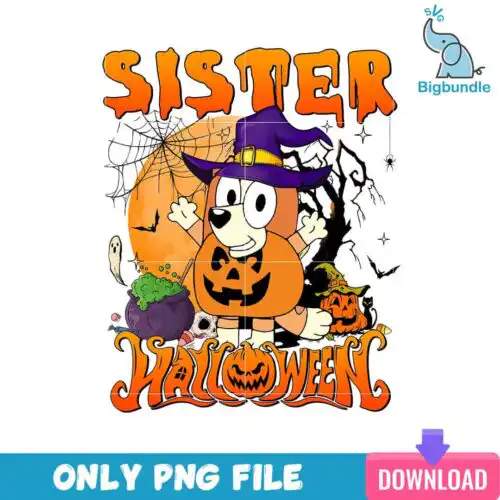
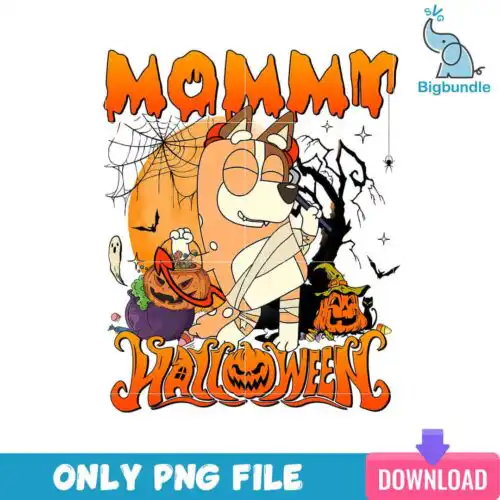
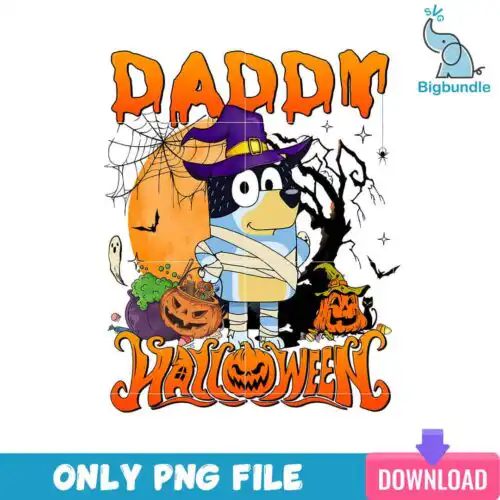
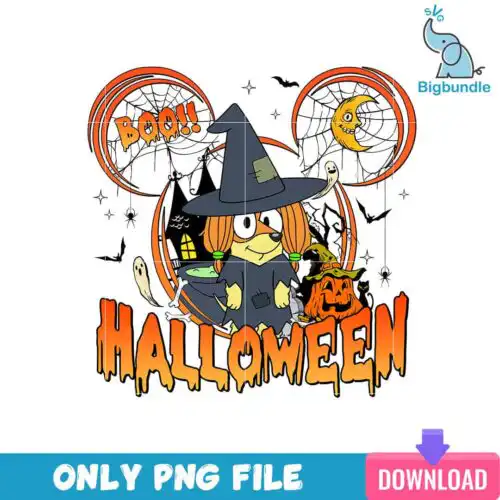
Bluey Family SVG files are cut files and high-resolution PNGs featuring mum, dad and the kids together for making matching family shirts, mugs, tumblers, party decor and gifts. These designs are united by the full family group rather than solo characters, so you get mum, dad and kids in one artwork ready for coordinated sets. Styles are mixed across the 35 options, from simple silhouettes to detailed layered looks and playful seasonal twists, all usable year-round. They are made for parents, family crafters and small shops who want one design that works across the whole family lineup without piecing characters together.
Choosing the right design
Start with how you want to make it. If you cut vinyl, choose layered cut-file designs that include SVG, DXF, EPS, PDF and PNG — each design lists its own files — and you will get separate color layers to press one at a time. If you print, choose PNG-only designs made for sublimation and DTF, which give you full color in one press. For small items like mugs and baby onesies, pick cleaner, single-layer or low-detail versions so small faces stay readable. For adult shirts and large tote bags, detailed and layered versions hold up better. Before you cut, check whether names or extra details are built-in, how many layers are included, and whether the design needs an offset for dark shirts.
Which Bluey Family SVG works best for shirts vs mugs and tumblers?
For shirts use layered or bold outline versions with clear separation between characters, for mugs and tumblers use compact single-panel versions with less fine detail. Shirts handle larger, wider family groupings and layered vinyl well because you have space to space out colors. Mugs and tumblers wrap, so tall, narrow layouts and flatter PNGs distort less and press cleaner. Check the file list: cut-file designs work for HTV, PNGs work for sublimation wraps.
Bluey Family SVG vs png which should I use
Use SVG for vinyl cutting and use PNG for sublimation or print-and-cut. Cut-file designs in this group include SVG, PNG, DXF, EPS and PDF for Cricut Design Space, Silhouette Studio Designer Edition, ScanNCut, Illustrator, Inkscape and CorelDRAW, while PNG-only designs are 300 dpi transparent PNGs for sublimation printers, DTF and Canva or Photoshop printing. Each design lists its own files, so confirm on the product before buying.
How to cut layered Bluey Family SVG on Cricut or Silhouette?
Cut layered Bluey Family SVG files by color, weeding and pressing one layer at a time from bottom to top. Import the SVG into Cricut Design Space or Silhouette Studio, ungroup to see colors, size the whole group, then cut each color on its matching vinyl. Use a heat press or iron for HTV, tack the first layer for 2-3 seconds, peel, align the next layer, and do a final full press. PNG versions skip layering and work for Print Then Cut.
What size should Bluey Family SVG be for adult youth and baby shirts?
Size adult family designs to 10-11 inches wide, youth to 8-9 inches, and baby to 5-6 inches wide. Keep proportions locked so mum, dad and kids scale together and stay centered as one group. For pocket or sleeve accents, drop to 3-3.5 inches. Test with a paper print first, especially for layered vinyl, to make sure small faces and paws do not get lost on smaller shirts.
What file formats come with Bluey Family SVG designs?
It depends on the design type. Cut-file designs include SVG, PNG (300 dpi transparent), DXF, EPS and PDF for cutting and editing. PNG sublimation designs are PNG (300 dpi transparent background) only for sublimation, DTF and print-and-cut. Every product lists its exact files on the design, so you can confirm before you make it.
Will these work with Cricut, Silhouette and sublimation printers?
Yes. SVG cut files work with Cricut Design Space, Silhouette Studio Designer Edition, Brother ScanNCut, Adobe Illustrator, Inkscape and CorelDRAW. Transparent PNGs work with sublimation printers like Epson and Sawgrass, DTF and print-and-cut workflows, plus Canva and Photoshop for printed items.
Can I sell what I make with Bluey Family SVG files?
Yes, for personal and small-business commercial use. You can sell finished physical items like shirts, mugs and tumblers you make with these files. You cannot resell, share or redistribute the digital files themselves as files or as part of another digital bundle.