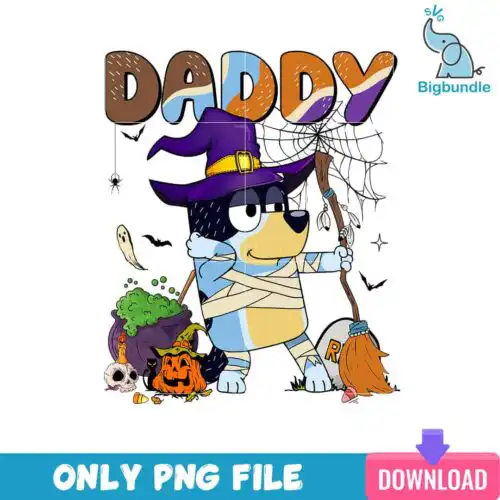
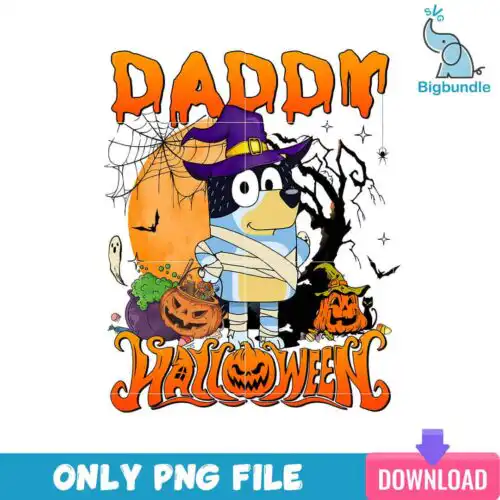
Daddy SVG files are cut and print graphics for dad-themed projects, with cut-file designs including SVG, PNG (300 dpi, transparent), DXF, EPS and PDF and PNG-only designs for sublimation, made for shirts, tumblers, mugs, cards and gifts. These designs are united by dad as the hero — funny, sweet, spooky, vacation-ready and everyday — so you get year-round options, not just one holiday. Mixed subjects and mixed styles give you everything from bold single-color statements to playful illustrated graphics that work for new dads, grandpas, step-dads and chosen family. Use them for Father's Day, birthdays, baby announcements, family vacations and daily wear.
Choosing the right design
These are all single designs, so choose by use case and cut complexity. If you press shirts or tote bags, look for bold, single-layer or minimal-layer graphics that weed quickly and read from a distance. For tumblers, mugs and small baby onesies, pick cleaner silhouettes with thicker lines so details do not get lost when scaled down. Cut-file designs include SVG, PNG, DXF, EPS and PDF for Cricut, Silhouette and other cutters; PNG-only designs are 300 dpi transparent files for sublimation and print-and-cut and do not include SVG, DXF or EPS, so check the file list on each design before you buy. For layered looks, check if colors are pre-separated and whether a solid backer is included for easier pressing. Always test size on paper first.
Which Daddy SVG is best for shirts vs tumblers or mugs?
Bold, single-color graphics are best for shirts and soft, minimal-layer Daddy SVG with thicker strokes are best for tumblers and mugs. Shirts need designs that read from a few feet away and weed fast, so look for large lettering and solid shapes. Tumblers and mugs wrap, so choose designs with fewer tiny islands and a compact footprint that fits a 3-4 inch panel without distortion.
Should I use SVG or PNG for Daddy SVG?
Use SVG for vinyl and use PNG for sublimation and print-then-cut. SVG cuts clean on Cricut and Silhouette and scales to any size without pixelation. PNG at 300 dpi with transparent background is for sublimation printers, DTF and printable vinyl where you want photo detail or watercolor texture. These mixed designs include both types, so cut-file designs include SVG, PNG, DXF, EPS, PDF and PNG-only designs are for sublimation.
How to cut layered Daddy SVG on Cricut or silhouette?
Cut layered Daddy SVG by color on separate mats and press from back to front. In Cricut Design Space or Silhouette Studio, ungroup, assign each color to its own vinyl, cut with the right blade setting and use a weeding box. Press the base layer for 2-3 seconds to tack, then add top layers, using parchment to protect. For HTV, mirror the design before cutting.
What size should Daddy SVG be for adult youth and baby shirts?
Size adult Daddy SVG at 10-11 inches wide, youth at 8-9 inches and baby at 5-6 inches for a centered chest print. Measure the shirt first and leave 2-3 inches from the collar for adult and youth, 1.5 inches for baby. For pocket or left-chest placements, scale to 3.5-4 inches. Always do a paper template cut to check proportion before pressing.
It depends on the design type. Cut-file designs include SVG, PNG (300 dpi, transparent), DXF, EPS and PDF for cutting and printing. PNG sublimation designs are PNG (300 dpi, transparent background) only for sublimation, DTF and print-and-cut workflows. Each product page lists exactly which files are included.
Will these work with my Cricut, Silhouette and sublimation printer?
Yes. SVG, DXF and EPS work with Cricut Design Space, Silhouette Studio Designer Edition, Brother ScanNCut, Illustrator, Inkscape and CorelDRAW. PNG files work with sublimation printers like Epson and Sawgrass, DTF, Canva and Photoshop for mugs, tumblers and direct-to-garment printing.
Can I sell shirts and mugs I make with Daddy SVG files?
Yes for finished physical items. The licence is personal and small-business commercial use. You can sell shirts, mugs, tumblers and other handmade items you produce. You cannot resell, share or redistribute the digital files themselves as cut files, clipart or downloads.