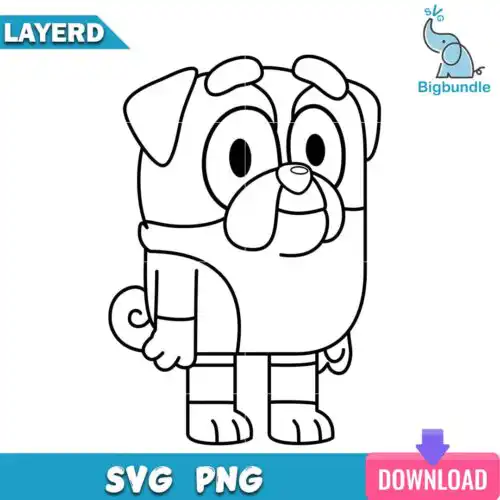
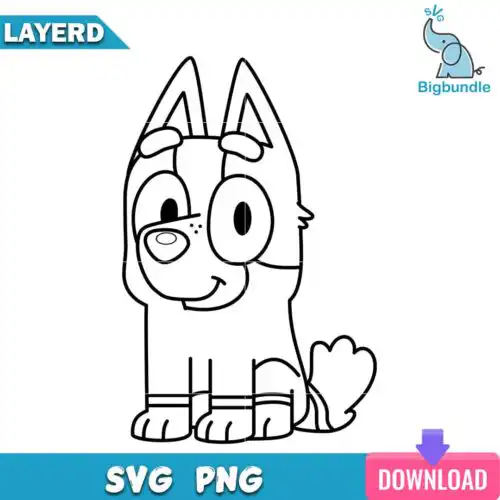
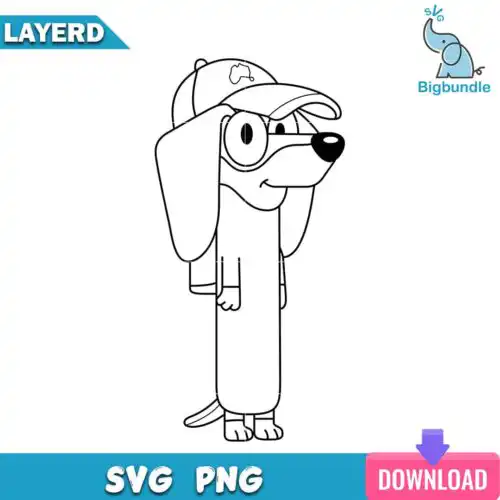
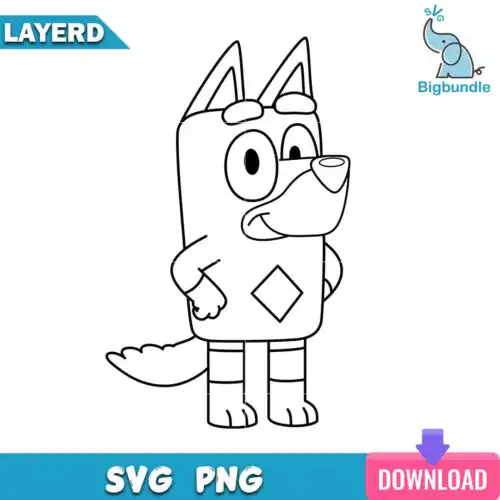
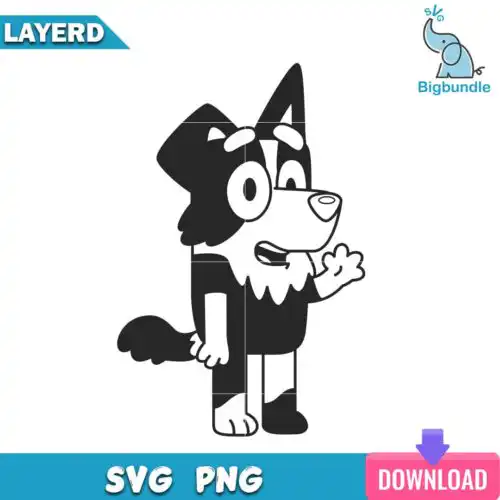
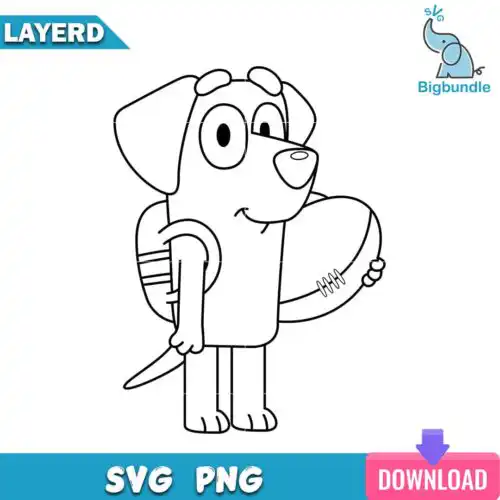
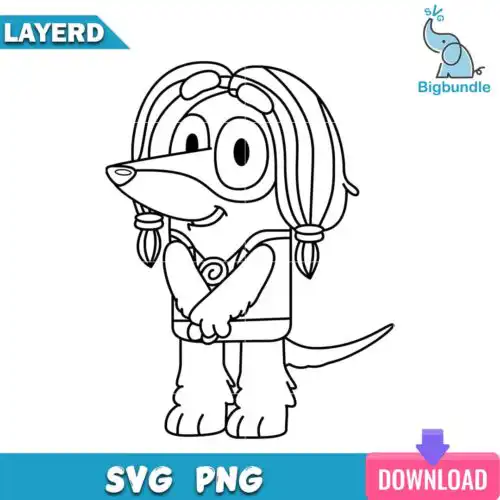
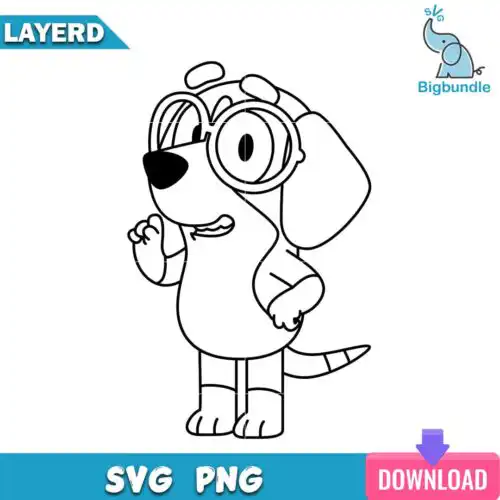
Bluey Outline SVG files are clean line art cut files offered as SVG, PNG, DXF, EPS, and PDF that you can cut, print, and press onto shirts, tote bags, stickers, party favors, and nursery decor. These designs are united by that simple outline style, bold outer lines with open centers that weed fast, cut clean at small sizes, and leave room for you to add color, glitter vinyl, or your own patterns. You will find a mixed range of subjects and styles here, all year-round and made for everyday making rather than one holiday. They are built for crafters who love that hand-drawn cartoon look and want a versatile base for layering, coloring, or keeping minimal.
Choosing the right design
Choose by how you want to finish them. If you like one-color looks, pick single-layer outlines that cut and weed in one pass and work great on small items like baby onesies, cups, water bottles, and party bags. If you want to fill the outlines with color, look for layered versions where the outline sits on top of solid color shapes for easy heat-transfer vinyl or adhesive vinyl layering. For large chest prints, you want thicker strokes that stay visible from a distance; for tiny decals and cake toppers, choose simpler shapes with fewer inner cutouts. Before you cut, check each design for included files. Cut-file designs include SVG, DXF, EPS, PDF plus a transparent PNG, while PNG-only designs are for sublimation and printing. Always test size with your machine software first.
Are Bluey Outline SVG better for shirts or tumblers?
Bluey Outline SVG work well for both, but pick weight by surface. For shirts, choose bolder outlines with open centers so they press clean with HTV and stay readable after washing. For tumblers, mugs, and hard decals, choose finer, single-line outlines that wrap and weed easily and do not lift at small scale. If you plan glitter or puff vinyl, go bolder for shirts; for etched or vinyl decals on cups, go simpler and smaller.
Should I use svg or png for Bluey Outline SVG?
Use SVG for cutting and PNG for printing. SVG, DXF, EPS, and PDF cut as crisp vector lines in Cricut Design Space, Silhouette Studio, Brother ScanNCut, Illustrator, Inkscape, and CorelDRAW. PNG at 300 dpi with transparent background is best for direct print, sublimation, or Print Then Cut when you want to keep the outline look without weeding. Check each design's file list, as cut-file designs include vector files and PNG-only designs are for printing.
How to size Bluey Outline SVG for adult youth baby shirts?
Size by shirt width, not just height. For adult shirts, keep chest outlines around 9 to 11 inches wide so lines stay clean. For youth, aim for 7 to 9 inches, and for baby and toddler, 4 to 6 inches with simplified outlines to avoid tiny weeding. Always mirror for HTV and do a test cut on scrap vinyl to check inner gaps before pressing the final shirt.
Can I add color or name to Bluey Outline SVG?
Yes, these outlines are made to be personalized. In your cutting software, place colored vinyl or patterned paper behind the open outline, or use Offset to create a solid backing layer for easy layering. For names, add a curved text box inside or below the outline and weld for a one-piece cut. For print, open the PNG in your editor and fill with color, add a name, or use as a coloring sheet for party activities.
File types vary by design, and each design shows exactly what is included. Cut-file designs typically include SVG, PNG with transparent background at 300 dpi, DXF, EPS, and PDF. PNG-only designs are made for sublimation and direct printing. All work with Cricut Design Space, Silhouette Studio Designer Edition, Brother ScanNCut, Adobe Illustrator, Inkscape, and CorelDRAW.
Can I sell shirts and decals made with these files?
Yes, for finished physical items under personal and small-business commercial use. You can cut and press shirts, tote bags, stickers, mugs, party decor, and other handmade products to sell. You may not resell, share, or redistribute the digital files themselves as files, as a bundle, or as part of a template.
Are outline designs easier to cut with Cricut and Silhouette?
Yes, outlines are designed for easy cutting and weeding. They use single-layer lines with fewer anchor points, so they cut faster, weed clean, and work well at small sizes for decals and baby clothes. For layered looks, you can add color layers behind the outline in your software instead of cutting many tiny pieces.