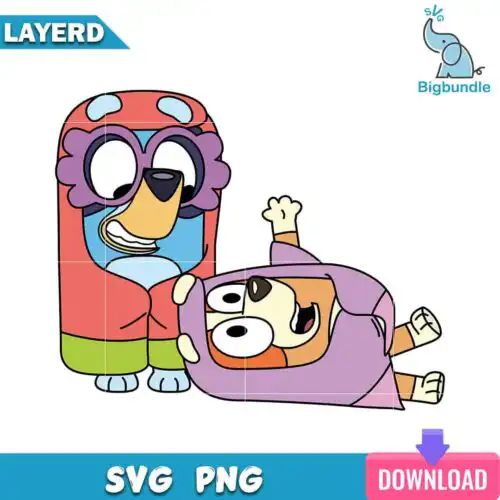
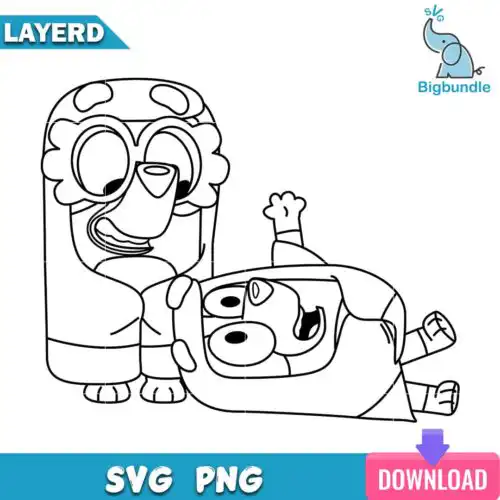
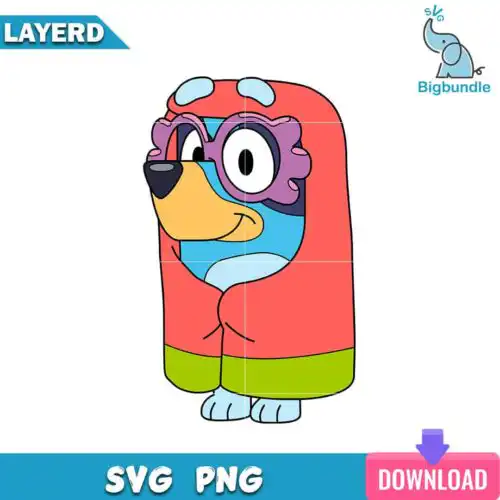
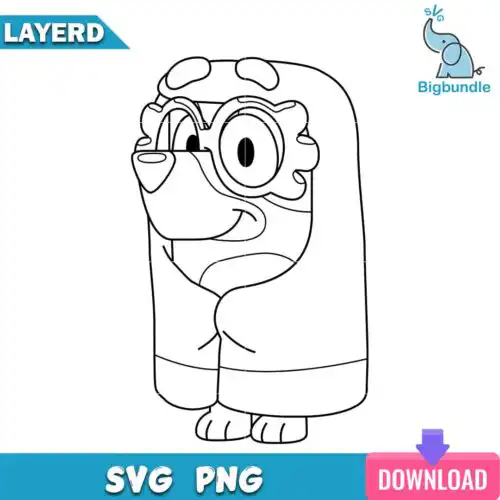
Granny SVG files are ready-to-cut and printable illustrations featuring grannies in mixed subjects and styles, provided as SVG, PNG, DXF, EPS and PDF for creating shirts, mugs, tumblers, tote bags, cards and home decor. These designs share a warm, celebratory focus on grandmas for year-round gifting, family matching sets, birthdays, Mother's Day and everyday appreciation. You'll find both clean single-layer cuts and detailed options that work across vinyl, paper and sublimation. They suit hobby crafters, Etsy sellers and anyone making keepsakes for a beloved granny, with easy weeding and smooth cut lines for beginners and pros.
Choosing the right design
Start by deciding how you will make it. For heat-transfer vinyl on shirts, pick bolder, single-layer silhouettes that weed fast and press clean. For mugs, tumblers and small wood signs, look for compact designs with thicker lines that stay readable at 2 to 3 inches. Outlined and silhouette versions are perfect when you want one colour and a quick cut, while filled or detailed versions shine as print-then-cut or sublimation with the included PNG at 300 dpi with transparent background. Cut-file designs include SVG, DXF, EPS and PDF plus PNG, while PNG-only designs are made for sublimation and printing, so check the file list for each design. Before you cut, mirror for HTV, test size on paper, and keep intricate areas above 0.25 inches so nothing lifts.
Are Granny SVG better for shirts or mugs?
These Granny SVG designs work well for both shirts and mugs, but choose bolder silhouettes for shirts and compact, thick-lined versions for mugs. Shirts benefit from larger, single-colour cuts that stretch without cracking, while mugs and tumblers need simpler shapes that stay legible around a curve. If you plan both, pick a design with a clean outline version for HTV and a PNG version at 300 dpi for sublimation on drinkware.
Should I use SVG or PNG for Granny SVG?
Use SVG for vinyl and paper cuts and PNG for printing and sublimation. SVG, DXF, EPS and PDF give you scalable, colour-separable layers that cut cleanly in Cricut Design Space or Silhouette Studio. PNG at 300 dpi with a transparent background is ideal when you want full colour, shading or a quick print-then-cut without layering. Cut-file designs include both types, while PNG-only designs are for sublimation, so always check the files listed for each design.
How to cut Granny SVG on Cricut?
Ungroup and hide any extra formats, then size the design to your blank before you cut. For these granny designs, assign colour if needed to separate mats, mirror only the HTV layers, and cut with the right setting like Everyday Iron-On or Premium Vinyl. Weed small pieces first, press or stick one layer at a time, and let it cool between presses. Single-layer options are especially beginner-friendly because they avoid tiny alignment issues and lift-prone details.
What size should Granny SVG be for adult youth baby shirts?
Use 10 to 11 inches wide for adult shirts, 7 to 9 inches for youth, and 4 to 6 inches for baby onesies. That keeps the granny graphic readable without overwhelming the garment. Always measure your shirt area, leave an inch from seams and collars, and do a quick paper template. For baby sizes, choose the simplest outline or silhouette to avoid small weeding pieces that can lift in the wash.
Cut-file designs include SVG, PNG at 300 dpi with transparent background, DXF, EPS and PDF. PNG-only designs are made for sublimation and printing and do not include cut formats. Because formats vary, check the file list shown for each design before you choose. All files work for personal projects and finished products for small-business sale.
What machines work with Granny SVG?
These files work with Cricut Design Space, Silhouette Studio Designer Edition, Brother ScanNCut, Adobe Illustrator, Inkscape and CorelDRAW. Use SVG or DXF for cutting, EPS or PDF for print shops, and PNG for sublimation, print-then-cut and direct-to-garment. Any machine that accepts these standard formats can use them.
Can I sell things I make with Granny SVG?
Yes, personal and small-business commercial use is allowed. You can sell finished physical items like shirts, mugs, tumblers, cards and decor made with these designs. You may not resell, share, distribute or upload the digital files themselves as-is or as part of a bundle, and you may not claim to be official or licensed.