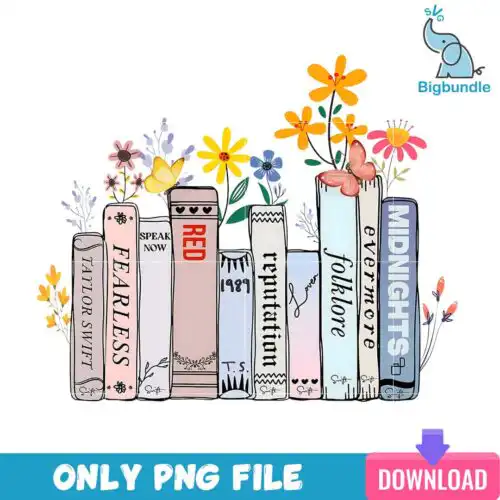
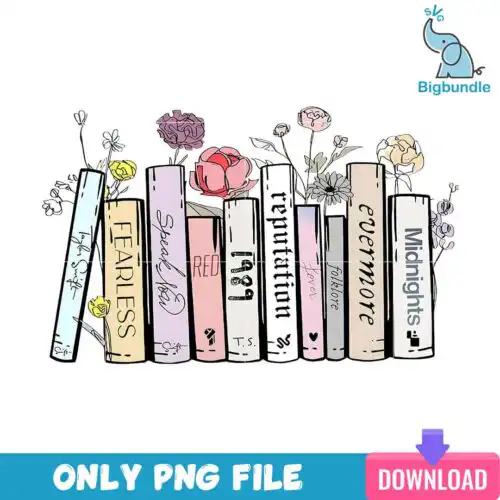
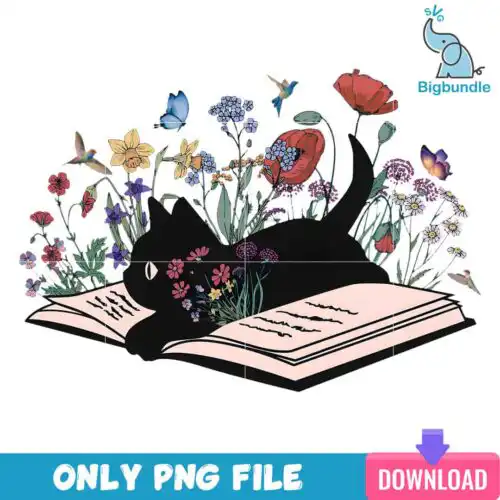
Books SVG files are book-themed cut files and printable graphics, with cut-file designs including SVG, PNG (300 dpi, transparent), DXF, EPS, PDF and PNG-only designs offering PNG (300 dpi, transparent background) for sublimation, made for shirts, tote bags, mugs, tumblers, bookmarks and wall art. These designs are united by a love of reading, from stacked books and teacups to owl graduates and literary quotes, mixed in style from retro and distressed to clean modern lettering. They are built for year-round use for book lovers, teachers, librarians, book clubs, and fans who want bookish style on everyday items.
Choosing the right design
Choosing between these Books SVG designs comes down to detail, layers, and where it will live. Single-layer designs with bold lettering and simple book stacks cut cleanly at small sizes and weed fast, which is ideal for baby onesies, left chest logos, bookmarks and mugs. Designs with fine lines, tiny owls, layered teacups or distressed texture need a larger size to hold detail, better for full-front shirts, tote bags and wood signs. Check each design for its included files: cut-file designs include SVG, PNG, DXF, EPS, PDF, while PNG-only designs are for sublimation and print-and-cut. Before cutting, mirror for HTV, test size on cardstock, and pick HTV for cotton shirts and sublimation PNG for light poly and mugs.
Books SVG for shirts vs mugs what works best
For shirts use bold single-layer Books SVG with clean lines, for mugs and tumblers use compact stacked books or small quotes. Shirts can handle larger distressed texture and layered color because fabric forgives, while curved mugs need simpler shapes that wrap without lifting. If you press mugs, choose PNG-only designs or a high-res PNG from a cut-file set for full-color sublimation.
Books SVG SVG vs PNG which file should I use
Use SVG for vinyl cutting and PNG for sublimation and printing. SVG scales to any size and keeps layers editable in Cricut Design Space and Silhouette Studio, so it is best for HTV and adhesive vinyl. PNG is a flat 300 dpi image with transparent background, best for sublimation printers, DTF, and print-then-cut. Cut-file designs include both, PNG-only designs are PNG only, so check the file list on each design.
How to cut layered Books SVG on Cricut or Silhouette?
Layered Books SVG cuts best when you ungroup by color and cut one color at a time. In Cricut Design Space, upload the SVG, keep layers grouped, size the whole design, then cut HTV mirrored or adhesive vinyl not mirrored. In Silhouette Studio Designer Edition, open the SVG, use Fill panels to sort layers, and add registration for print-and-cut if you are using PNG. Weed small book spines slowly.
What size should Books SVG be for adult youth baby shirts?
Size adult fronts 10 to 11 inches wide, youth 8 to 9 inches, baby and toddler 5 to 6 inches for these Books SVG. Keep small details like tiny owls, glasses, or thin serif letters at least 0.25 inches thick at your final size so they weed and stick. For left chest, use 3.5 to 4 inches. If a design has distressed retro texture, go up half an inch larger than you normally would to keep texture intact.
It depends on the design type. Cut-file designs include SVG, PNG (300 dpi, transparent), DXF, EPS and PDF for cutting and printing. PNG-only designs are built for sublimation and include PNG (300 dpi, transparent background) only. Each design lists its exact files, so you always know if you are getting cut files or sublimation files.
Do these work with Cricut, Silhouette and sublimation printers?
Yes. SVG, DXF and PNG work in Cricut Design Space, SVG and DXF in Silhouette Studio Designer Edition, plus Brother ScanNCut, Illustrator, Inkscape, CorelDRAW, Canva and Photoshop. PNG files are 300 dpi with transparent background for Epson and Sawgrass sublimation printers and for DTF and print-and-cut workflows.
Can I sell shirts and mugs I make with these Books SVG?
Yes, personal and small-business commercial use is allowed. You can sell finished physical items like shirts, mugs, totes and signs you make with them. You cannot resell, share, or redistribute the digital files themselves as files, templates or in a bundle.