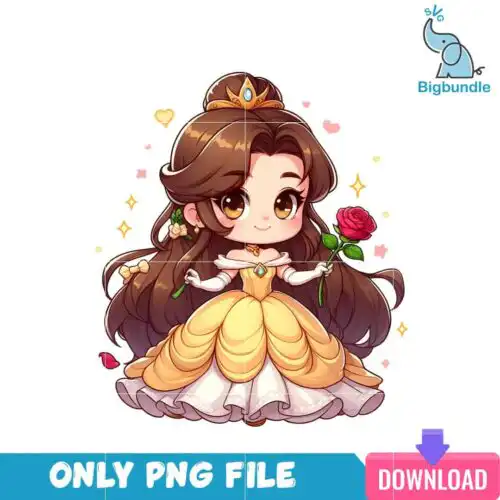
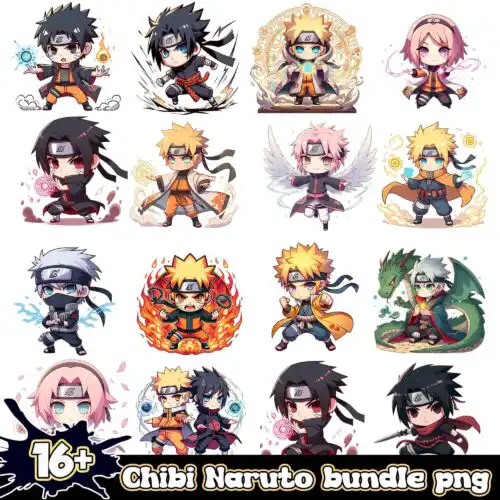
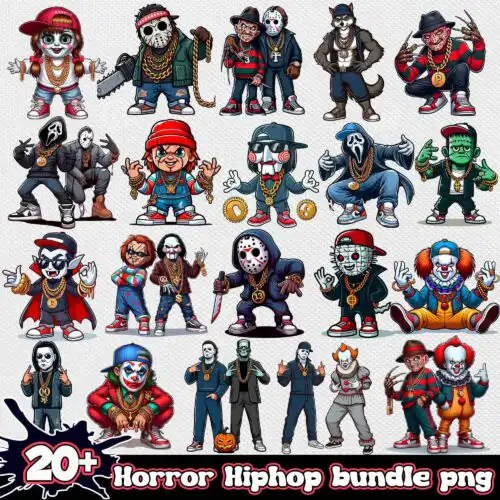
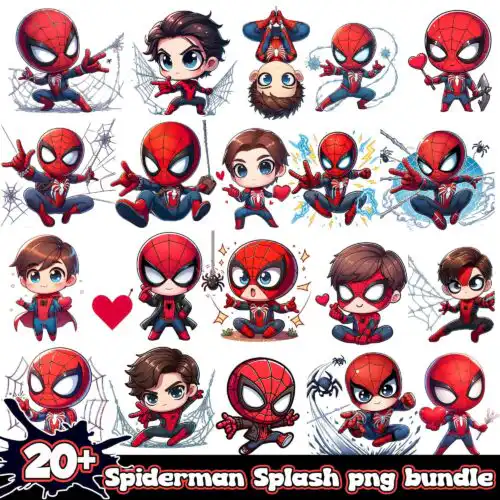
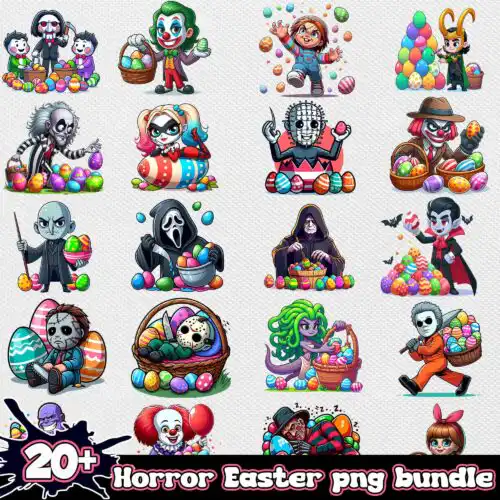
Chibi SVG files are cute, big-headed character cut files that come as cut-file sets including SVG, PNG (300 dpi, transparent), DXF, EPS, PDF and as PNG-only sublimation sets with PNG (300 dpi, transparent background) for making shirts, mugs, tumblers, stickers, and party crafts. What unites these designs is the chibi proportion itself – oversized heads, small bodies, big expressive eyes – rendered in mixed subjects and mixed styles for year-round use. These designs are made for crafters who love character art and want something instantly readable on vinyl and print. Cut-file designs include SVG, PNG, DXF, EPS, PDF and PNG-only designs are for sublimation and printing, each design lists its own files on its product page.
Choosing the right design
Choosing between these designs comes down to detail density and final size. For small items like baby onesies, mugs, and keychains, pick cleaner chibi figures with thicker outlines and fewer tiny pieces – they weed faster and press cleaner at 3 to 4 inches. For adult shirts, tote bags, and garden flags, you can use fuller scenes with hair details, outfits, and small props. Check if a design is single-layer or layered: single-layer is fastest for heat-transfer vinyl and print-then-cut, layered lets you build color with vinyl. Before cutting, look at the preview for fine gaps between eyes or fingers, test cut size, and mirror only if using HTV. Works with Cricut Design Space, Silhouette Studio Designer Edition, Brother ScanNCut, Adobe】 Illustrator, Inkscape, CorelDRAW, sublimation printers, DTF workflows, Canva and Photoshop.
Chibi SVG for shirts vs tumblers which should I useUse bold, simple chibi figures for shirts and more detailed full-body chibis for tumblers and mugs. Shirts need thicker lines and larger negative space so the design survives wash and weeding, while tumblers and 20 oz wraps can hold tiny facial details because they are printed, not weeded. For HTV on shirts, favor single-color or 2-3 layer versions. For sublimation on tumblers and mugs, use the 300 dpi transparent PNG for a seamless wrap.Chibi SVG vs png what's the differenceUse SVG, DXF, EPS, PDF when you want to cut vinyl and resize without losing quality, and use PNG when you want to print. Cut-file designs include SVG for cutting plus PNG, DXF, EPS, PDF for compatibility, while PNG-only designs are made for sublimation and DTF printing with 300 dpi transparent backgrounds. Each design lists its own files, so check whether you are buying a cut-file set or a PNG-only set before you choose.How to cut layered Chibi SVG on Cricut?Cut layered Chibi SVG files by color, weed each layer, and press from the bottom up. Ungroup in Design Space, hide or isolate each color, cut on the matching vinyl, and use registration marks in the preview to align. Press the base layer for 2-3 seconds to tack, then add details, using a Teflon sheet and low pressure to avoid shrinking. For tiny eyes and mouths, use a washi setting and reverse weeding.What size should Chibi SVG be for adult kids and baby shirts?Make chibi designs 10 to 11 inches wide for adult shirts, 7 to 8 inches for youth, and 4 to 5 inches for baby onesies. That scale keeps faces readable and avoids too many small weeding pieces on tiny shirts. For left chest logos, shrink to 3.5 to 4 inches. Always measure your blank first and do a quick test print or cut on paper to check face proportions before using vinyl or sublimation.
Popular Chibi SVG designsCinderella Disney Princess Chibi PNGChibi One Piece 16+ PNGChibi Naruto Bundle 16+ PNGChibi Anime Splash and Watercolor bundle pngSeven Chibi Sci-Fi Christmas Characters in Santa Hats with Reflection – Star Wars PNG SetCute Chibi Christmas Boy Design With Cartoon Glasses, Wand and OwlCute Chibi Horror Friends Riding Van Under Moon Halloween ArtHalloween Coffee Mug Ghostface Chibi Design with Dripping Border
What you get
SVG cut files: SVG, PNG (300 dpi, transparent), DXF, EPS, PDFPNG sublimation designs: PNG (300 dpi, transparent background)
Works with
Cricut Design SpaceSilhouette Studio (Designer Edition)Brother ScanNCutAdobe IllustratorInkscapeCorelDRAWSublimation printers (Epson, Sawgrass)DTF / print-and-cut workflowsCanvaAdobe Photoshop
Questions
What file formats do Chibi SVG designs come in?Cut-file designs include SVG, PNG (300 dpi, transparent), DXF, EPS, PDF for cutting and printing. PNG sublimation designs are PNG only with 300 dpi and transparent background for sublimation, DTF, and print-and-cut. Both types work with Cricut Design Space, Silhouette Studio Designer Edition, Brother ScanNCut, Illustrator, Inkscape, CorelDRAW, Canva and Photoshop. Each design page shows exactly which files are included.Will these work with my Cricut and Silhouette?Yes. SVG cuts cleanly in Cricut Design Space, Silhouette Studio Designer Edition, and Brother ScanNCut. DXF is included for Silhouette Basic, EPS and PDF for Illustrator, CorelDRAW and Inkscape, and transparent PNG for sublimation printers like Epson and Sawgrass, plus DTF and Canva or Photoshop workflows. If your machine only cuts, choose a cut-file design, not a PNG-only design.Can I sell what I make with Chibi SVG files?Yes, personal and small-business commercial use is included. You can sell finished physical items like shirts, mugs, tumblers, stickers, and party decor made with these designs. You cannot resell, share, or redistribute the files themselves as files, and you cannot claim them as your own artwork. The license is not for official or licensed merchandise.
Related collectionsKawaii SVGAnime SVGCute Halloween SVGCartoon SVG
Instant Download Download immediately after successful payment
Secure Payment Experience 100% secure payments, ensuring your transactions are safe.
Outstanding Support Service beyond compare with our exceptional team.
Premium Quality We are meticulous in every detail, ensuring unparalleled excellence.