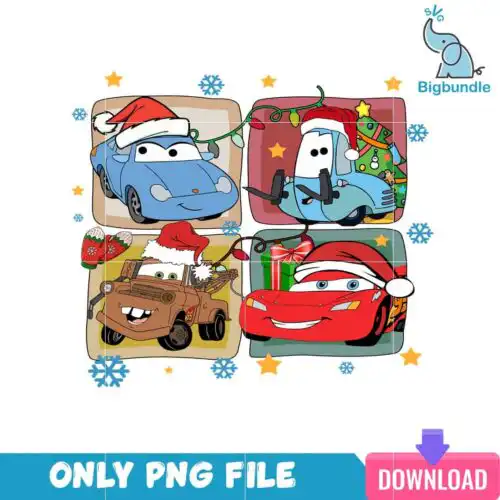
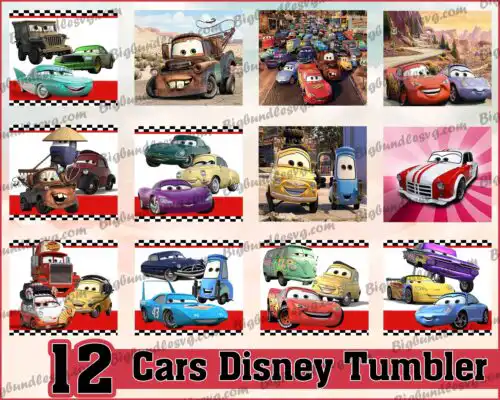
Disney Cars SVG files are cut files and 300 dpi transparent PNGs used to make t-shirts, tumblers, decals, party decor and gifts. These designs pull together racing-inspired characters, cars, checkered flags, and bold lettering in mixed styles from simple silhouettes to detailed layered looks. You will find options for year-round making, from everyday shirts and backpacks to birthday parties and holiday projects. Cut-file designs include SVG, PNG (300 dpi, transparent), DXF, EPS and PDF, while PNG-only designs are made for sublimation and print. Each design lists its own files, so you know exactly what you get before you cut, print or press.
Choosing the right design
These designs come in two workflows, so match the file to your method first. For vinyl and paper, pick cut-file designs with SVG, DXF, EPS and PNG layers — look for layered versions when you want two or three colors of HTV, and single-layer or silhouette versions when you want one-color decals, small chest logos or fast weeding on baby and toddler shirts. For sublimation, DTF and print-then-cut, choose PNG-only designs with transparent 300 dpi backgrounds. Think about scale: bold, chunky shapes read best at 2-3 inches for mugs, party favor bags and left-chest logos, while detailed racing graphics need 9+ inches for adult tees and tumbler wraps. Before cutting, check if the design is mirrored for HTV, if layers are grouped by color, and if fine lines will weed cleanly at your planned size.
Which Disney Cars SVG is best for shirts vs tumblers?
Use single-layer and bold silhouette versions for shirts and layered color versions for tumblers and mugs. Shirts need clean weeding and less layering, especially for youth and baby sizes, so pick thicker lines. Tumblers, mugs and water bottles handle more detail and all-over wraps, so PNGs for sublimation and multi-layer SVGs for vinyl wraps work better there.
Do I need svg or png for Disney Cars SVG?
You need SVG for vinyl cutting and PNG for sublimation or printing. Cut-file designs include SVG, PNG (300 dpi, transparent), DXF, EPS and PDF and work with Cricut Design Space, Silhouette Studio and Brother ScanNCut. PNG-only designs are 300 dpi transparent PNGs for sublimation printers, DTF and Canva or Photoshop print workflows. Each design lists its included files.
How to cut layered Disney Cars SVG on Cricut?
Cut layered Disney Cars SVG files by color on separate mats and press from light to dark. Upload the SVG to Cricut Design Space, ungroup to see color layers, size the whole graphic to your shirt or decal size, then cut HTV mirrored and regular vinyl not mirrored. Use a weeding box around small pieces and press each HTV layer for 3-5 seconds to tack, then full press at the end.
What size should Disney Cars SVG be for adult and kids shirts?
Make adult designs 10-11 inches wide, youth 8-9 inches and toddler/baby 5-6 inches wide. That keeps details readable without overwhelming the shirt. For left chest logos or pocket designs, use 3-4 inches for adults and 2.5-3 inches for kids. Always test size with a paper print before cutting, especially for detailed racing-style graphics.
What file formats come with Disney Cars SVG designs?
Cut-file designs include SVG, PNG (300 dpi, transparent background), DXF, EPS and PDF. PNG sublimation designs are PNG (300 dpi, transparent background) only for printing. Every design lists its own included files on its product page, so check there to confirm whether it is a full cut-file set or PNG-only.
Which machines work with these Disney Cars SVG files?
These files work with Cricut Design Space, Silhouette Studio Designer Edition, Brother ScanNCut, Adobe Illustrator, Inkscape, CorelDRAW, sublimation printers like Epson and Sawgrass, DTF and print-and-cut workflows, Canva and Adobe Photoshop. SVG is for cutting, DXF for older Silhouette and ScanNCut, and PNG for sublimation and printing.
Can I sell shirts and tumblers made with Disney Cars SVG?
Yes, for small-business commercial use. You can sell finished physical items like shirts, tumblers, decals and party favors made with these designs. You cannot resell, share or redistribute the digital files themselves as files, bundles or templates, and you cannot claim to be official or licensed.