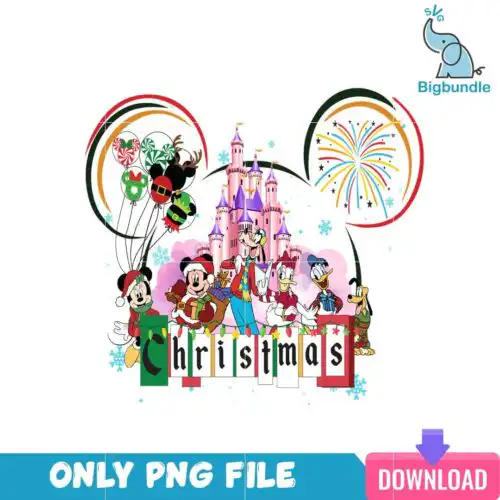
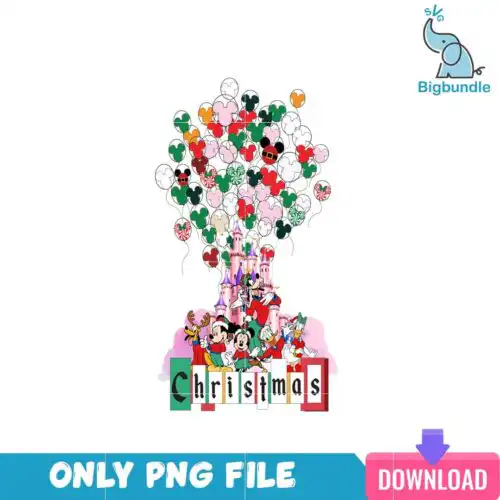
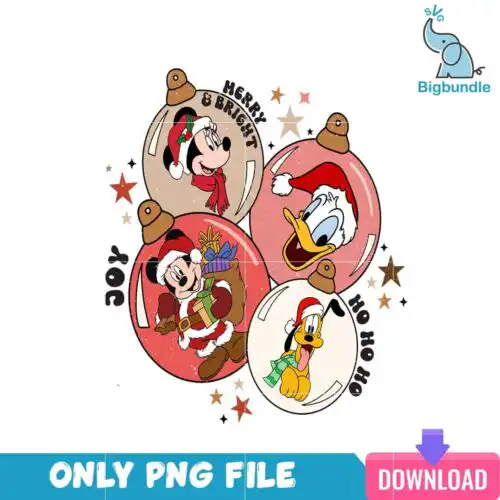
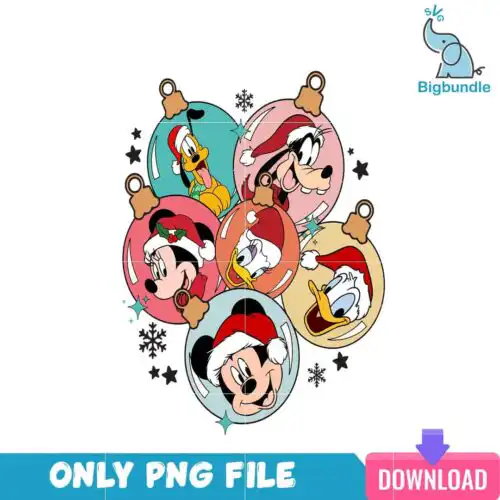
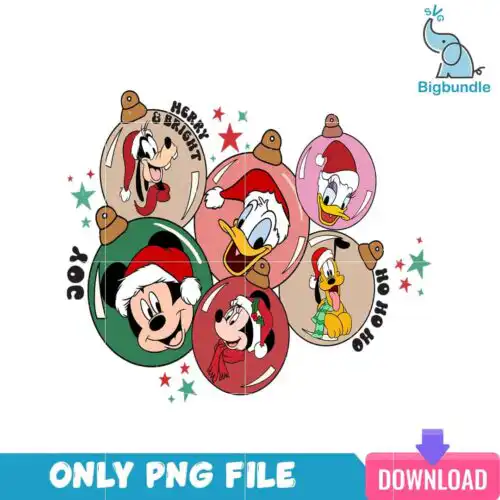
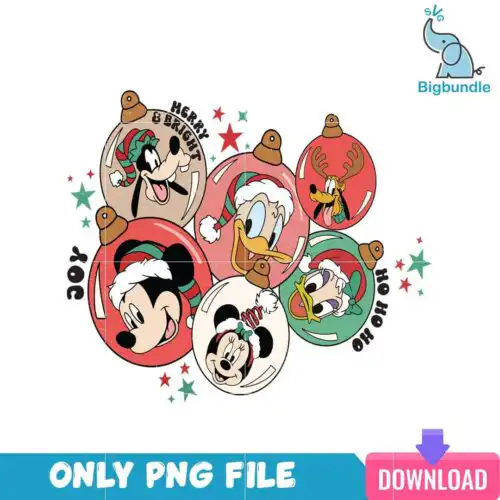
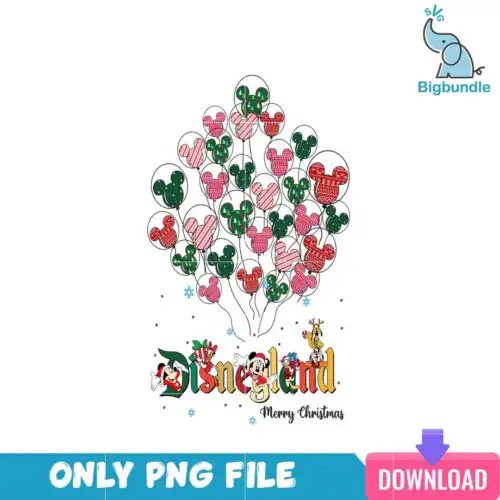
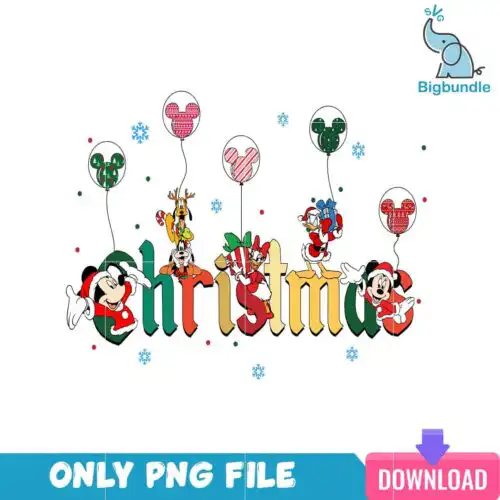
Disney Christmas SVG files are character-inspired cut files and printable art for making holiday shirts, mugs, signs, and party decor. These designs come as cut-file sets with SVG, PNG (300 dpi transparent), DXF, EPS and PDF, while PNG-only designs are made for sublimation and printing, and each design shows its own included files. What ties them together is a large collection of ear silhouettes, bows, park quotes, and themed Christmas elements in cartoon, flat, and line-art styles. They work year-round but shine for Christmas, with a few that also fit birthday projects. If you make family tees, tumblers, tote bags, or farmhouse signs, you will find both single-layer silhouettes and layered quotes ready for vinyl, paper, and print.
Choosing the right design
Start with how you plan to make it. If you cut vinyl or paper, pick a cut-file design — those include SVG, DXF and EPS plus a transparent PNG. If you sublimate or DTF print, a PNG-only design will give you cleaner color. For the look, choose single-layer silhouettes for small items like bows, ears, and mug decals where weeding needs to be fast. Choose layered quotes or collage layouts for shirts and large wood signs where the detail has room to breathe. Check style: cartoon and flat silhouettes read well at 2-3 inches, line-art needs a bit larger to keep thin lines from breaking. Before you cut, mirror for HTV, check the file list on the design you like, and test size on scrap — character ears and script words need extra weeding space.
Which Disney Christmas SVG designs work best for shirts vs mugs?
Shirts need bolder, single or two-layer designs, mugs and tumblers need compact silhouettes. For adult and youth tees, look for flat ear silhouettes, bow accents, and quote layouts that stay readable at 9-11 inches wide. For mugs, tumblers, and small ornaments, choose simple one-color silhouettes and small line-art elements that weed easily and wrap without distorting.
Disney Christmas SVG vs png which file should I use
Use SVG for cutting and PNG for printing. Cut-file designs include SVG, PNG, DXF, EPS and PDF for Cricut Design Space, Silhouette Studio, ScanNCut and other cutters, while PNG-only designs are 300 dpi transparent PNGs made for sublimation, DTF, and print-and-cut. If you cut vinyl, paper or stencil, open the SVG. If you press with a sublimation printer, open the PNG.
How to cut layered Disney Christmas SVG on Cricut?
Layered versions cut in separate colors and you stack or layer the vinyl. Ungroup in Design Space, assign each layer a color, cut on standard grip mat, weed, then press or apply bottom layer first. Keep the transfer tape light-tack for small bows and ear details so thin line-art does not lift. For multi-layer quotes, press HTV one layer at a time at low tack and short press.
What size should Disney Christmas SVG be for adult youth and baby shirts?
Size by shirt area, not by the file itself. Adult: 10-11.5 inches wide for front chest, 3.5 inches for pocket or sleeve. Youth: 7.5-9 inches wide. Baby and toddler: 4.5-6 inches. If the design includes a collage of ears, bows and quotes, go slightly larger to keep small text readable, and shrink single silhouettes for left-chest or onesie prints.
What files come with Disney Christmas SVG designs?
It depends on the design type. Cut-file designs include SVG, PNG (300 dpi transparent), DXF, EPS and PDF. PNG-only designs are for sublimation and printing and include PNG (300 dpi transparent background) only. Each design lists its own included files, so check that list before buying.
Do these work with Cricut and Silhouette?
Yes. The cut files work with Cricut Design Space, Silhouette Studio Designer Edition, Brother ScanNCut, Adobe Illustrator, Inkscape, CorelDRAW and Canva. The PNGs also work with sublimation printers like Epson and Sawgrass, DTF workflows, and Photoshop for print-and-cut projects.
Can I sell shirts and mugs I make with these?
Yes for finished physical items. The license allows personal and small-business commercial use to sell shirts, mugs, signs and other handmade goods you make. You may not resell, share, or redistribute the digital files themselves as files.