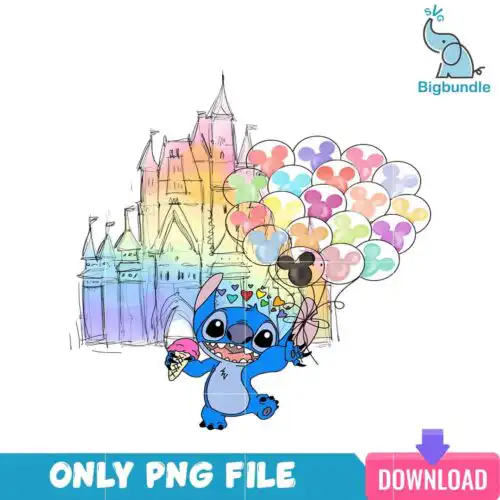
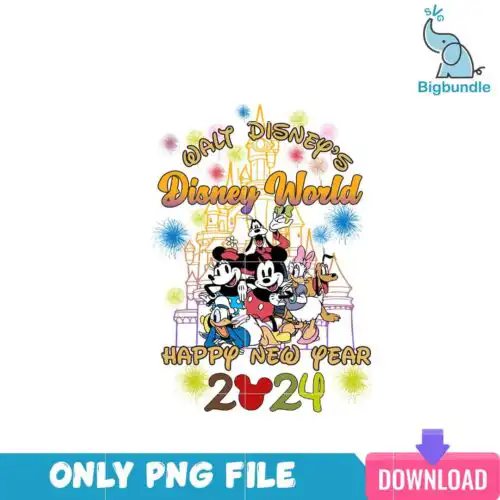
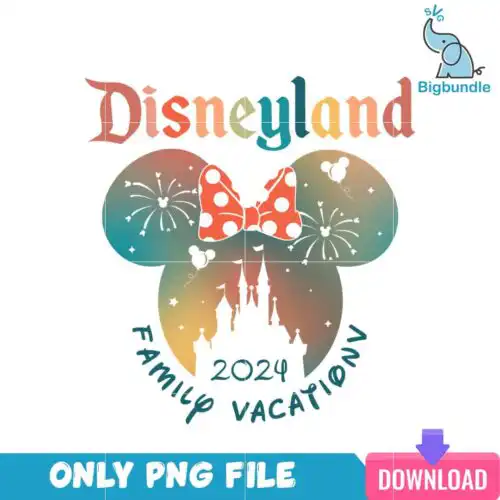
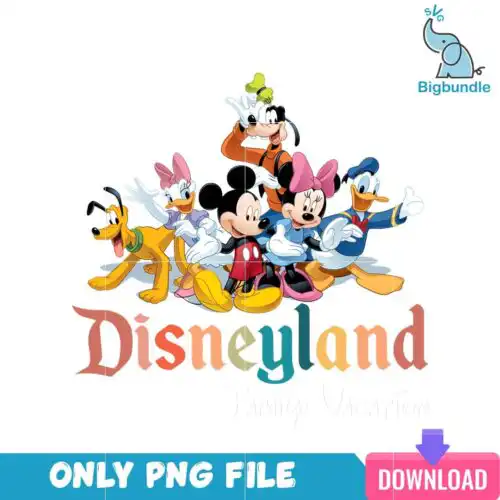
Disneyland SVG files are cut and print artwork that come as SVG cut-file designs including SVG, PNG, DXF, EPS and PDF or as PNG-only sublimation designs with 300 dpi transparent PNGs, made for custom shirts, tumblers, mugs, bags and party decor. These designs share a park-inspired theme but vary widely across lettering, castle artwork, character groups, retro and vintage styles, and seasonal twists like Halloween. That mix makes them suited to year-round projects for family trips, birthdays, matching group shirts and everyday fan crafts. Cut-file designs are ready for vinyl and print-and-cut, while PNG-only designs are built for sublimation and DTF.
Choosing the right design
These 66 designs break into two types, so check the file list on each one. SVG cut-file designs include SVG, PNG, DXF, EPS, PDF and PNG for vinyl, paper and print-and-cut. PNG-only designs are high-res 300 dpi transparent PNGs for sublimation, DTF and direct printing. Choose by method first. For layered looks, pick designs with separated colors and bold lettering – they press clean on large fronts and tote bags but need weeding at small sizes. For mugs, tumblers and baby onesies, single-layer silhouettes, distressed vintage and small emblem styles cut cleaner and stay legible under 3 inches. Before cutting, check if the artwork is distressed or solid, mirror for HTV, test cut the smallest element, and size the castle or lettering wider than tall to avoid losing detail on seams.
Which Disneyland SVG designs are best for shirts vs tumblers or mugs?
Tumblers and mugs need simple, single-color silhouettes and small emblems while shirts handle layered lettering and detailed castle artwork. These designs include both, so for drinkware pick cleaner shapes with less fine lines and fewer layers to wrap without lifting. For shirts, you can use bolder layered versions, vintage textures and full chest graphics that have room to breathe.
Disneyland SVG vs png which file should I use
Use SVG for vinyl cutting and PNG for sublimation or printing. These designs are listed as SVG cut files that include SVG, PNG, DXF, EPS, PDF, or as PNG-only sublimation designs with 300 dpi transparent PNGs. If you are cutting with Cricut or Silhouette, choose the SVG. If you are using a sublimation printer, Epson, Sawgrass, DTF or Canva print, use the 300 dpi PNG listed with each design.
How to cut layered Disneyland SVG with Cricut?
Cut layered versions by color in Cricut Design Space using the SVG layers provided. These designs separate by color so you can cut each layer of vinyl, weed, then stack with a heat press or transfer tape, aligning from largest to smallest. Keep Design Space set to 12×12, ungroup to check for tiny pieces, weld lettering before cutting, and use the PNG as a guide for layer order and placement.
What size should Disneyland SVG be for adult youth and baby shirts?
Size adult shirts at 10 to 11 inches wide, youth at 8 to 9 inches, and baby at 5 to 6 inches for chest designs. These designs include both wide lettering and taller castle layouts, so measure the actual chest area and scale proportionally, keeping small interior cutouts at least 0.25 inches. Test the smallest element on scrap vinyl and bump up if weeding pulls detail.
What file formats come with Disneyland SVG designs?
Cut-file designs include SVG, PNG with 300 dpi transparent background, DXF, EPS and PDF. PNG sublimation designs include a 300 dpi transparent PNG for printing. Each design lists its own included files on its page, so check before you download.
Will Disneyland SVG work with Cricut, Silhouette and sublimation printers?
Yes. SVG cut-file designs work with Cricut Design Space, Silhouette Studio Designer Edition, Brother ScanNCut, Adobe Illustrator, Inkscape and CorelDRAW. PNG designs at 300 dpi work with sublimation printers like Epson and Sawgrass, DTF and print-and-cut workflows, plus Canva and Photoshop for printed shirts, mugs and tumblers.
Can I sell things I make with these Disneyland SVG files?
Yes, for personal and small-business commercial use. You can sell finished physical items like shirts, mugs and bags that you make. You cannot resell, share or redistribute the digital files themselves as files, and these designs are fan-made and not official or licensed.