

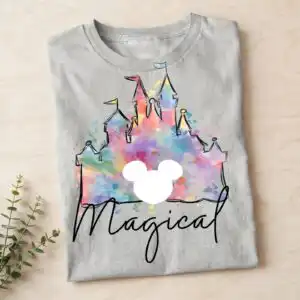
Magical Disneyland Mickey Mouse PNG Castle Design for Family Trip Shirts, Totes and Mugs
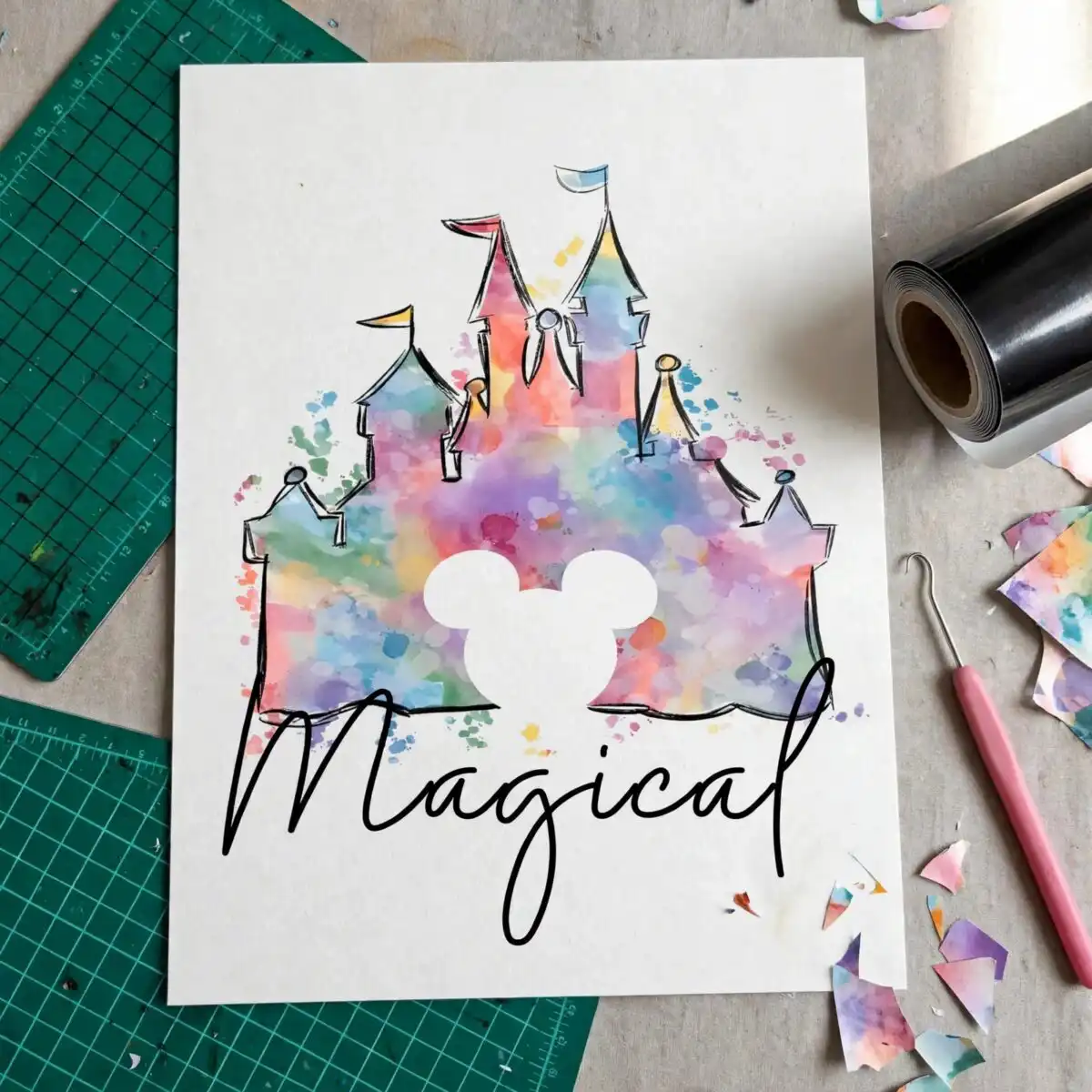
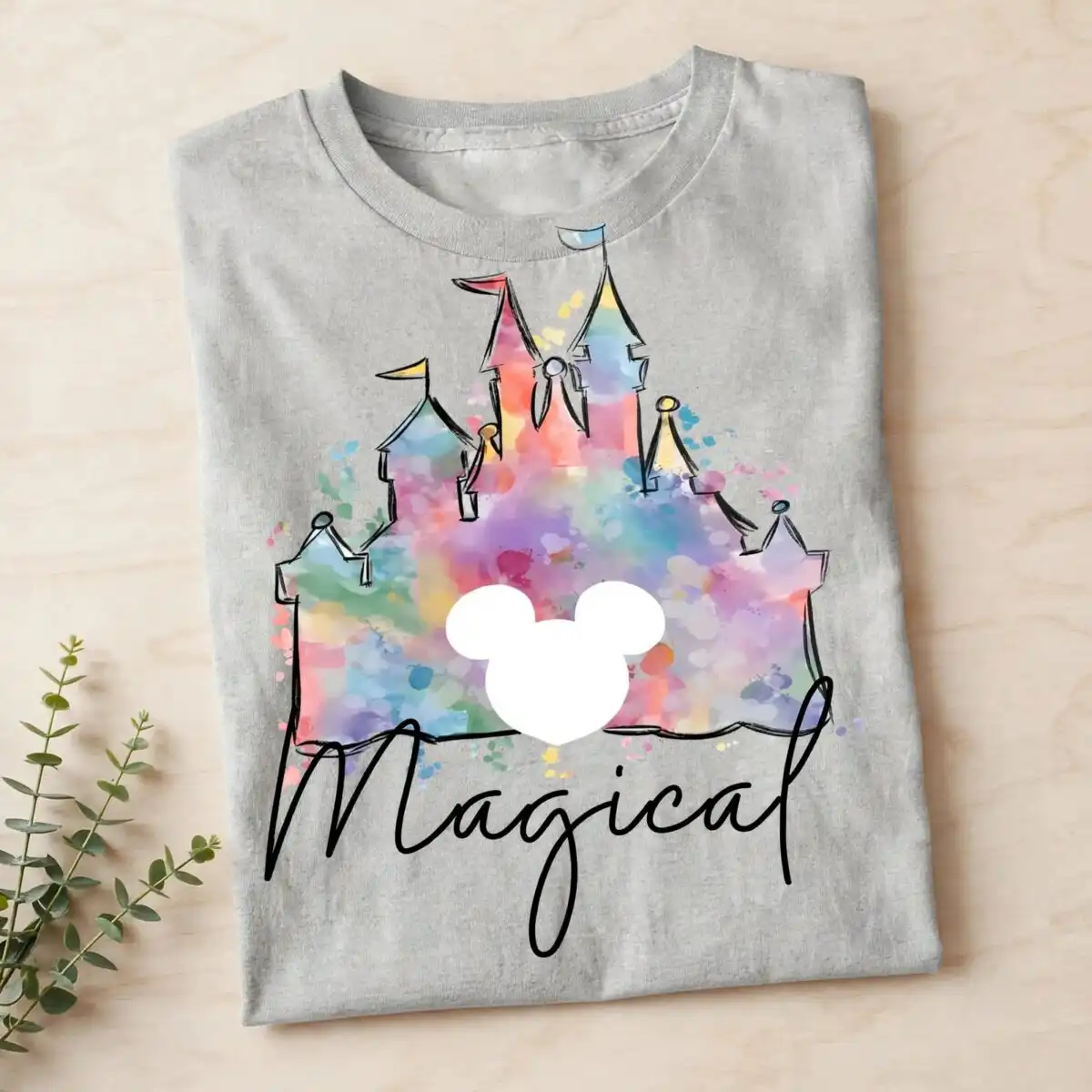
This Magical Disneyland Mickey Mouse PNG is a single watercolor-style castle silhouette, delivered as a PNG file with a transparent background, made for sublimation, DTF and print-and-cut projects. The artwork shows a castle with turrets and flags, a Mickey Mouse head cutout set into the scene, and the word “Magical” written in script. Soft pink, lavender, sky blue, pale yellow and peach wash the paint splatters and sky, while a black outline keeps the sketch lines crisp. The mood is playful and dreamy, which suits a Disney trip, a family vacation or a theme park visit. You can print it on a t-shirt for the day you arrive, press it onto a tote bag for park days, or put it on a mug to keep the memories going afterwards. The file is a single design on a white preview background, so you can place it on any colour of garment or tumbler once you import the PNG.
Design breakdown
The design is a single artwork cut in 3 layers, using six colours: soft pink, lavender, sky blue, pale yellow, peach and a black outline. The castle, turrets, flags, Mickey Mouse head cutout and paint splatters sit together in one composition, with the script word “Magical” placed across the upper part of the scene. The Mickey Mouse head is a cutout element, so the shape is separated from the castle silhouette. Cut complexity is medium, so the thin turret tips and flag edges are best cut at 4 inches or larger. The PNG is 300 dpi with a transparent background.
| Colours | 6 — soft pink (#F4A6C8), lavender (#B9A3E3), sky blue (#8FD3F4), pale yellow (#FBE38E), peach (#F7B39A), black outline (#1F1F1F) |
|---|---|
| Lettering | Magical / ONLY PNG FILE / DOWNLOAD |
| Background | white |
| Orientation | portrait |
What’s included
- PNG (300 dpi, transparent background)
Works with
- Sublimation printers (Epson, Sawgrass)
- DTF / print-and-cut workflows
- Canva
- Adobe Photoshop
How to use
Download the zip file and unzip it to a folder on your computer. Open your design software, such as Canva, Adobe Photoshop or your sublimation printing program, and choose Import or Place. Select the PNG file from the unzipped folder. The transparent background means the castle will sit on your blank without a white box. Resize the image to fit your product, then print or cut as your workflow requires.
Licence
Personal and small-business commercial use. Sell finished physical items; do not resell or redistribute the files themselves.
FAQ
What files do I get with this Magical Disneyland Mickey Mouse PNG?
You get one PNG file at 300 dpi with a transparent background. It is a single design, not a bundle, and it is ready to import into your software.
Can I use this Mickey Mouse castle design on a 20oz tumbler?
Yes, the artwork works on a 20oz tumbler when printed with sublimation. Keep the castle and script within the printable wrap area, and cut or print it at a size where the thin turret and flag details stay sharp.
Which printers and software does this PNG work with?
It works with Epson and Sawgrass sublimation printers, DTF and print-and-cut workflows, and design tools such as Canva and Adobe Photoshop. Any program that opens a PNG with a transparent background will import it.
Can I resize the design and use it for my small business?
Yes, you can resize the PNG to suit your product. The licence covers personal and small-business commercial use, so you can sell finished physical items, but you may not resell or redistribute the files themselves.


