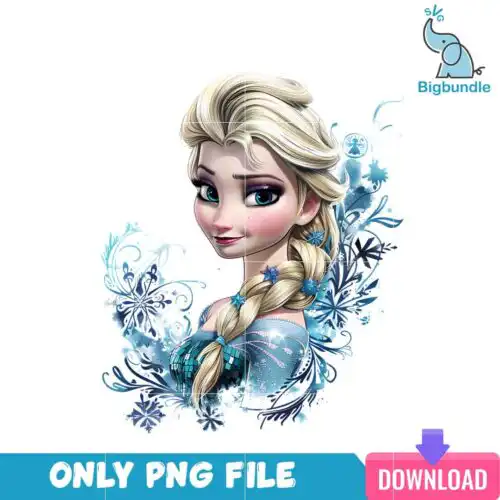
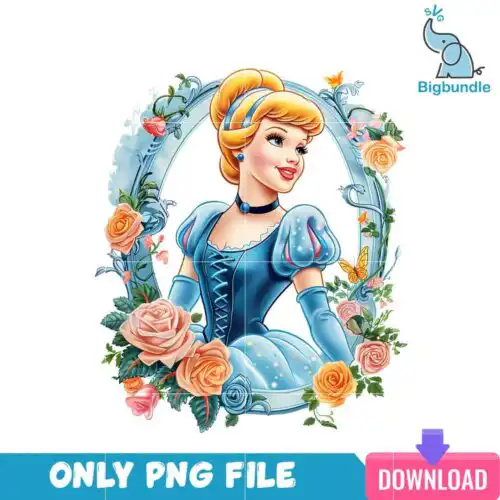
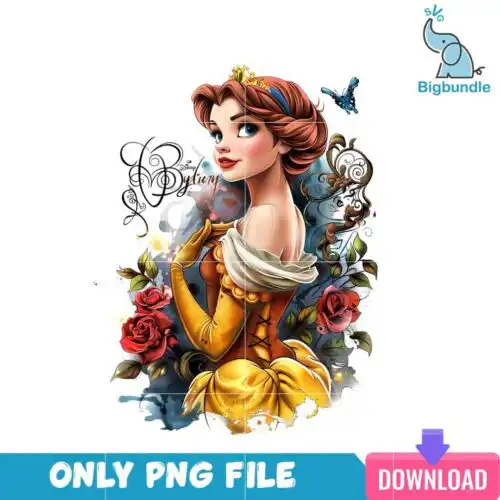
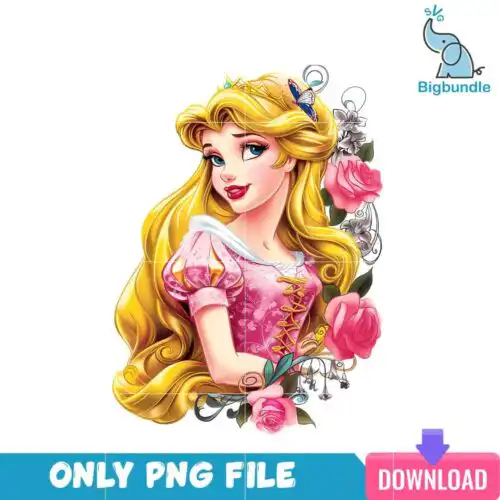
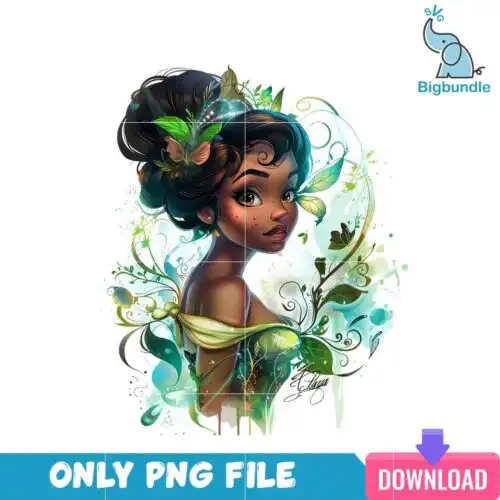
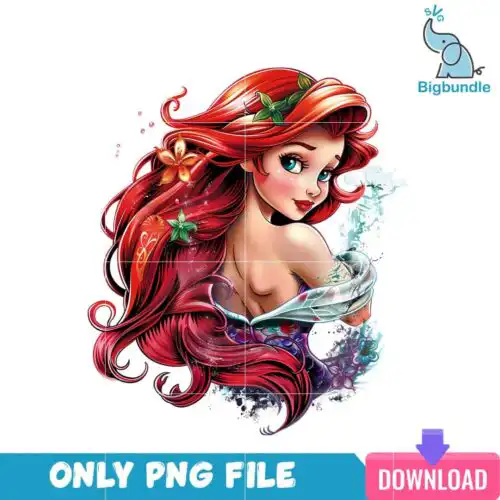
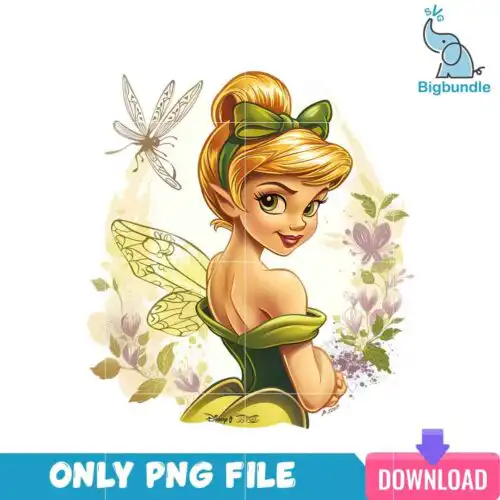
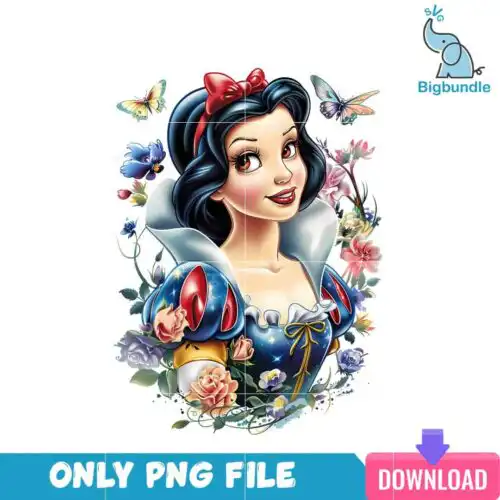
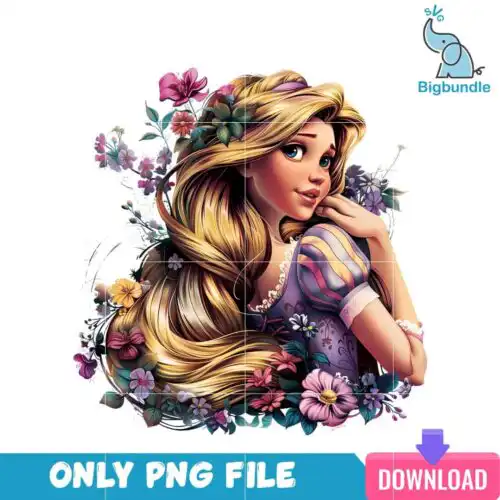
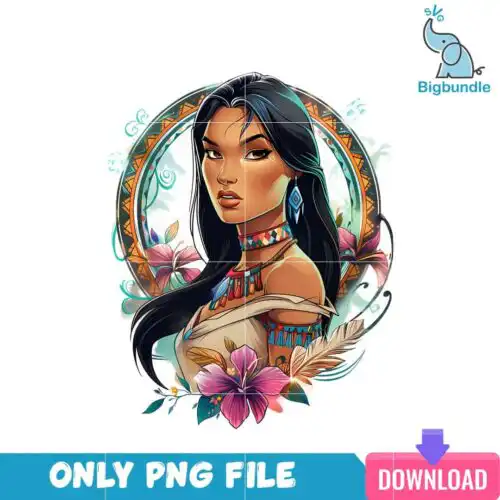
Disney Princess SVG files are cut and print designs that come as SVG, PNG, DXF, EPS, PDF and 300 dpi transparent PNGs for making shirts, tumblers, mugs, stickers, party decor and gifts. These designs share the same royal, fairy-tale theme but come in mixed subjects and mixed art styles, so you get everything from bold single-color silhouettes to layered, colorful illustrations. They are made for year-round crafting for birthdays, everyday wear, sleepovers and dress-up parties. Cut-file designs include SVG, PNG, DXF, EPS and PDF, while PNG-only designs are for sublimation and printing, and each design lists its own included files.
Choosing the right design
These designs come as both single-layer and layered versions. Single-layer works best for small cuts like onesies, mugs, keychains and glitter vinyl where weeding gets tricky. Layered versions suit larger projects like adult tees, tote bags and signs where you can show shadow, hair and dress details. For small items, look for clean outlines and limited detail; for large items, you can choose more detailed, textured styles. Before you cut, check the file list for that design, test size with a basic shape, and mirror for HTV. For tumblers, favor PNGs with transparent backgrounds at 300 dpi for a full wrap, and use the SVG only if you want a vinyl decal instead.
Which Disney Princess SVG works best for shirts vs tumblers?
Single-layer, bold-outline Disney Princess SVG files work best for shirts, while high-res PNGs work best for tumblers. Shirts need clean weeding and solid shapes that hold up after washing, especially with HTV or DTF. Tumblers and mugs need 300 dpi transparent PNGs that can wrap and sublimate without pixelation. If you want a vinyl decal on a tumbler, use the SVG version instead of sublimation.
Disney Princess SVG vs png which should I use
Use SVG when you are cutting vinyl and PNG when you are printing or sublimating. Cut-file designs include SVG, DXF, EPS, PDF plus PNG, so you get both options, while PNG-only designs are made for sublimation and printing and do not include cut layers. SVG keeps edges sharp at any size and lets you separate colors into layers. PNG at 300 dpi with transparent background is ready for sublimation printers, DTF, and print-and-cut.
How to cut layered Disney Princess SVG on Cricut?
Ungroup the layers in Cricut Design Space and cut by color on separate mats. Cut-file designs include SVG, PNG, DXF, EPS and PDF, so you can upload the SVG directly and it will keep layers intact. Use Designer Edition for Silhouette if you need DXF alternatives. Keep small details above 0.5 inches, weed slowly, and use a light tack mat for intricate crowns and hair layers. Each design lists its own files, so confirm layers before cutting.
What size should Disney Princess SVG be for shirts?
Make Disney Princess SVG 9 to 11 inches wide for adult shirts, 7 to 8.5 inches for youth, and 4.5 to 6 inches for baby onesies and toddler tees. Those sizes keep details readable without overwhelming the shirt. Size up for layered designs so small inner layers do not tear during weeding. For left chest or pocket designs, use 3 to 4 inches regardless of age. Always measure your blank first.
It depends on the design type. Cut-file designs include SVG, PNG (300 dpi, transparent), DXF, EPS and PDF for cutting and printing. PNG sublimation designs include PNG at 300 dpi with transparent background for sublimation, DTF and print-and-cut. Not every design includes every format, so check the file list on each design before you buy.
Do Disney Princess SVG files work with Cricut and Silhouette?
Yes. They work with Cricut Design Space, Silhouette Studio Designer Edition, Brother ScanNCut, Adobe Illustrator, Inkscape, CorelDRAW, sublimation printers like Epson and Sawgrass, DTF and print-and-cut workflows, Canva and Photoshop. SVG is best for Cricut and Silhouette cutting, DXF is a backup for older Silhouette versions, and PNG works for all print workflows.
Can I sell things I make with Disney Princess SVG files?
Yes, for personal and small-business commercial use. You can sell finished physical items like shirts, tumblers, mugs, signs and party favors that you made. You cannot resell, share or redistribute the digital files themselves as files, bundles or templates, and you cannot claim the artwork as your own.