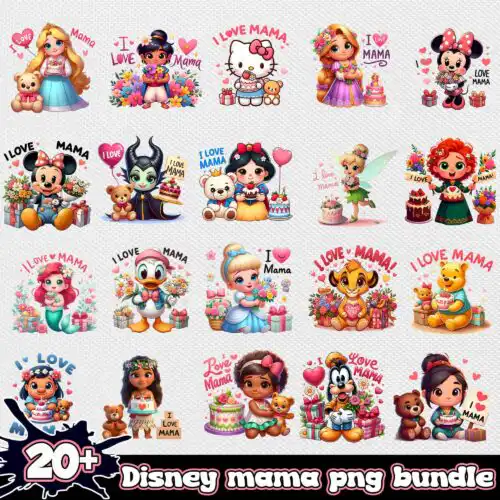
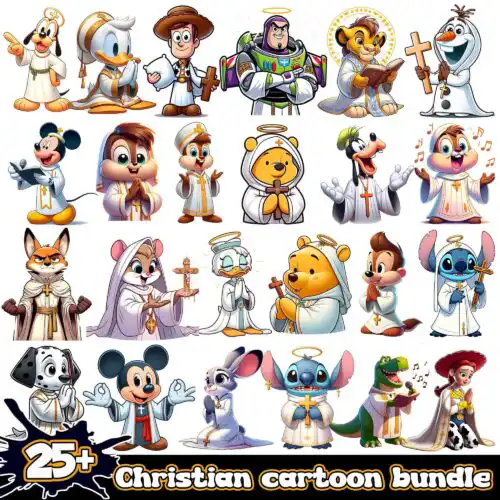
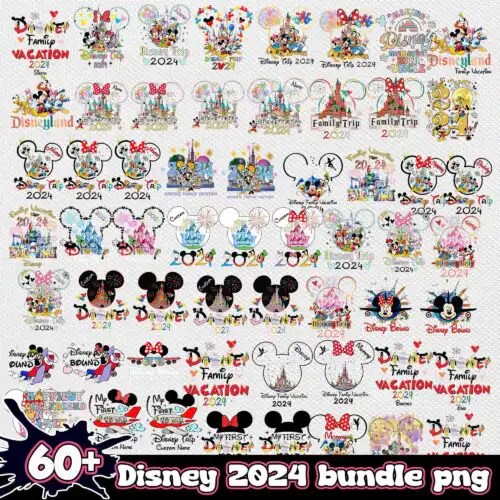
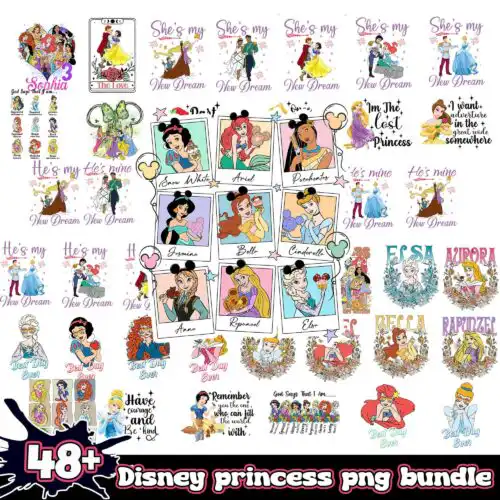
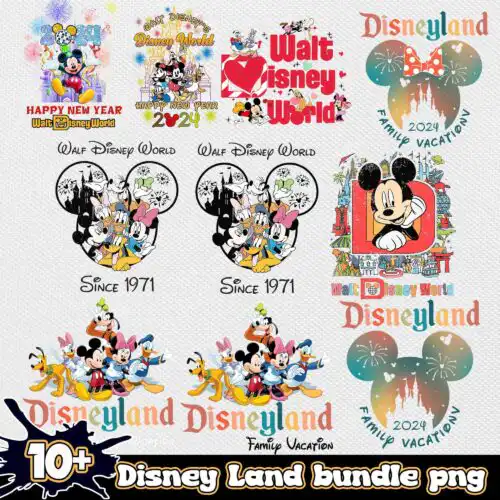
Disney SVG Bundle files are character-inspired cut files and sublimation PNGs, with cut-file designs that include SVG, PNG, DXF, EPS and PDF and PNG-only designs as 300 dpi transparent PNGs, made for shirts, birthday decorations, tumblers, mugs and stickers. These designs are united by playful, park-ready subjects like character head silhouettes, bows, ear shapes, castle outlines and short quotes and sayings. Styles run cartoon, flat and line-art, so you get bold single-color cuts and detailed collages in the same place. Made for year-round crafting and birthday projects, they are built for Cricut, Silhouette and other cutters as well as sublimation and print-then-cut workflows.
Choosing the right design
Start with how many layers you want to cut. Single-layer silhouettes, ear shapes and bold quotes weed fast and work for small decals, baby onesies and tumbler wraps. Layered cartoon and flat castle designs give more color but need alignment and extra weeding time, better for adult tees and large party signs. For tiny items like 2-inch bows or mug icons, choose flat or line-art versions with thick lines and no tiny negative spaces. Check each design for its exact files, because cut-file designs include SVG, PNG, DXF, EPS, PDF and PNG-only designs are PNG for sublimation and printing. If you press dark shirts, look for PNGs sized for full front prints; if you cut vinyl, confirm the SVG is a single color or cleanly layered before you size it.
Which Disney SVG Bundle designs work best for shirts vs mugs?
Single-color silhouettes, ear shapes and flat castle outlines work best for shirts, while detailed collages and small quote blocks suit mugs and tumblers. Shirts need designs that scale to 9-11 inches wide without thin lines breaking, so pick bold cartoon and flat styles. Mugs and tumblers need compact art under 3.5 inches tall with minimal layers to wrap cleanly without lifting.
Do I need svg or png for Disney SVG Bundle?
Use SVG when you are cutting vinyl or paper and need scalable layers, and use PNG when you are printing with sublimation or DTF. Cut-file designs here include SVG, PNG, DXF, EPS, PDF, so you can cut and print from one set, while PNG-only designs are 300 dpi transparent PNGs for sublimation and print-and-cut only. Each design lists its own included files, so check before you buy.
How to cut layered Disney SVG Bundle files on Cricut?
Cut layered Disney SVG Bundle files by ungrouping the SVG in Design Space, assigning each layer its vinyl color, and cutting matte vinyl with default pressure. Use transfer tape to stack layers from the bottom up, starting with the largest silhouette. For ear silhouettes and castle designs, mirror only if you use HTV, weed small bow cutouts with a weeding hook, and press at 305-315F for 10-15 seconds per layer.
What size should Disney SVG Bundle be for adult youth baby shirts?
Size Disney SVG Bundle graphics at 10-11 inches wide for adult shirts, 8-9 inches for youth, and 5-6 inches for baby. Keep the height proportional so castle towers and quotes stay readable. For line-art bows and small ear icons on sleeves or pockets, drop to 3-4 inches. Test with a paper print first, because cartoon faces lose detail below 3 inches when cut in vinyl.
What file formats come with Disney SVG Bundle designs?
It depends on the design type. Cut-file designs include SVG, PNG (300 dpi transparent), DXF, EPS and PDF for cutting and printing, while PNG sublimation designs are PNG (300 dpi, transparent background) only. Every design lists its exact files on its product page, and all work with Cricut Design Space, Silhouette Studio Designer Edition, Brother ScanNCut, Illustrator, Inkscape, sublimation printers and Canva.
Can I use these with Cricut and Silhouette?
Yes. SVG cuts in Cricut Design Space, Silhouette Studio Designer Edition, Brother ScanNCut, Illustrator, Inkscape and CorelDRAW, and the 300 dpi transparent PNGs work for sublimation, DTF and print-then-cut in Photoshop, Canva and sublimation software. For layered cartoon and flat styles, ungroup and assign colors in your software before cutting.
What can I sell with a Disney SVG Bundle?
You can sell finished physical items you make, like shirts, birthday banners, mugs and stickers, under personal and small-business commercial use. You cannot resell, share or redistribute the digital files themselves as cut files, clipart or bundles. If a design has layered and single-layer options, you can use either for your finished products.