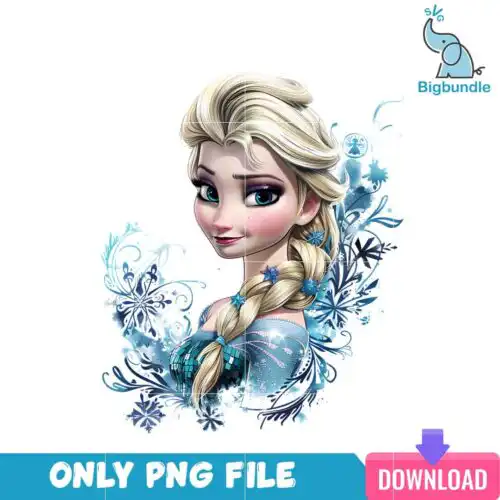
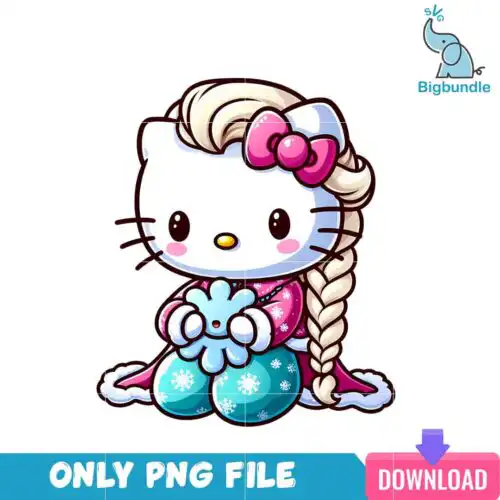
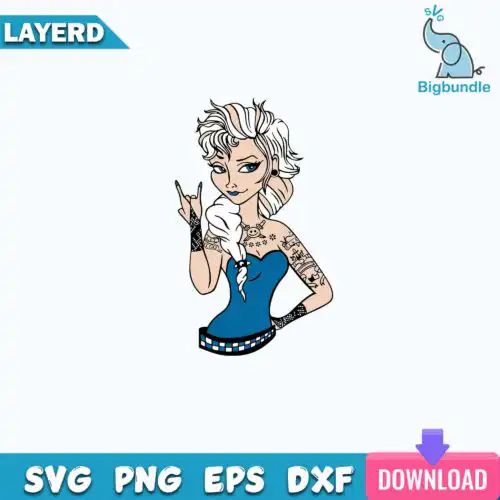
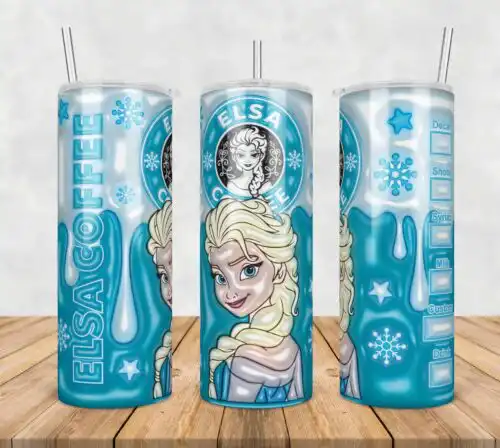
Elsa SVG files are character-inspired cut and print designs where cut-file designs include SVG, PNG, DXF, EPS and PDF and PNG-only designs include 300 dpi transparent PNGs for making shirts, tumblers, mugs, stickers, and party decor. These designs share the same icy blonde princess theme but cover mixed styles, from chibi and floral to tattoo, bunny ears, Halloween, and inflated 3D looks, all usable year-round. You will find single-layer art that cuts fast, layered art for vinyl color blocking, and high-resolution art for sublimation and DTF. They are picked for everyday crafting, birthdays, dress-up, and gifts for fans who love that snow-queen aesthetic.
Choosing the right design
Start with how you will make it. If you cut vinyl with Cricut or Silhouette, choose layered cut-file designs that include SVG plus DXF, EPS, PDF and a PNG preview — they separate by color and weed cleanly. For sublimation, DTF, or print-then-cut, choose PNG-only designs with 300 dpi transparent backgrounds. Next, think scale. Fine tattoo-style lines and chibi faces stay crisp on small items like baby onesies, mugs, and party favor bags if you keep them above 2.5 inches wide and use a sharp blade. Bold silhouettes, bunny ears, floral accents, and inflated 3D effects read better large on adult tees, hoodies, tote bags, and full tumbler wraps. Before cutting, check each design's own file list, mirror for HTV, test cut small details, and keep a weeding box around delicate letters.
Elsa SVG or png better for shirts
Use SVG for vinyl shirts and PNG for printed shirts. Cut-file Elsa SVG designs include SVG, DXF, EPS, PDF and PNG and give you clean layers to cut HTV or adhesive vinyl with Cricut, Silhouette, or ScanNCut. PNG-only designs are 300 dpi transparent files made for sublimation and DTF where you need soft shading, glitter effects, or photo-like gradients that vinyl cannot layer. Each design lists its own included files, so check before you buy.
How to layer Elsa SVG on Cricut?
You can layer it in Cricut Design Space by uploading the SVG and using the colored layers panel. Ungroup, assign each layer its vinyl color, cut on the matching mat, and press from the bottom layer up, using parchment between presses for HTV. For designs with many tiny pieces like tattoo or chibi styles, use the Attach and Weld tools to keep small elements from shifting and do a 3-inch test cut first to check weeding.
What size should Elsa SVG be for shirts?
Size it to 9.5 inches wide for adult tees, 7.5 inches for youth, and 4.5 inches for baby or toddler. That keeps chibi faces and floral details readable without cracking. For left chest or pocket designs, drop to 3.5 to 4 inches. For tumblers and mugs, measure the wrap area first and size the art to 9.3 x 8.2 inches for a 20oz skinny or 8 x 3.5 inches for an 11oz mug, keeping key art inside the safe area.
Can you sublimate Elsa SVG designs?
Yes, you can sublimate with the PNG versions. PNG-only designs are already 300 dpi with a transparent background for sublimation printers and DTF workflows, and cut-file designs also include a high-res PNG you can print. Print mirrored if your press requires it, use polyester or poly-coated blanks for bright color, and press at the temperature your paper and ink recommend. Each design lists its own files, so confirm a PNG is included.
It depends on the design type. Cut-file designs include SVG plus PNG (300 dpi, transparent), DXF, EPS, PDF and a PNG preview for cutting. PNG-only designs are sublimation and print designs and include a 300 dpi transparent PNG only, with no SVG, DXF or EPS. Both types work with common craft software, and each design page lists its exact included files so you know before you choose.
Will these work with Cricut and Silhouette?
Yes. SVG cut files open in Cricut Design Space, Silhouette Studio Designer Edition, Brother ScanNCut, Adobe Illustrator, Inkscape, CorelDRAW, and Canva. DXF is there if your Silhouette needs it. PNG files work in sublimation software, DTF workflows, Photoshop, and for print-then-cut in Cricut and Silhouette. Use a sharp fine-point blade for small details.
Can I sell what I make with these?
Yes for finished physical items. Your purchase includes personal and small-business commercial use to make and sell shirts, tumblers, mugs, stickers, decor and other physical goods. You cannot resell, share, or redistribute the digital files themselves as files, as part of a bundle, or as a template. Each design's license note explains the same rule.