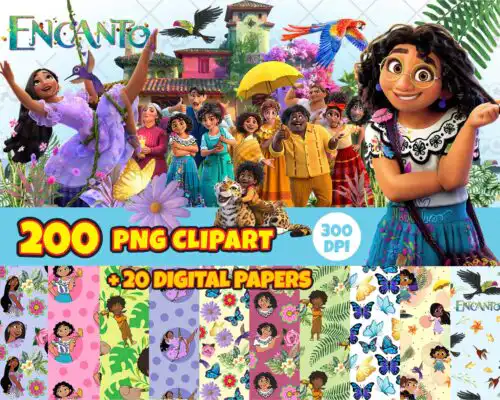
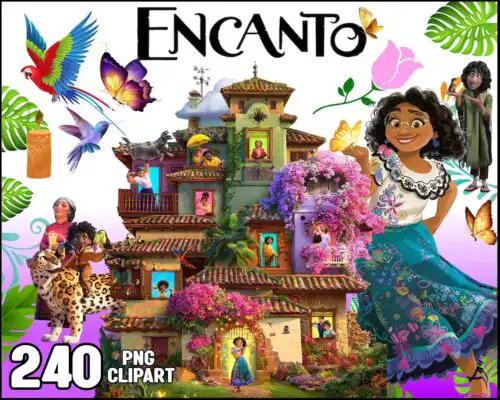
Encanto SVG files are cut and print designs inspired by the Encanto theme, provided as SVG, PNG (300 dpi transparent), DXF, EPS, and PDF for cut files and PNG for sublimation, used to make shirts, tumblers, birthday decorations, party favors, and stickers. These designs are united by that vibrant, magical-family look but vary widely across subjects and styles, which is why the set works year-round for so many projects. You will find bold single-color silhouettes for quick HTV, detailed layered lettering for birthdays, and full-color PNG artwork for sublimation and printable vinyl. They are made for home crafters, party decorators, and small shops who want a cohesive Encanto-inspired aesthetic without redrawing artwork.
Choosing the right design
Choose by end use first, then by layer count. For shirts and onesies, look for single-layer or 2-3 layer SVG designs with clean lines – they weed faster, press in one or two steps, and scale well. For tumblers, mugs and large signs, fuller PNG artwork or multi-layer SVGs fill the wrap without looking sparse. If you are new to layering, pick designs with fewer colors and a preview that shows each layer separated. Check the file list on each design before you cut: cut-file designs include SVG, PNG, DXF, EPS and PDF, while PNG-only designs are for sublimation and print-then-cut and will not include cut layers. For small items like party bags, avoid thin script and tiny dots under 0.25 inches.
Which Encanto SVG works best for shirts vs tumblers?
Use single-layer or low-layer SVG for shirts and full-color PNG for tumblers. Shirts need designs that weed and press quickly and survive wash after wash, so solid shapes and 2-color lettering win. Tumblers and mugs need 300 dpi transparent PNG that wraps around a 20oz skinny without pixelation. If you want the same art on both, choose a set that includes both an SVG cut file and a PNG sublimation version.
Encanto SVG vs png which should I use
Use SVG when you are cutting vinyl and PNG when you are printing. SVG, DXF, EPS and PDF are vector cut paths for Cricut Design Space and Silhouette Studio – you can resize infinitely and cut layers in different vinyl colors. PNG is a 300 dpi transparent raster for sublimation, DTF, or printable vinyl. Cut-file designs include both types; PNG-only designs are made for printing and do not include cut layers.
How to cut layered Encanto SVG on Cricut?
Cut layered versions by color in Cricut Design Space and press from back to front. Ungroup the file, hide all but one color, cut that color, then repeat for each layer. Use HTV with a carrier sheet, tack each layer for 2-3 seconds at 305-315F to hold it, then do a full 15-second press at the end. Mirror only when required for HTV, and weed small inner pieces with a fine hook before pressing.
How to size Encanto SVG for adult youth baby shirts?
Size adult chest designs at 10-11 inches wide, youth at 8-9 inches, and baby at 5-6 inches. For toddler tees and onesies, simplify to one layer or use the PNG print version to avoid tiny weeding. Test the width against the shirt with a paper template first. Keep at least 3 inches from the collar seam, and shrink intricate designs by 10% for stretch fabrics so thin lines do not crack.
It depends on the design. Cut-file designs include SVG plus PNG (300 dpi, transparent), DXF, EPS and PDF for compatibility with Cricut, Silhouette, ScanNCut, Illustrator and Inkscape. PNG-only designs are for sublimation, DTF and print-and-cut workflows and come as PNG (300 dpi, transparent background). Each design lists its exact included files, so check that list before you buy.
Will these work with my Cricut or Silhouette?
Yes. The SVG, DXF, PNG and PDF files work with Cricut Design Space, Silhouette Studio Designer Edition, Brother ScanNCut, Adobe Illustrator, Inkscape, CorelDRAW, Canva and Photoshop. PNG sublimation versions work with Epson and Sawgrass printers and DTF workflows. No extra software is needed beyond your machine's standard software.
Can I sell shirts I make with these Encanto SVG files?
Yes, under personal and small-business commercial use. You can sell finished physical items like shirts, tumblers, cards and party decor made with these designs. You cannot resell, share, or redistribute the digital files themselves as files, clipart, or bundle downloads. These designs are fan-inspired and not official or licensed merchandise.