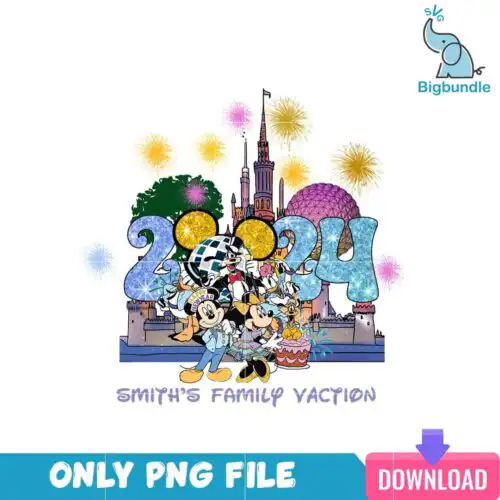
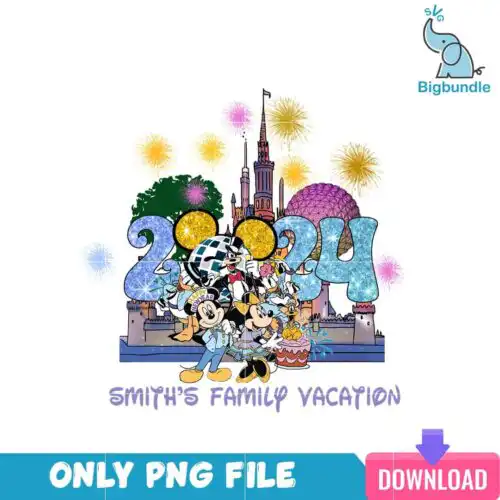
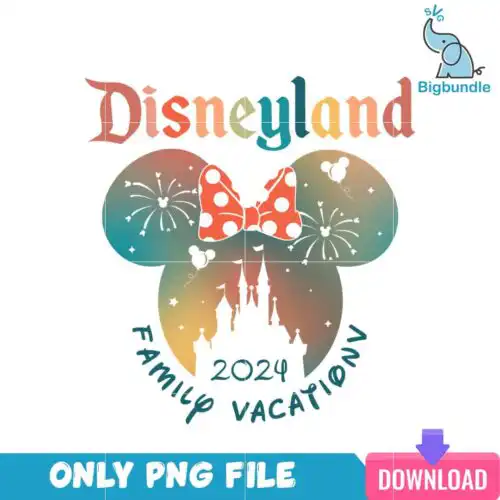
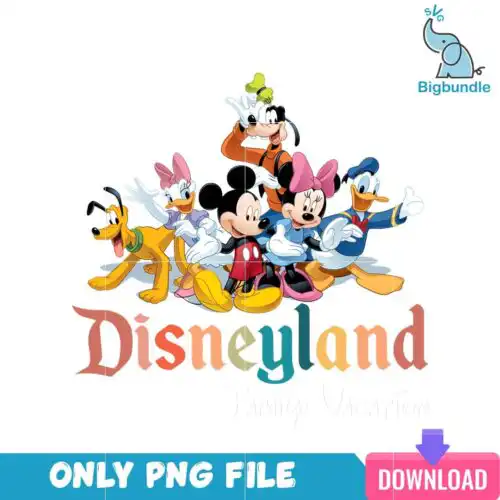
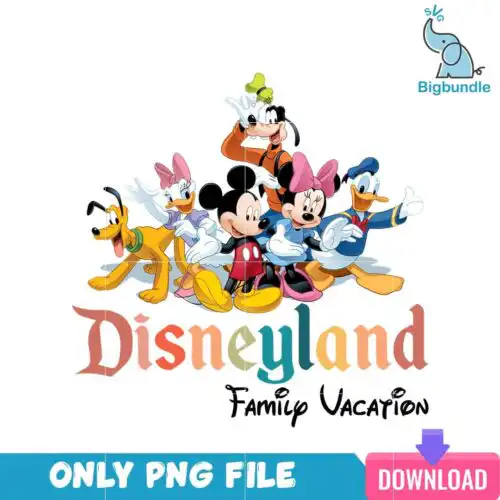
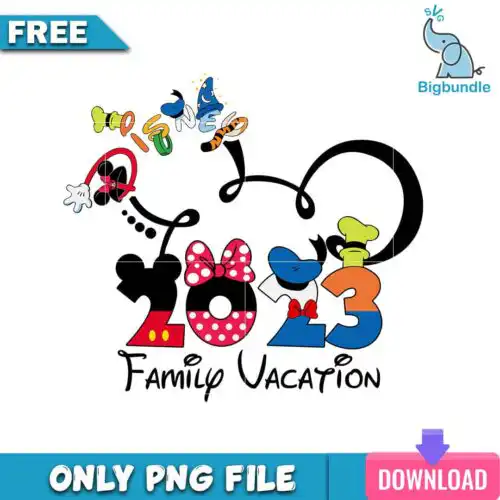
Family Vacation SVG files are cut and print graphics that come as SVG, PNG, DXF, EPS and PDF for making matching shirts, tumblers, tote bags and keepsakes. These designs are built around the idea of a group trip together, with year-round sayings, family silhouettes, travel icons, and coordinated text layouts that work for everyone in the crew. The styles are mixed so you can find clean single-color cuts, playful hand-lettered looks, and full-color art for sublimation. They are made for families who want the same look across adults, kids and grandparents without hunting for separate artwork.
Choosing the right design
Start with how you will make it. If you are cutting vinyl, choose single-layer or clean layered cut-file designs — they weed fast and press clean on cotton tees. If you are sublimating or doing DTF and print-and-cut, look for full-color PNG designs with transparent backgrounds. For small items like baby onesies, mugs and tumblers, pick bold, simple shapes and thicker lettering that stays readable at 3-4 inches wide. For large fronts and tote bags, you can use more detailed layouts with distressing or layered text. Before you buy, check each design design for its own file set — cut-file designs include SVG, PNG, DXF, EPS and PDF, while PNG-only designs are for sublimation and printing. Also check if it is single-color, layered, or color-printed so you know what press or blade setup you need.
Family Vacation SVG for shirts vs tumblers
Use vinyl cut versions for shirts and use full-color PNGs for tumblers and mugs. Shirts need clean edges that weed and press well, so single-color or layered SVG cut files work best. Tumblers, mugs and other curved sublimation blanks need a 300 dpi transparent PNG that wraps without gaps. If you want one design to do both, pick a design that offers both a cut file set and a high-res PNG in the design.
Family Vacation SVG vs png which should I use
Use SVG, DXF, EPS and PDF when you are cutting vinyl with a machine, and use PNG when you are printing. Cut files scale without losing quality and work in Cricut Design Space, Silhouette Studio, Brother ScanNCut and Illustrator. PNGs at 300 dpi with transparent backgrounds are for sublimation printers, DTF, print-and-cut and Canva or Photoshop. Listings tell you which you get — cut-file designs include SVG and friends, PNG-only designs are print-only.
How to size Family Vacation SVG for adult youth baby shirts?
Size adult fronts at 10 to 11 inches wide, youth at 8 to 9 inches, and baby or toddler at 5 to 6 inches wide. Keep the same design but shrink the scale proportionally so the whole family matches. For thin script or small dots, bump baby sizes up by 0.5 inch to keep weeding easy. Test with a paper template before cutting to make sure names or years stay legible.
Can you personalize Family Vacation SVG with names and year?
Yes, you can add names, year and location in your software before cutting or printing. Open the file in Cricut Design Space, Silhouette Studio, Illustrator, Inkscape or Canva, then add a text box with your family name or trip year and weld or group it with the art. Use a similar font weight so the add-on cuts cleanly. For PNG sublimation designs, add the text layer above the art and export as a single 300 dpi PNG for pressing.
It depends on the design. Cut-file designs include SVG, PNG at 300 dpi with transparent background, DXF, EPS and PDF for cutting and print-and-cut. PNG-only designs are made for sublimation, DTF and printing and come as a 300 dpi transparent PNG. Each design page lists its exact files, so check there before you cut or press.
Do these work with Cricut, Silhouette and sublimation printers?
Yes. The SVG, DXF, EPS, PDF and PNG cut files work with Cricut Design Space, Silhouette Studio Designer Edition, Brother ScanNCut, Adobe Illustrator, Inkscape and CorelDRAW. The 300 dpi PNGs work with sublimation printers like Epson and Sawgrass, DTF and print-and-cut workflows, plus Canva and Photoshop for mockups and extra personalization.
Can I sell shirts and gifts I make with these files?
Yes, for small-business use. You can sell finished physical items like shirts, tumblers, totes and signs you make with the files. The licence does not allow reselling, sharing or redistributing the digital files themselves as files, and you cannot claim to be official or licensed. Check each design for any extra notes about personal versus commercial use.
Instant Download Download immediately after successful payment
Secure Payment Experience 100% secure payments, ensuring your transactions are safe.
Outstanding Support Service beyond compare with our exceptional team.
Premium Quality We are meticulous in every detail, ensuring unparalleled excellence.