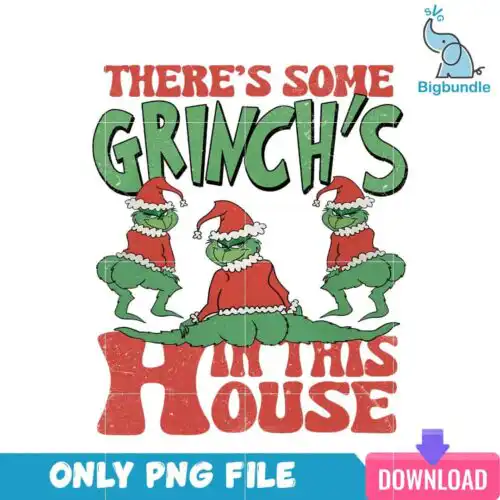
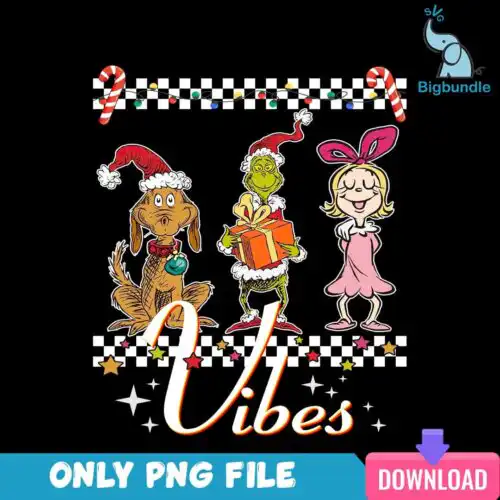
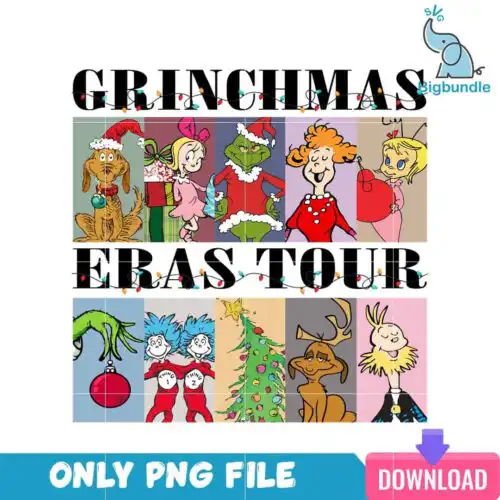
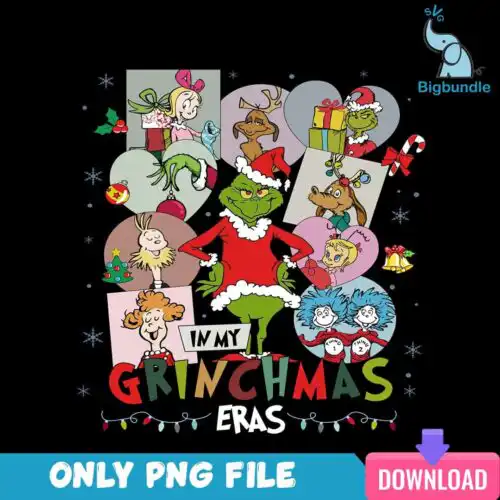
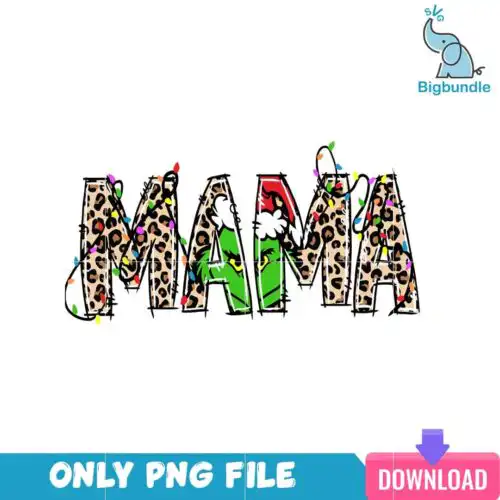
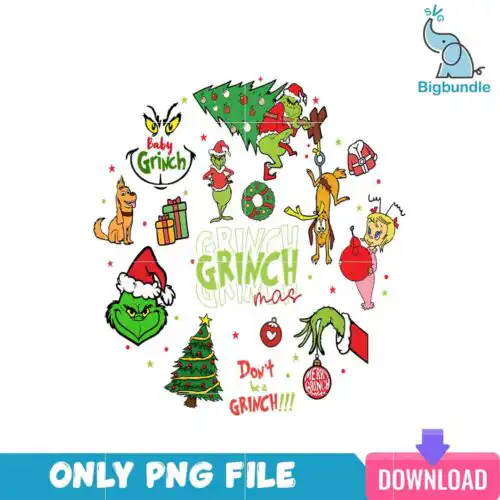
Dive into the festive fun with these Grinchmas SVG files, perfect for adding a touch of mischievous charm to your holiday crafts. These versatile designs, available in SVG, PNG, DXF, and EPS formats for cutting and transparent PNG for sublimation, allow you to create unique apparel, home decor, and gifts featuring the iconic green character, his loyal dog, and various Christmas elements. Whether you're crafting for yourself or creating items for your small business, you'll find inspiration to make your Grinchmas truly special.
Choosing the right design
Choosing the perfect Grinchmas design depends on your project and desired aesthetic. Consider single-layer designs for quick projects or intricate layered SVG files for depth and detail on larger items like tote bags and wall art. Distressed and retro styles offer a vintage feel, while cartoon and flat designs provide a classic look. For small items like mugs or ornaments, simpler designs with clear lines work best. Always check the file description for included formats and ensure your chosen design's complexity matches your crafting skill level before you begin cutting or printing.
Which Grinchmas SVG designs are best for shirts vs. tumblers?
For shirts, choose larger, more detailed Grinchmas SVG designs that can be easily seen and appreciated. For tumblers and mugs, simpler, more compact designs or those with prominent quotes tend to work best due to the smaller and often curved surface area. Look for designs that maintain clarity even when scaled down, ensuring your project looks professional.
How do I choose between Grinchmas SVG and PNG files?
Choose Grinchmas SVG files for cutting machines like Cricut and Silhouette when you need crisp lines and resizable graphics without quality loss. Opt for PNG files when you are doing sublimation, print-and-cut projects, or digital designs where a transparent background is key. Each design listing specifies which file formats are included for your convenience.
How can I cut layered Grinchmas SVG designs with Cricut?
To cut layered Grinchmas SVG designs with Cricut, upload the SVG to Design Space, then ungroup the layers to see each color or element individually. You will then send each layer to your machine to be cut from different colors of vinyl or cardstock. After cutting, carefully layer them using transfer tape to create the complete design on your chosen blank.
Can I use these Grinchmas SVG files for sublimation printing?
Yes, many Grinchmas designs include high-resolution PNG files with transparent backgrounds, which are ideal for sublimation printing. Sublimation allows you to create vibrant, permanent designs on compatible blanks like tumblers, shirts, and mugs. Always confirm that the specific design you choose offers a PNG format suitable for your sublimation workflow.
What file formats are included with these Grinchmas designs?
Our Grinchmas designs typically include SVG, PNG (300 dpi, transparent background), DXF, and EPS formats for cut-file listings. PNG-only listings are specifically for sublimation and printing. Each individual design clearly states which file formats are available for download, so you can choose what best suits your crafting needs.
Which cutting machines are compatible with Grinchmas SVG files?
These Grinchmas SVG files are compatible with popular cutting machines like Cricut Design Space, Silhouette Studio (Designer Edition), and Brother ScanNCut. They also work with graphic design software such as Adobe Illustrator, Inkscape, and CorelDRAW, giving you flexibility for various crafting projects and workflows.
What is the usage license for these Grinchmas designs?
All Grinchmas designs come with a license for personal and small-business commercial use. This means you can create and sell finished physical items, such as t-shirts, mugs, or signs. However, the license does not permit reselling or redistributing the digital files themselves in any format.