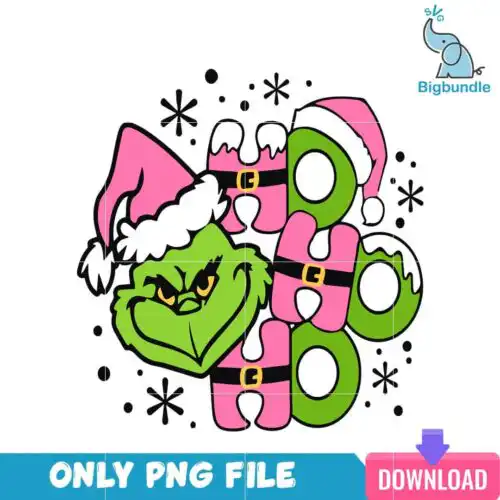
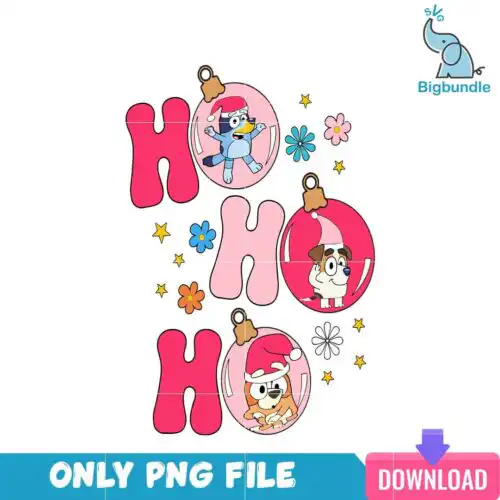
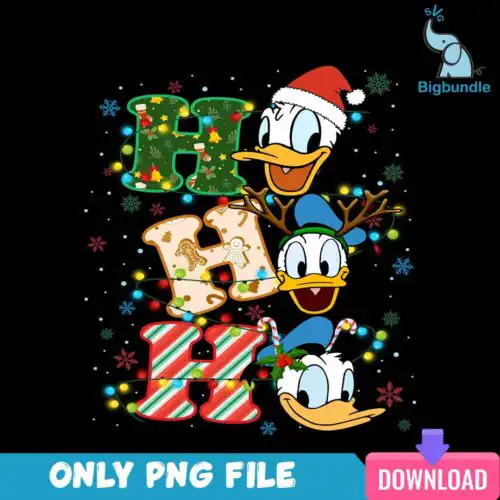
Ho Ho Ho SVG files are Christmas designs with festive ho ho ho lettering and characters like the Grinch and holiday pups, available as cut-file designs with SVG, PNG, DXF, EPS, PDF and as PNG-only sublimation files for shirts, mugs, tumblers, cards and party decor. These designs are united by that classic laugh, plus ornaments, baubles and Santa hats, all drawn in cartoon and flat styles that cut clean and print bright. They are made for anyone decorating for Christmas, from family matching shirts and baby onesies to dog bandanas, ornaments, gift bags and market stall stock.
Choosing the right design
Look for how these ho ho ho designs are built before you buy. Layered cut-file versions let you cut each color separately in vinyl, which is great for bold shirts, tote bags and signs where you want texture. Flat single-color versions are faster to weed and better for small items like ornaments, baby shirts, mugs and left-chest logos. Cartoon characters with lots of detail shine larger on sweatshirts and tumblers, while simpler lettering with ornaments reads well at 3 to 4 inches. Check each design for its file set, because cut-file designs include SVG, PNG, DXF, EPS and PDF, while PNG-only designs are 300 dpi transparent for sublimation and print-and-cut. Always mirror for HTV and size a test cut first.
Ho Ho Ho SVG for shirts vs mugs and tumblers
Shirts want bolder, layered versions and mug and tumbler wraps want simpler, single-layer art. For shirts, pick the cartoon poses with thick outlines that survive weeding and washing, and size the laugh to span the chest. For mugs, tumblers and ornaments, choose flat ho ho ho designs with ornaments that read at 2.5 to 4 inches and have less tiny interior cuts, so they wrap without lifting.
Should I use svg or png for ho ho ho designs?
Use SVG when you are cutting vinyl and PNG when you are printing. SVG cut-file designs include SVG, DXF, EPS, PDF and a PNG, so you can cut layered colors on a Cricut or Silhouette. PNG-only designs are 300 dpi with a transparent background for sublimation, DTF and direct print on light and dark blanks. Each design lists exactly what files it includes, so check before you cut or press.
How to cut layered Ho Ho Ho SVG on Cricut?
Layered ho ho ho designs cut best when you ungroup by color and cut one color at a time. Import the SVG into Cricut Design Space or Silhouette Studio, check the size for your blank, turn on mirror for HTV, and weed the small ornament and letter centers first. Press or layer from the bottom up, using parchment between layers, so the cartoon faces and baubles stay aligned and the text stays crisp.
What size should Ho Ho Ho SVG be for adult youth baby shirts?
Size by chest width, not just height. For these cartoon and flat ho ho ho designs, use 10 to 11 inches wide for adult unisex, 8 to 9 inches for youth, 5 to 6 inches for toddler and 3.5 to 4.5 inches for baby onesies. If the design has the Grinch with a hat and lots of ornaments, go a half-inch larger so tiny cuts don't get lost, and run a small test cut first.
It depends on the design. Cut-file designs include SVG, PNG at 300 dpi with transparent background, DXF, EPS and PDF and work with Cricut Design Space, Silhouette Studio, Brother ScanNCut, Illustrator and Inkscape. PNG-only designs are 300 dpi transparent PNGs made for sublimation, DTF and print-and-cut in Canva or Photoshop. Each product page lists its exact files.
Will these work with my Cricut and sublimation printer?
Yes. SVG, DXF and EPS cut on Cricut, Silhouette, ScanNCut and laser cutters, while the included 300 dpi PNGs print on sublimation printers like Epson and Sawgrass, DTF workflows and any inkjet for printable vinyl. You can cut vinyl and also print the same look for mugs and tumblers if the design includes both file types.
Can I sell shirts and mugs I make with these ho ho ho designs?
Yes, for small-business commercial use. You can sell finished physical items you make, like shirts, mugs, tumblers, cards and ornaments. You cannot resell, share or redistribute the digital files themselves as files, and you cannot claim the artwork as your own. The design does not grant an official or licensed brand affiliation.