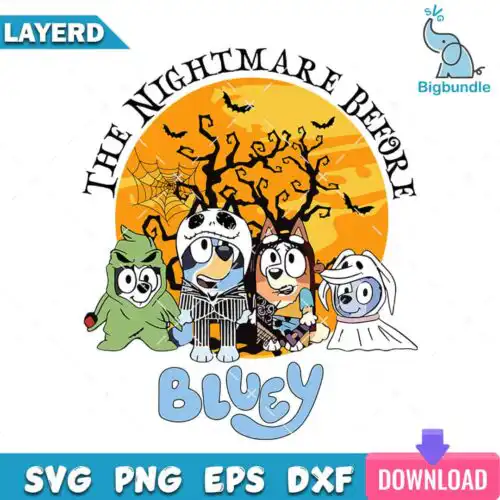
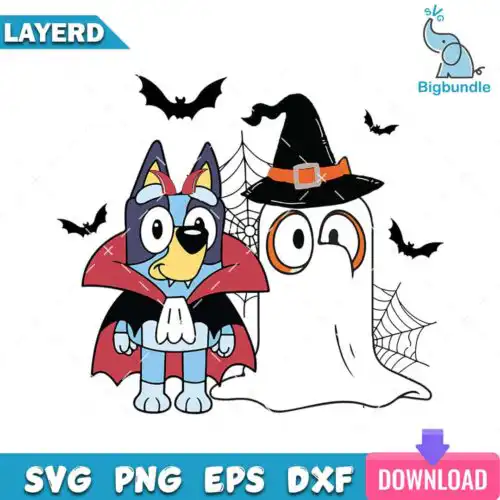
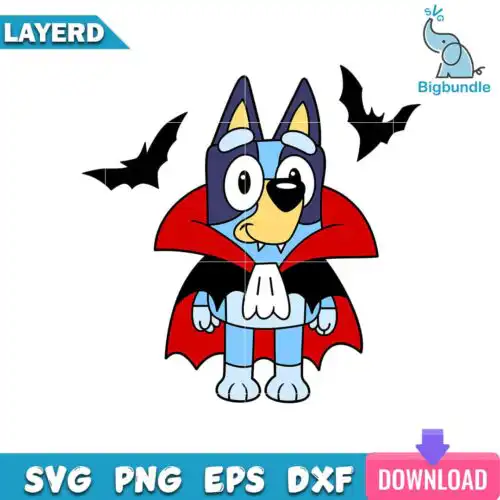
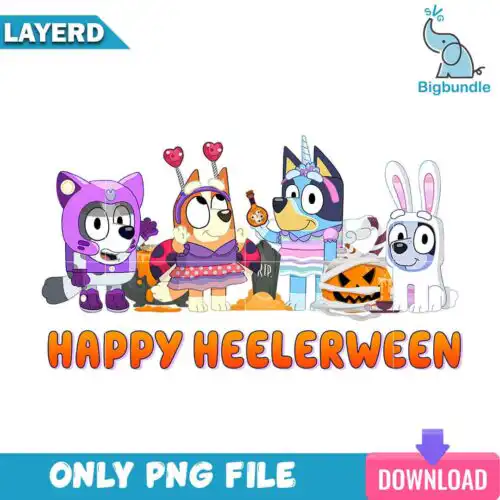
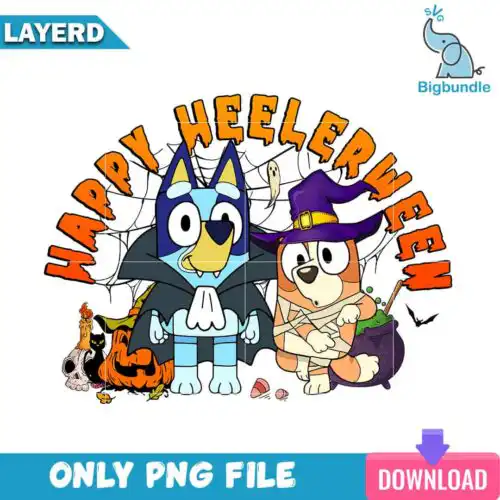
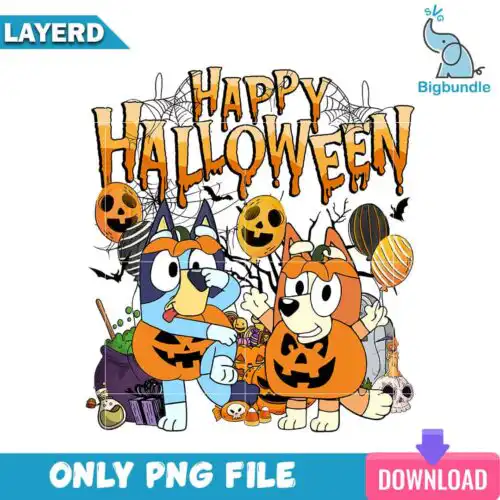
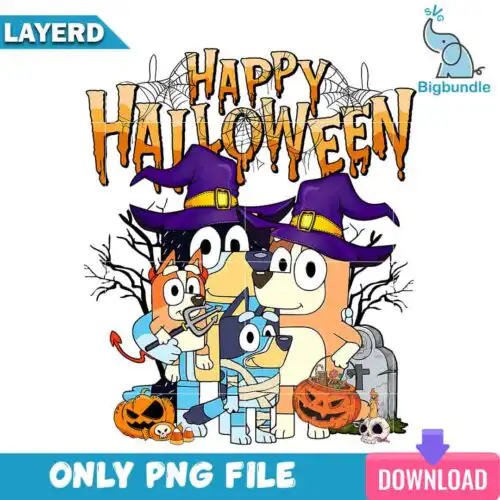
Bluey Halloween SVG files are cut and print designs featuring Bluey characters in Halloween looks, sold as cut-file designs with SVG, PNG (300 dpi, transparent), DXF, EPS, PDF and as sublimation designs with PNG (300 dpi, transparent background), made for shirts, baby onesies, tote bags, tumblers, mugs, stickers and party decor. These designs bring together mixed subjects and mixed styles so you can match everything from cute trick-or-treat looks to funny family costumes. They are made for crafters, parents and small shops creating finished physical products with Cricut Design Space, Silhouette Studio, sublimation printers and other print-and-cut workflows. Each design lists its own included files.
Choosing the right design
These are single designs, not bundles, so you can pick exactly the look you need. If you cut vinyl, look for cut-file designs that include SVG, DXF and EPS for layered cutting. Single-color or distressed versions cut faster, weed easier and hold up better on small items like baby shirts and mugs. Detailed layered versions with costumes and text look best larger on adult shirts and tote bags. If you print, PNG-only designs are made for sublimation and DTF and give you smooth color without layering. Before you buy, check the file list on the design, think about your blank color, and size your art — scale up for hoodies, scale down and simplify for tumblers, and test cut intricate lines at your final size.
Bluey Halloween SVG for shirts or tumblers
Both work, but choose the style to match the blank. For shirts and sweatshirts you can use layered cut-file versions or printable PNGs and size them bigger for chest prints. For tumblers, mugs and small cups, pick simpler silhouettes with fewer tiny details so the design wraps and weeds cleanly. Cut-file designs include SVG, PNG, DXF, EPS, PDF; PNG-only designs are for sublimation and printing, and each design lists its own files.
Bluey Halloween SVG vs png which should I use
Use SVG for vinyl and use PNG for printing. SVG, DXF and EPS are for cutting with Cricut, Silhouette, Brother ScanNCut, Illustrator, Inkscape and CorelDRAW. PNG at 300 dpi with a transparent background is for sublimation printers, DTF, print-and-cut, Photoshop and Canva. These designs are mixed, so some are cut-file designs with SVG and some are PNG-only for sublimation. Always check the file list on the design you like.
How to layer Bluey Halloween SVG on Cricut?
Layer by color from the bottom up and press or stick one layer at a time. Ungroup the SVG in Cricut Design Space or Silhouette Studio, cut each color on heat-transfer vinyl, weed, then layer and press with low tack. For multi-layer Halloween art, add a slight offset to the bottom layer and use registration marks to align. If the artwork has many small pieces, use the PNG version for print-then-cut instead of vinyl layering.
What size should Bluey Halloween SVG be for shirts?
Use 10 to 11 inches wide for adult shirts, 8 to 9 inches for youth, and 5 to 6 inches for baby onesies. Size up by 0.5 inch for oversized and hoodies, size down for pocket prints and tumblers. Keep small costume details at least 0.25 inch thick so they cut and weed reliably, and test your size on paper before cutting vinyl. Sublimation PNGs can be resized freely without losing quality at 300 dpi.
It depends on the design type. Cut-file designs include SVG, PNG (300 dpi, transparent), DXF, EPS and PDF for cutting and printing. PNG-only designs come as PNG (300 dpi, transparent background) for sublimation, DTF and print-and-cut. Each design page lists exactly what is included, so check there before you make.
Do these work with Cricut and Silhouette?
Yes. Cut-file versions work with Cricut Design Space, Silhouette Studio Designer Edition, Brother ScanNCut, Adobe Illustrator, Inkscape and CorelDRAW. PNG versions work with sublimation printers including Epson and Sawgrass, DTF and print-and-cut workflows, plus Canva and Photoshop.
Can I sell what I make with these files?
Yes, under personal and small-business commercial use. You can sell finished physical items like shirts, mugs, tumblers and decor that you make yourself. You cannot resell, share or redistribute the digital files themselves as files or as part of another digital product.