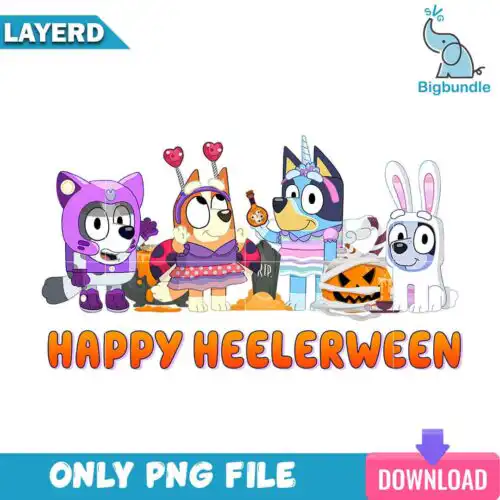
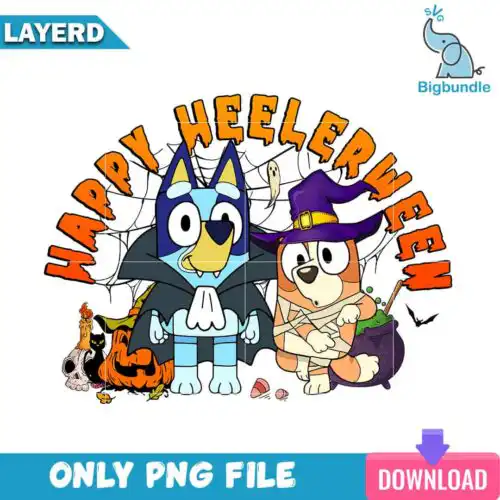
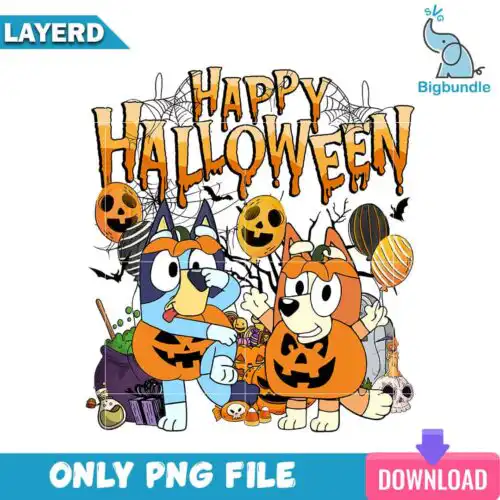
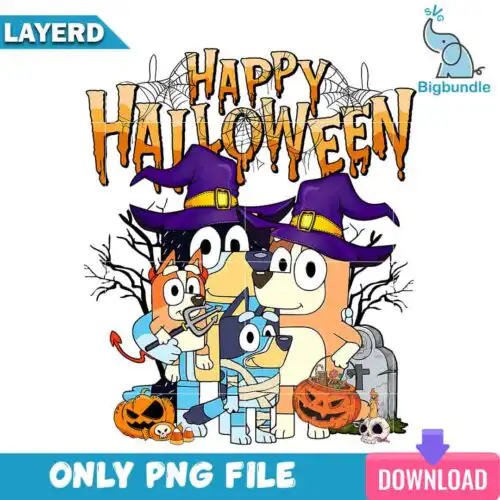
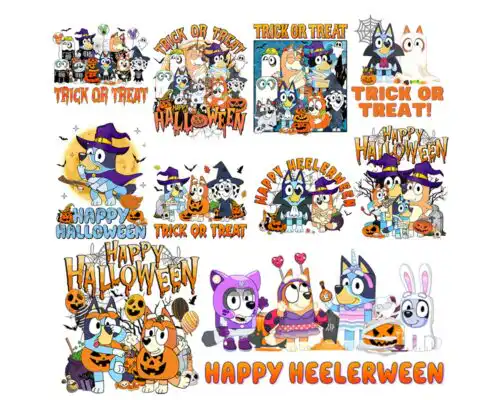
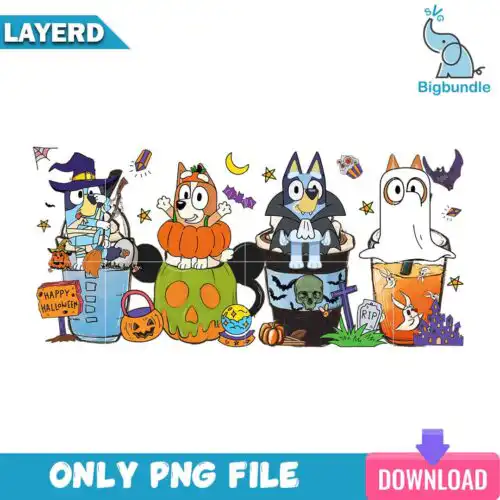
Happy Halloween SVG files are cut-ready and print-ready designs, with cut-file options that include SVG, PNG, DXF, EPS and PDF and PNG-only options that are 300 dpi transparent files for sublimation, made for shirts, tote bags, mugs, tumblers, signs and party decor. These designs share the same cheerful Halloween wording but come in mixed subjects and mixed styles, so you get everything from cute and funny to vintage and spooky in one place. They are built for year-round crafting, whether you are stocking a shop, making family matching tees, or prepping market inventory. Each design notes its own included files, so you can pick exactly what your machine and press need.
Choosing the right design
Choosing comes down to how you want to make it. Single-layer designs cut fastest and weed easiest, which makes them perfect for bulk shirts, small chest logos, baby onesies and everyday mugs. Layered versions give you that stacked color look for larger front-of-shirt graphics, wood signs and door hangers, but plan your colors and press order before you start. For tiny items like 12oz tumblers, hat patches or left-chest designs, look for bolder lettering and simpler shapes that stay readable at 3 to 4 inches wide. Fine distressing and thin script looks best scaled large. Before cutting, check each design's file list, mirror for HTV, test your material settings, and size to your blank so the wording stays legible.
Happy Halloween SVG for shirts or tumblers which is better
Both work, pick by size and method. For shirts, choose bolder, single-layer lettering that weeds fast and stays readable across adult, youth and baby sizes. For tumblers and mugs, pick compact layouts with tighter spacing and fewer tiny pieces so they wrap cleanly. Cut-file options handle vinyl, sublimation PNGs handle full-color mugs and skinny tumblers without layering.
Do I need svg or png for Happy Halloween SVG?
You need SVG for vinyl and PNG for sublimation. Cut-file designs in this group include SVG, PNG, DXF, EPS and PDF for Cricut, Silhouette and other cutters, while PNG-only designs are 300 dpi transparent files made for sublimation and DTF or print-and-cut. If you cut vinyl, use the SVG. If you press mugs, tumblers or all-over prints, use the transparent PNG. Each design lists its own files.
How to cut layered Happy Halloween SVG with Cricut?
Layered versions are cut color by color. Upload the SVG to Cricut Design Space or Silhouette Studio Designer Edition, ungroup by color, mirror only if using HTV, and cut each layer on its matching vinyl. Weed, then press or layer from the bottom up, tacking each layer for a few seconds. Use a Teflon sheet between presses and keep fine details above 0.25 inches to avoid lifting.
What size should Happy Halloween SVG be for shirts?
Use 10 to 11 inches wide for adult shirts, 8 to 9 inches for youth, and 5 to 6 inches for baby and toddler. For pocket or left-chest, keep it at 3.5 to 4 inches. Size down 0.5 inches for fitted tees and up for oversized sweats. Always measure your actual blank and do a quick test cut of the word Happy to check spacing before cutting the full stack.
Cut-file designs include SVG plus PNG, DXF, EPS and PDF, all ready for cutting and printing. PNG sublimation designs are PNG only at 300 dpi with a transparent background. Every design page lists exactly what is included, so check there before you buy.
Will these work with my Cricut and Silhouette?
Yes. Cut-file options work with Cricut Design Space, Silhouette Studio Designer Edition, Brother ScanNCut, Adobe Illustrator, Inkscape, CorelDRAW, Canva and Adobe Photoshop. PNG-only files work with sublimation printers like Epson and Sawgrass, DTF and print-and-cut workflows. Pick the file that matches your process.
Can I sell what I make with them?
Yes for physical finished items. The licence covers personal and small-business commercial use to sell shirts, mugs, tumblers, signs and other handmade products you create. You may not resell, share or redistribute the digital files themselves as-is or as part of another digital set.