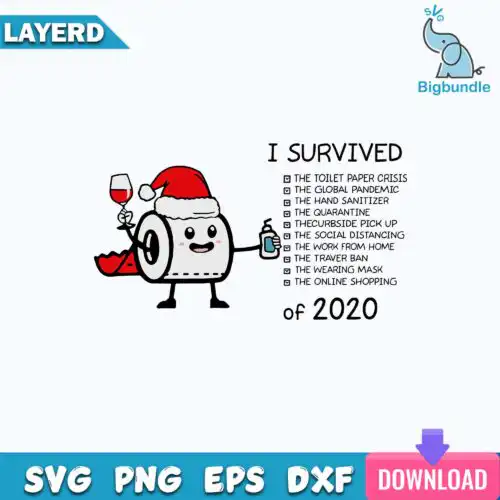
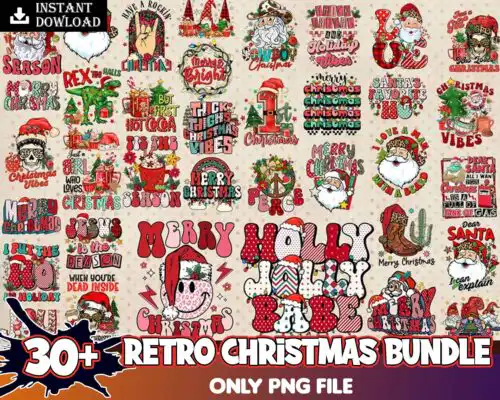
Happy New Year SVG files are cut and print-ready artwork, usually sold as cut-file sets that include SVG, PNG, DXF, EPS and PDF or as PNG-only 300 dpi files with transparent backgrounds for sublimation, used to make shirts, tumblers, mugs, cards, signs and party decor. These designs are united by New Year lettering, numbers, and festive icons in mixed subjects and mixed styles, so you get both clean single-color cuts and detailed full-color prints. They are made for makers who sell or gift year-round celebration items, from family shirts and kids tees to champagne glasses, invitations and photo props. Each design lists its own included files, so you can pick cut-file or print-only versions.
Choosing the right design
Start with how you will make it. If you cut vinyl, choose layered or single-layer cut-file designs that include SVG, DXF, EPS and PNG – single-layer weedes faster and works small, layered gives you color without printing. If you sublimate or DTF, pick the PNG-only designs at 300 dpi with transparent background. Think about scale: bold block lettering and simple silhouettes stay readable on baby onesies, ornaments and tumbler decals, while detailed lettering with glitter textures, disco elements or illustrated characters needs a larger shirt front or sign to keep fine lines intact. Before you buy, check the design for file types, whether it is mirrored for sublimation, and if layers are separated by color for Cricut Design Space or Silhouette Studio.
What Happy New Year SVG works best for shirts vs tumblers?
Shirts need bold, wider lettering and mugs or tumblers need compact, taller designs. For adult and youth shirts, look for horizontal layouts with thick lines that hold up after washing and pressing. For skinny tumblers, mugs and champagne flutes, choose stacked or arched versions with less fine detail so you can size down to 2-3 inches without losing letters.
Happy New Year SVG vs png which should I use
Use SVG for vinyl and use PNG for sublimation and print. Cut-file designs include SVG, PNG, DXF, EPS and PDF and are for Cricut, Silhouette, ScanNCut and laser, while PNG-only designs are 300 dpi with transparent backgrounds for Epson, Sawgrass, DTF and Canva printing. Each design lists its own files, so check if you need cutting or printing.
How to cut layered Happy New Year SVG on Cricut?
Cut layered versions by color and press from the bottom up. In Cricut Design Space, ungroup the layers, hide or isolate by color, cut each color on its matching vinyl, then weed and use a carrier sheet to align. Press the base layer first for 2-3 seconds to tack, then add top layers, using parchment and low pressure so small dots and thin script do not shift.
What size should Happy New Year SVG be for adult shirts?
Make adult designs 10 to 11.5 inches wide for a full front. That size keeps New Year lettering readable and prevents thin lines from cracking. For youth, use 8 to 9 inches, for toddler and baby use 5 to 6 inches, and for pocket or chest logos scale to 3.5 to 4 inches and choose a single-layer or bold style so small letters do not peel.
What files come with these Happy New Year SVG designs?
It depends on the design type. Cut-file designs include SVG, PNG at 300 dpi transparent, DXF, EPS and PDF for cutting and printing. PNG-only sublimation designs include a 300 dpi transparent PNG for printers, DTF and Canva. Every design lists exactly what is included, so check the file list before choosing.
Will these work with Cricut and Silhouette?
Yes. Cut-file designs work with Cricut Design Space, Silhouette Studio Designer Edition, Brother ScanNCut, Illustrator, Inkscape and CorelDRAW. PNG designs work with sublimation printers, DTF and print-and-cut workflows, plus Canva and Photoshop for cards and party prints.
Can I sell what I make with these files?
Yes, for personal and small-business commercial use. You can sell finished physical items like shirts, tumblers, mugs, signs and cards. You cannot resell, share or redistribute the digital files themselves as files or as part of a bundle.