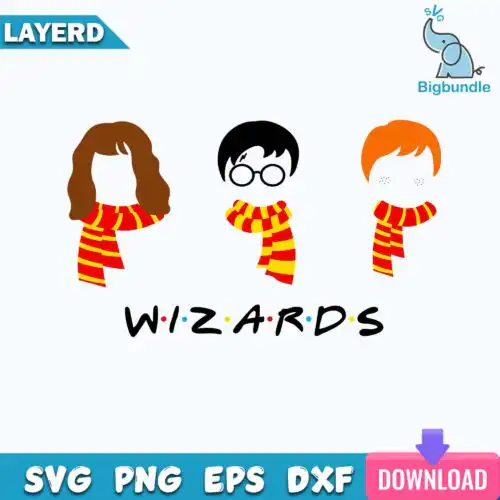
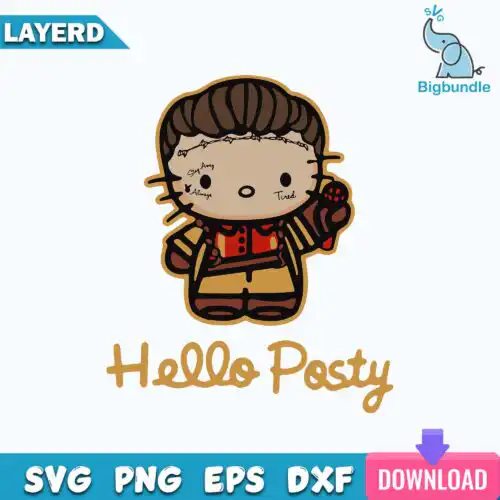
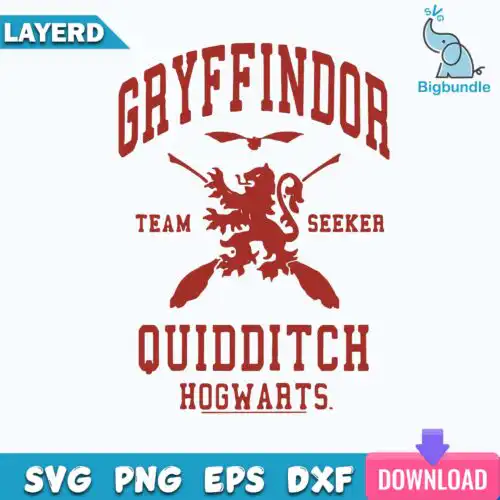
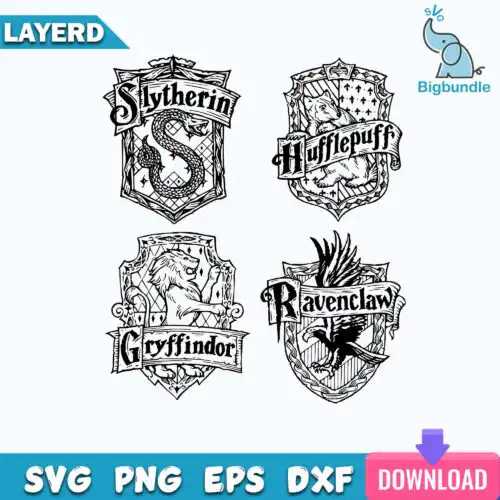
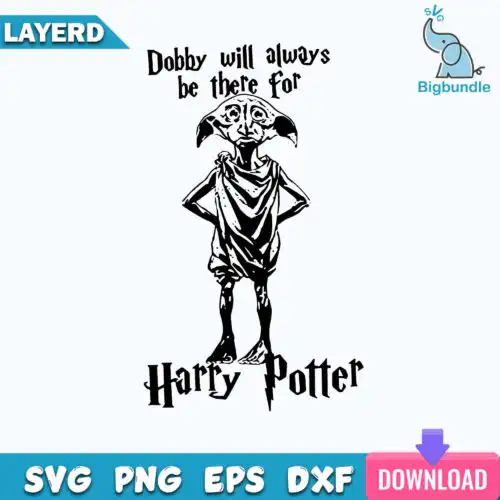
Harry Potter SVG files are cut and print designs that come as SVG, PNG, DXF, EPS and PDF, made for shirts, tumblers, mugs, tote bags, signs and party decor. These designs share the same wizard-inspired world but cover mixed subjects and mixed styles, so you will find cute chibi looks, bold distressed graphics, layered lettering and silhouette cuts all in one place. They are built for year-round crafting — everyday wear, birthdays, holidays and gifts — not just one season. Each design shows its included files, so you know whether you are getting a full cut-file set or a PNG-only design for sublimation and print.
Choosing the right design
Choosing between these designs comes down to how you will use them. If you work with heat-transfer vinyl, look for layered designs with separate colors you can weed and press one at a time; single-layer designs cut faster and work better for small decals, onesies and chest logos. Bold, chunky shapes hold up on tumblers and mugs where detail gets lost, while fine-line and cute styles shine on larger surfaces like tote bags and shirts. Always check what files are included — cut-file designs include SVG, PNG, DXF, EPS and PDF, while PNG-only designs are 300 dpi with transparent background for sublimation and DTF. Before you cut, mirror for HTV, test size on cardstock, and keep layered versions under 11.5 inches wide for standard mats.
Harry Potter SVG for shirts vs tumblers
Use bold, single-color silhouettes or distressed graphics for tumblers and mugs, and use layered or cute designs with more detail for shirts. Tumblers need simple weeding and designs that wrap without tiny pieces lifting, while shirts can handle layered lettering and small accents. If you do 20oz skinny tumblers, size to about 9.3 x 8.2 inches and pick PNG for sublimation or single-layer SVG for vinyl.
Do I need svg or png for harry potter designs?
You need SVG for vinyl cutting and PNG for sublimation and printing. SVG cut files let Cricut and Silhouette cut clean lines in vinyl, cardstock and HTV, and they include DXF, EPS and PDF. PNG is a 300 dpi transparent image for sublimation tumblers, mugs, DTF and print-and-cut. Each design lists its own files, so cut-file designs have SVG, PNG, DXF, EPS and PDF, while PNG-only designs are for printing.
How to cut layered Harry Potter SVG on Cricut?
Layered Harry Potter SVG files cut best when you ungroup in Cricut Design Space and cut color by color. Import the SVG, keep the layers sized together, mirror the HTV layers, and cut on the correct material setting. Press the base layer for 2-3 seconds to tack it, then add the next layers and do a full press. For small items like baby shirts, hide tiny inner layers to simplify weeding.
What size should Harry Potter SVG be for shirts?
For adult shirts, make Harry Potter SVG designs 9 to 11 inches wide, for youth 7 to 8.5 inches, and for baby onesies 4.5 to 5.5 inches. Keep the design centered and leave an inch from the collar. If the design has fine lettering or cute small details, go slightly larger so it weeds cleanly and does not peel. Always do a test cut or measure against the shirt before pressing.
What file formats come with Harry Potter SVG designs?
It depends on the design type. SVG cut-file designs include SVG, PNG (300 dpi, transparent), DXF, EPS and PDF for cutting machines and vector software. PNG sublimation designs are PNG only at 300 dpi with transparent background for sublimation, DTF and print-and-cut. Each product description lists exactly what is included, so check there before buying.
Will these work with Cricut and Silhouette?
Yes. The cut files work with Cricut Design Space, Silhouette Studio Designer Edition, Brother ScanNCut, Adobe Illustrator, Inkscape, CorelDRAW, Canva and Photoshop. PNG designs also work with sublimation printers like Epson and Sawgrass and with DTF workflows. All designs are for personal and small-business commercial use to make finished physical items, not to resell the files.
Are layered or single-layer designs better?
Layered versions give you separate colors for multi-color vinyl shirts and signs, while single-layer versions are faster to cut and weed for decals, mugs and small gifts. Mixed styles are included here, so you can pick based on project size and material. If you are new to layering, start with a two-color design and work up to more complex stacks.