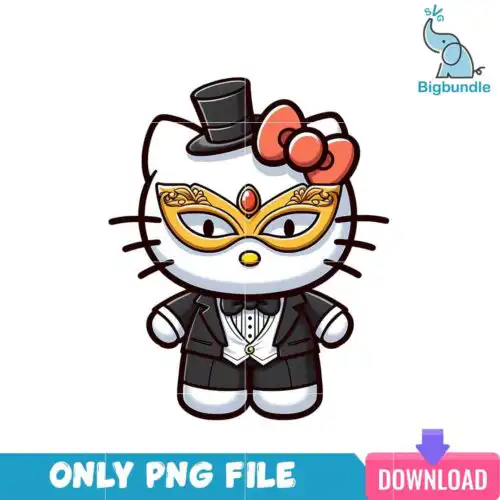
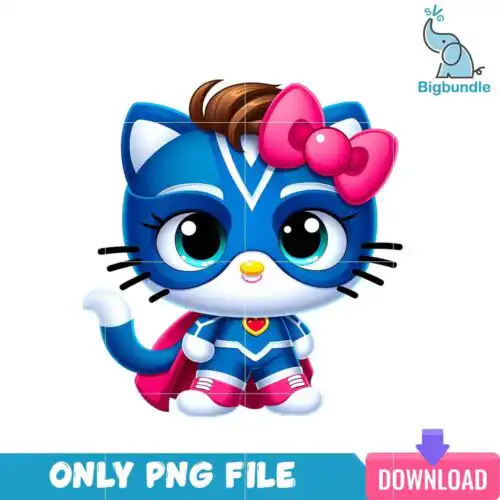
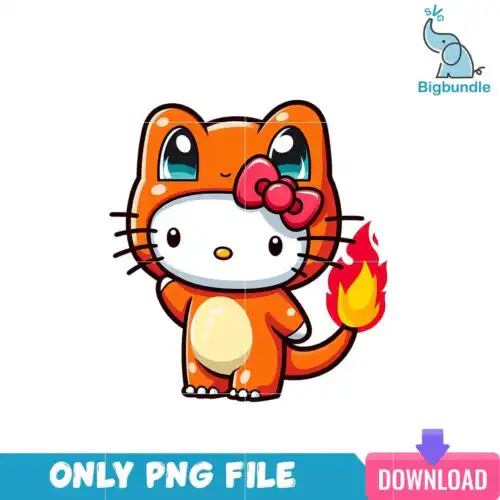
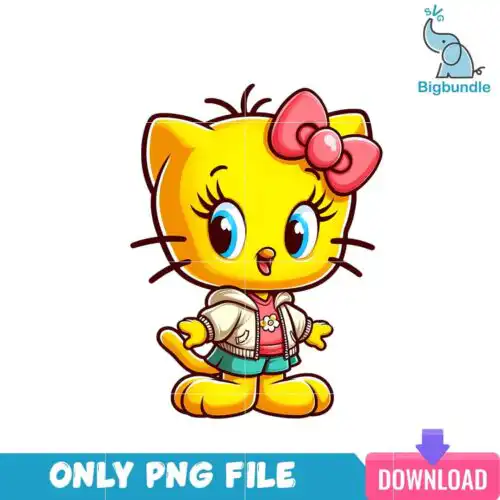
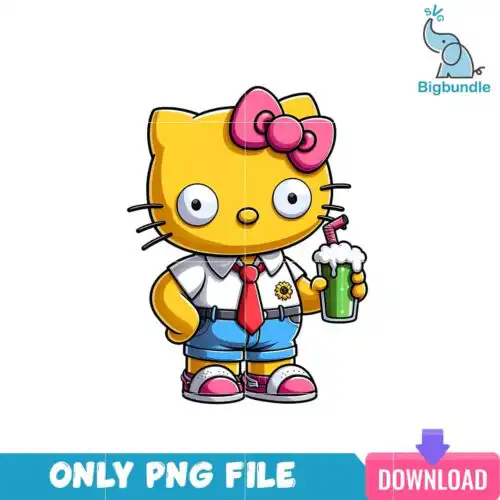
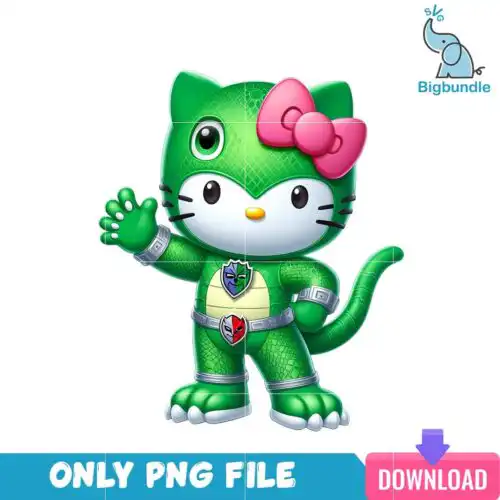
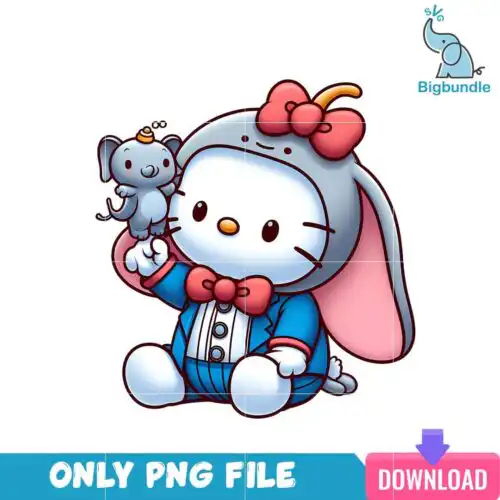
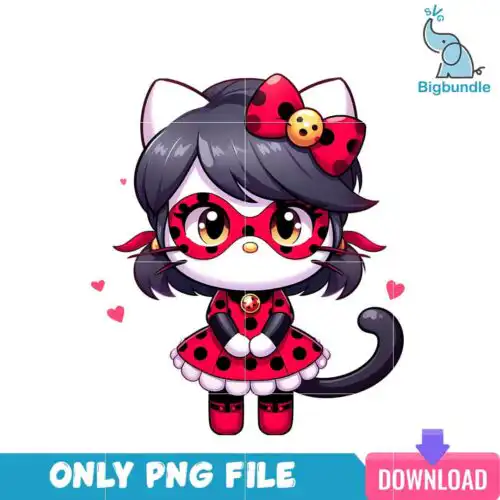
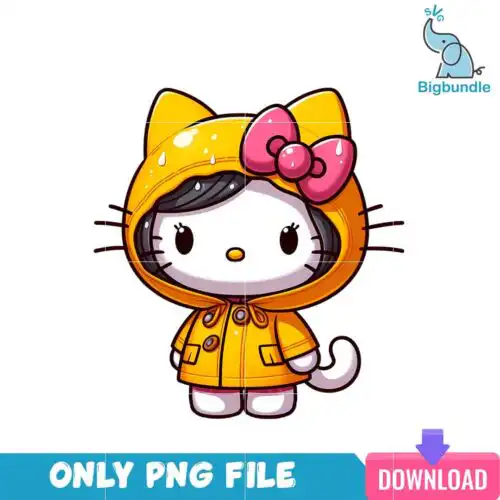
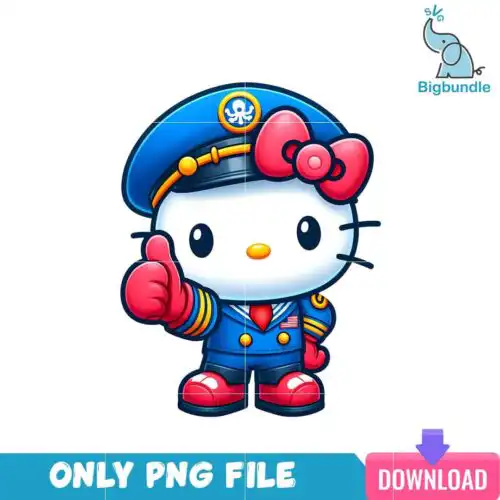
Hello Kitty SVG files are cartoon, flat-style cut and print graphics that typically include SVG, PNG, DXF, EPS and PDF, made for shirts, mugs, tumblers, birthday decor and Christmas gifts. These designs are united by a soft, kawaii look – a cartoon character in a green furry costume with a red bow, cute stylized cat-like characters with long hair in winter and Christmas outfits, and cat characters in various poses surrounded by sparkling elements. They work best for makers creating birthday outfits, Christmas family shirts, kids party favors, cups and stickers. Cut-file options include SVG, PNG, DXF, EPS and PDF, while PNG-only options are for sublimation and printing, and each design lists its own included files.
Choosing the right design
Start by deciding how you want to make it. Choose layered cut-file options when you want to cut vinyl in colors for shirts or tote bags, and choose PNG options when you want to print or sublimate the whole image without weeding. For small items like mugs, baby onesies and left-chest logos, flat single-color or simple two-color versions stay readable and press clean. For large items like adult tees, hoodies and tote bags, go for the sparkling, full-scene poses and winter and Christmas outfits that fill the space. Before you cut, check if the artwork is grouped by color, whether any tiny bow or sparkle pieces need to be sized up, and whether a contour or offset version is included for easier layering.
What size Hello Kitty SVG for shirts vs mugs?
Use 10 to 12 inches wide for adult shirts, 7 to 9 inches for youth and 5 to 6 inches for baby, and 3 to 3.5 inches tall for mugs and tumblers. These flat cartoon designs scale well, but keep the bow, whiskers and sparkle elements above 0.25 inch so they do not get lost when weeding. For tumblers, size by the wrap height and leave a little bleed for the seam.
Hello Kitty SVG or png for sublimation
Use PNG for sublimation and SVG for vinyl. PNG at 300 dpi with a transparent background gives you the soft shading and glitter that sublimation needs, while SVG is for cutting solid colors. Cut-file designs include SVG, PNG, DXF, EPS and PDF, and PNG-only designs are for sublimation and DTF print-and-cut, so check the file list on each design before you buy.
How to cut layered Hello Kitty SVG on Cricut?
Cut layered versions by color and press from the bottom layer up. In Cricut Design Space, ungroup the SVG, assign each layer by color, mirror only for HTV, and cut on the right material setting. Press the base layer for 3 to 5 seconds to tack, then add the bow, outfit and sparkle layers with parchment in between, finishing with a full press. Use a weeding box around tiny pieces.
How to add name to Hello Kitty SVG?
Add a name by placing text under or inside the design using a matching rounded font. Keep the name in a solid flat style to match these cartoon, flat designs, and use an offset around the letters so it stands out on shirts and birthday decor. For Christmas versions, try a curved text path below the character and weld the text before cutting or printing.
It depends on the design type. Cut-file designs include SVG, PNG (300 dpi, transparent), DXF, EPS and PDF, and are made for Cricut Design Space, Silhouette Studio Designer Edition, Brother ScanNCut, Illustrator, Inkscape, CorelDRAW and Canva. PNG-only designs are 300 dpi transparent PNG for sublimation printers, DTF and print-and-cut in Photoshop and similar apps. Each design lists its own included files.
Will these work with my Cricut and Silhouette?
Yes. The cut-file versions are tested for Cricut Design Space, Silhouette Studio Designer Edition, Brother ScanNCut, Adobe Illustrator, Inkscape and CorelDRAW, and the PNG versions work for sublimation, DTF and print-and-cut workflows. If you use the basic free edition of Silhouette Studio, open the DXF version.
Can I sell shirts and mugs I make with these?
Yes for finished physical items. The license is personal and small-business commercial use, so you can sell shirts, mugs, tumblers, birthday decorations and other handmade physical products. You cannot resell, share or redistribute the digital files themselves as files, bundles or templates.