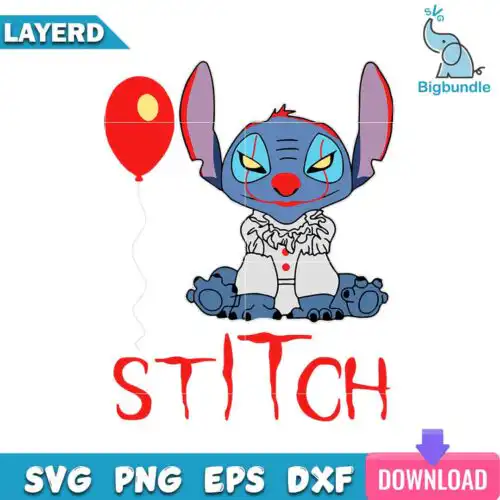
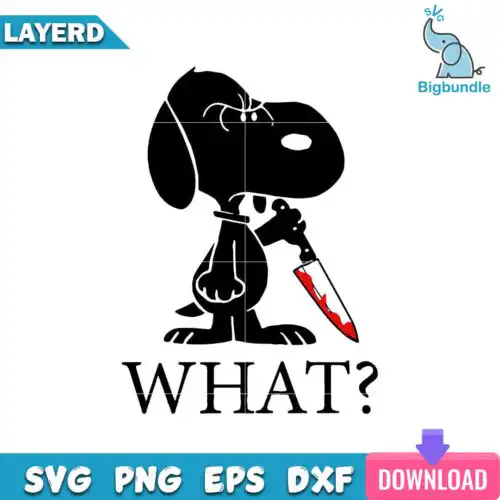
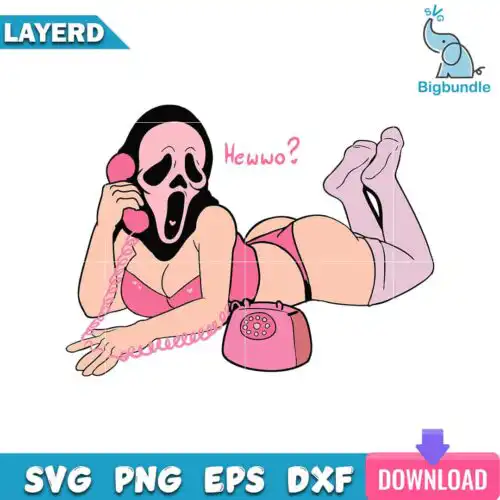
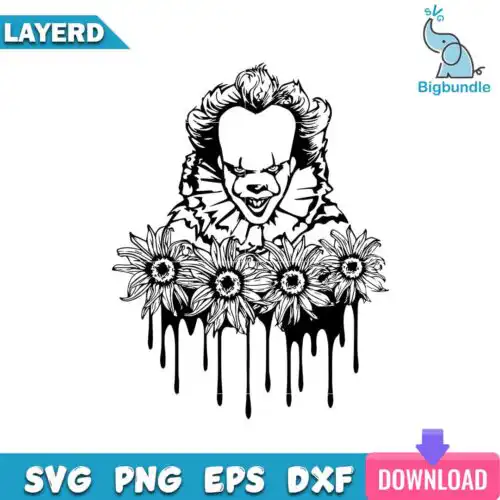
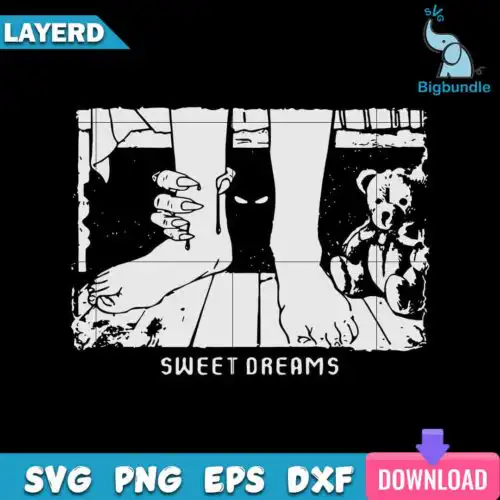
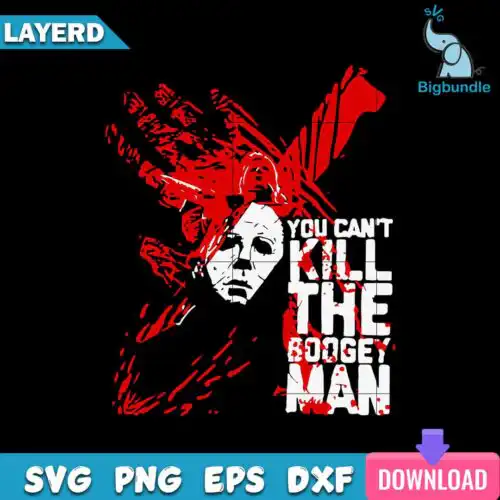
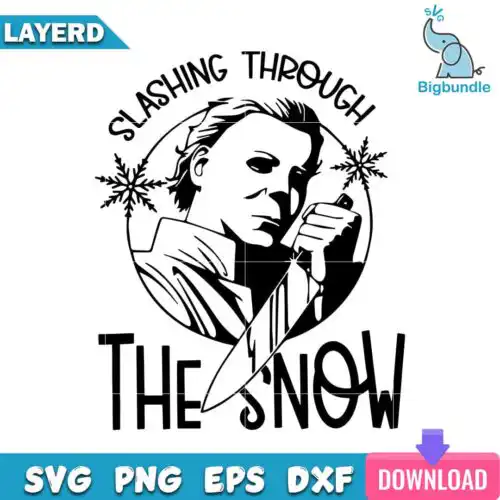
Horror SVG files are cut and print-ready artworks where cut-file designs include SVG, PNG (300 dpi, transparent), DXF, EPS and PDF and PNG-only designs are PNG (300 dpi, transparent background) for sublimation and printing, used to make shirts, tumblers, decals, signs and party decor. These designs share a love of all things creepy, but the look stays mixed, so you will find bold outlines, distressed textures, hand-lettered phrases and detailed illustrations that work year-round. They are built for makers selling at markets, horror nights, birthdays and everyday fandom wear who need clean lines for vinyl and solid fills for print. Each design lists its own included files.
Choosing the right design
Start with how you plan to make it. Choose cut-file designs with SVG, DXF and EPS when you are cutting vinyl or doing layered HTV, and choose PNG-only designs when you are doing sublimation, DTF or print-and-cut. For layered looks, check if the artwork separates by color so you can press light to dark without trapping. For small items like baby onesies, hats or 12oz mugs, pick simpler silhouettes with thick lines that weed easily and stay readable at 3-4 inches. For large backs, hoodies or full tumbler wraps, you can use busier mixed-style artwork with distress and fine details. Before you cut, check the design for file types, test size on a mat preview, and mirror HTV. For sublimation, confirm the PNG is 300 dpi with a transparent background and fits your tumbler template.
Which Horror SVG is best for shirts vs tumblers?
Pick simple, bold outlines for shirts and full-wrap detailed art for tumblers. Shirts need designs that read from a distance and weed fast, so chunky shapes and clean lettering press cleaner on cotton and HTV. Tumblers and mugs need continuous, high-res artwork that wraps without gaps, so look for tapered and straight wrap layouts and 300 dpi PNGs that cover the seam. Both work for decals and signs.
Do I need SVG or PNG for horror designs?
You need SVG for vinyl cutting and PNG for sublimation and printing. Cut-file designs include SVG, PNG, DXF, EPS and PDF and are made for Cricut Design Space, Silhouette Studio, Brother ScanNCut and other cutters. PNG-only designs are PNG (300 dpi, transparent background) for sublimation printers, DTF, Canva and Photoshop. Each design lists its own files, so check before you buy.
How to cut layered Horror SVG on Cricut?
Ungroup the layers in Cricut Design Space and cut by color on matching HTV or vinyl. Load the SVG, size it first, then use the layers panel to hide or duplicate colors. Cut small pieces with a sharp fine-point blade, weed inside-out, and press one layer at a time at the vinyl's recommended temp with light pressure. Use parchment between presses so you do not scorch previous layers.
What size should Horror SVG be for shirts?
Use 10 to 11 inches wide for adult shirts, 8 to 9 inches for youth, and 5 to 6 inches for baby. That keeps scary details readable without crowding seams. For left chest or pocket, drop to 3.5 to 4 inches. Size in Design Space with your blank on the mat preview, then test on paper if the design has fine distress or thin lines, and increase stroke weight if needed for tiny cuts.
Cut-file designs include SVG plus PNG (300 dpi, transparent), DXF, EPS and PDF. PNG-only designs are for sublimation and printing and come as PNG (300 dpi, transparent background). Every design lists its own files on its page, so you can confirm SVG versus PNG-only before you choose.
Will these work with Cricut, Silhouette and sublimation printers?
Yes. SVG, DXF and EPS work with Cricut Design Space, Silhouette Studio (Designer Edition), Brother ScanNCut, Adobe Illustrator, Inkscape and CorelDRAW. PNG files at 300 dpi with transparent background work with sublimation printers like Epson and Sawgrass, DTF and print-and-cut workflows, plus Canva and Photoshop for mockups and larger prints.
Can I sell what I make with these Horror SVG files?
Yes for physical finished items under personal and small-business commercial use. You can sell shirts, tumblers, decals, signs and other handmade products you make. You cannot resell, share, or redistribute the digital files themselves as files, bundles or templates, and you cannot claim the artwork as your own.