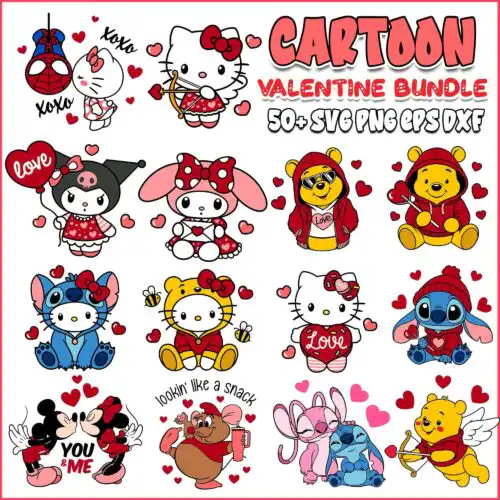
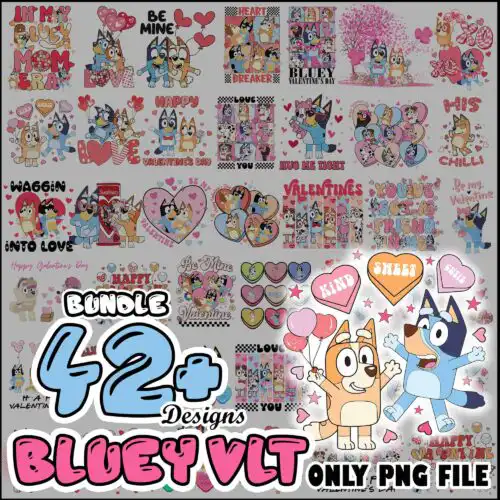
I Love You SVG files are cut files and 300 dpi transparent PNGs for making shirts, mugs, cards, tumblers, stickers and other handmade gifts. These designs all share the same message but say it in very different ways, from sweet and romantic to funny, sarcastic, and creepy-horror Valentine twists. The styles are mixed too, with bold lettering, pun art, retro hearts, and character-inspired graphics, so you can match the mood you want. They are made for year-round gifting, anniversaries, birthdays, Galentine's, and Valentine's, not just one day. Cut-file designs include SVG, PNG, DXF, EPS, PDF and PNG sublimation designs are PNG (300 dpi, transparent background) – each design lists its own files on its page.
Choosing the right design
Choosing between these comes down to message, detail level, and where you will use it. Single-layer designs with thick lines and solid lettering cut fastest and weed cleanest, which makes them ideal for small projects like baby onesies, left chest logos, mugs and cards. Layered or more illustrated versions with little hearts, masks, or pun icons need more weeding but give you color separation for vinyl layering. For tiny areas avoid ultra-thin script or tiny floating hearts – they lift and get lost. For large front-of-shirt prints you can go bigger with detailed horror, funny adult humor, or pizza and otter puns. Always check the file list, mirror for HTV, test sizing with your template, and keep a 300 dpi PNG ready if you want to switch to sublimation or DTF instead of vinyl.
Which I Love You SVG is best for shirts vs mugs?
For shirts pick single-layer bold text or simple pun graphics that cut and weed cleanly, for mugs and tumblers pick a high-resolution PNG or a design sized for a wrap. Shirt vinyl needs space between letters so thick fonts hold up after washes. Mug sublimation and DTF need 300 dpi PNGs with transparent backgrounds so colors stay crisp on curves. If you press small hearts or tiny icons on drinkware, size them at least 0.5 inches so they do not peel.
I Love You SVG vs png which should I use
Use SVG, DXF, EPS or PDF when you are cutting vinyl with Cricut, Silhouette, ScanNCut or laser, and use PNG when you are printing for sublimation, DTF, or print-and-cut. These cut-file designs include SVG, PNG (300 dpi, transparent), DXF, EPS, PDF, while PNG-only designs are made for sublimation and printing. Check the file list on each design. If you only need a printed mug or card, the PNG alone is enough; if you want layered vinyl, you need the SVG cut file.
How to cut layered I Love You SVG on Cricut?
Ungroup the layers in Cricut Design Space, assign each color to its vinyl, and cut on the correct material setting with mirroring on for HTV. These designs are mostly single-layer, but some have extra heart or icon layers – cut the base text first, then press each color one at a time at low tack to avoid shifting. Use a weeding box around small inner pieces, use Designer Edition for Silhouette Studio to open SVG directly, and always do a test cut at 2 inches for intricate horror or funny fonts before cutting full size.
What size should I Love You SVG be for shirts?
Make it 10-11 inches wide for adult shirts, 7-8 inches for youth, and 4-5 inches for baby or toddler. That sizing keeps the I Love You wording readable without cracking at the edges. For left chest, scale to 3.5-4 inches. Measure your blank first, leave 1 inch from seams and collars, and increase letter spacing slightly for small sizes so thin lines do not close up when cut or pressed.
It depends on the design type. Cut-file designs include SVG, PNG (300 dpi, transparent), DXF, EPS, PDF for cutting and printing. PNG sublimation designs are PNG (300 dpi, transparent background) only, made for sublimation, DTF and print-and-cut. Each design page lists exactly what is included so you know before you download.
Will these work with Cricut, Silhouette and sublimation printers?
Yes. SVG, DXF, EPS, PDF and PNG work with Cricut Design Space, Silhouette Studio Designer Edition, Brother ScanNCut, Illustrator, Inkscape, CorelDRAW, Canva and Photoshop. The 300 dpi transparent PNGs work with sublimation printers like Epson and Sawgrass, plus DTF and other print workflows. Check blade and heat settings for your material.
Can I sell shirts and mugs I make with these?
Yes for small business use. You can sell finished physical items you make – shirts, mugs, cards, tumblers and more. You cannot resell, share, or redistribute the digital files themselves as files, or claim the artwork as your own. The licence is personal and small-business commercial use for finished products.