Love You No Otter Design for Valentine’s Day Shirts, Mugs and Cards
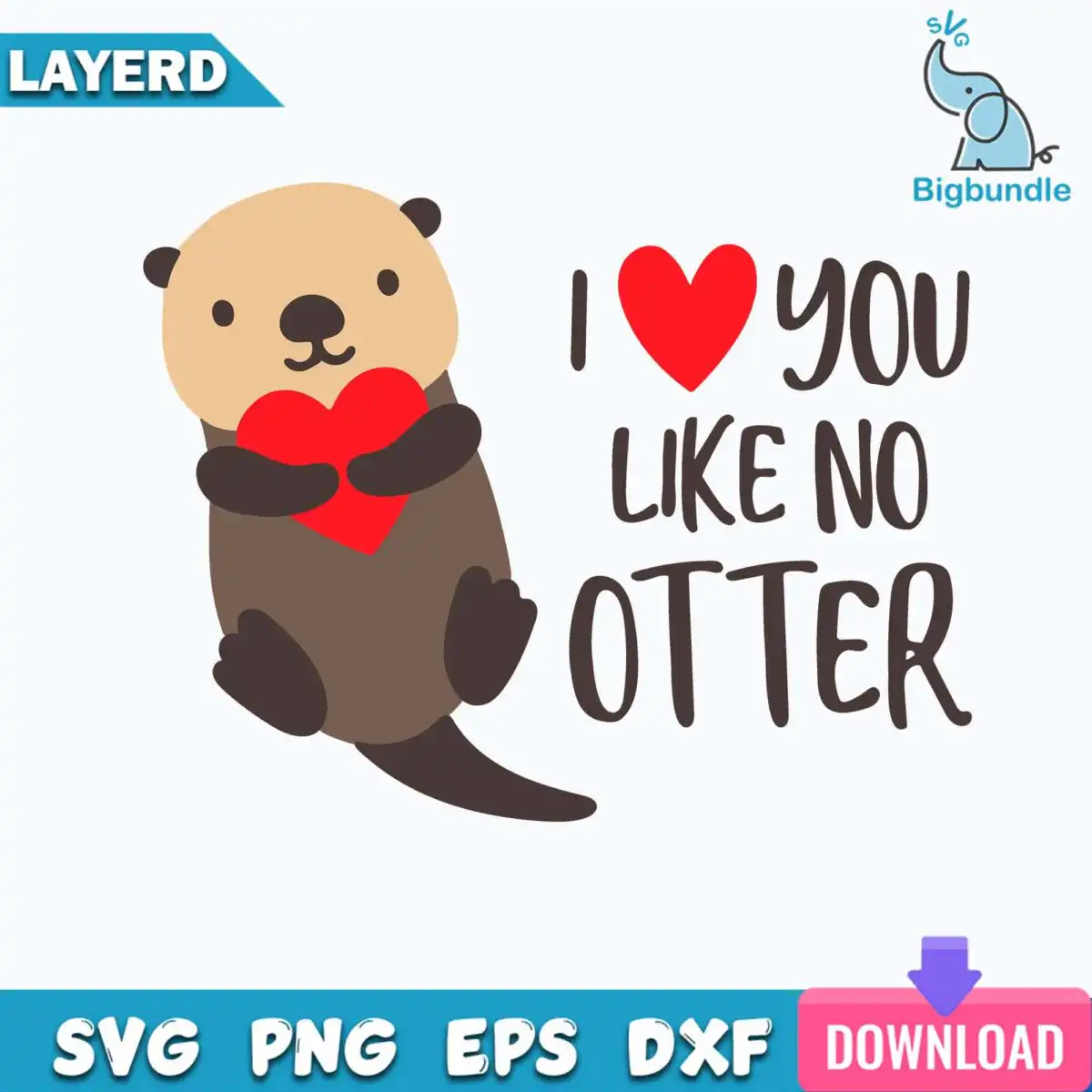
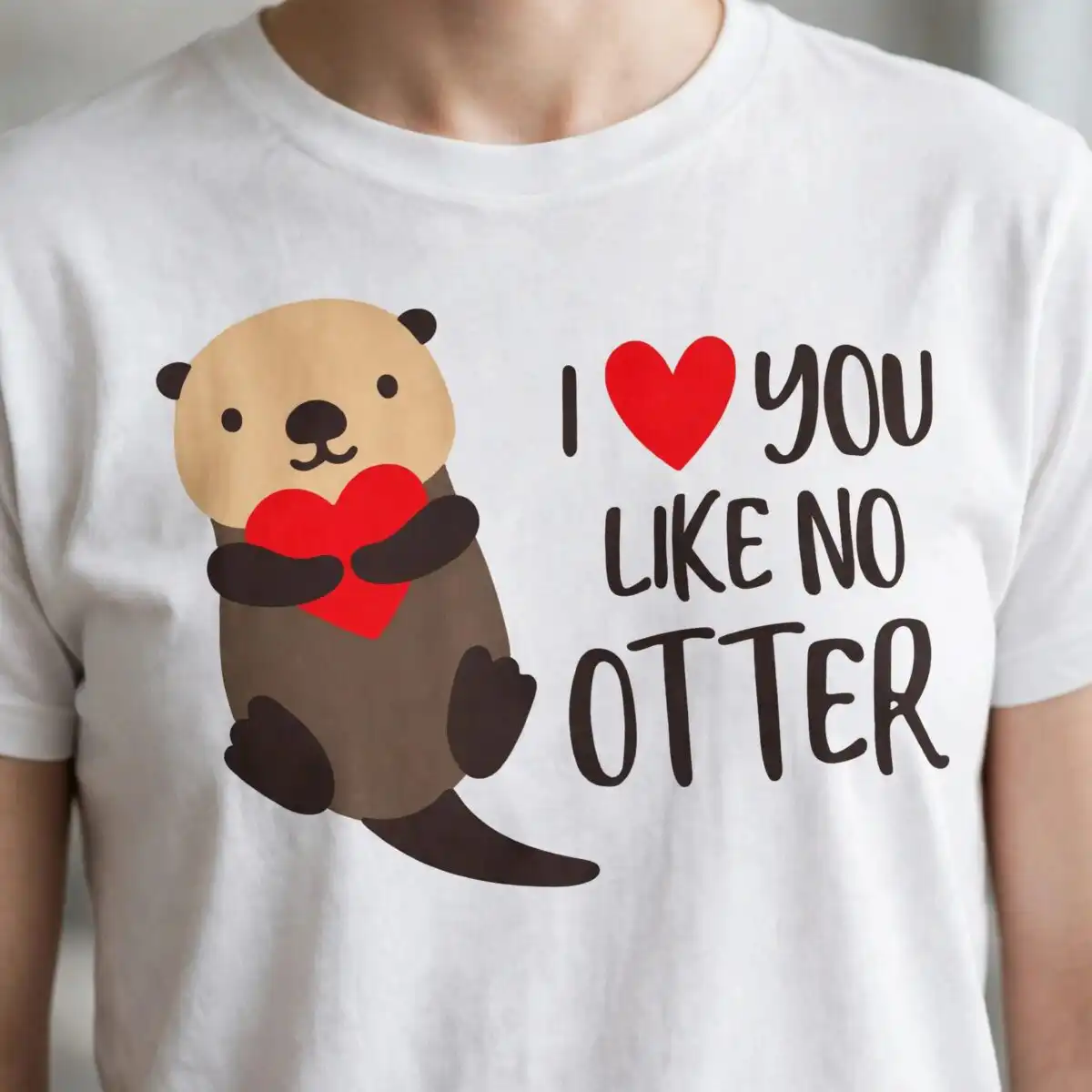
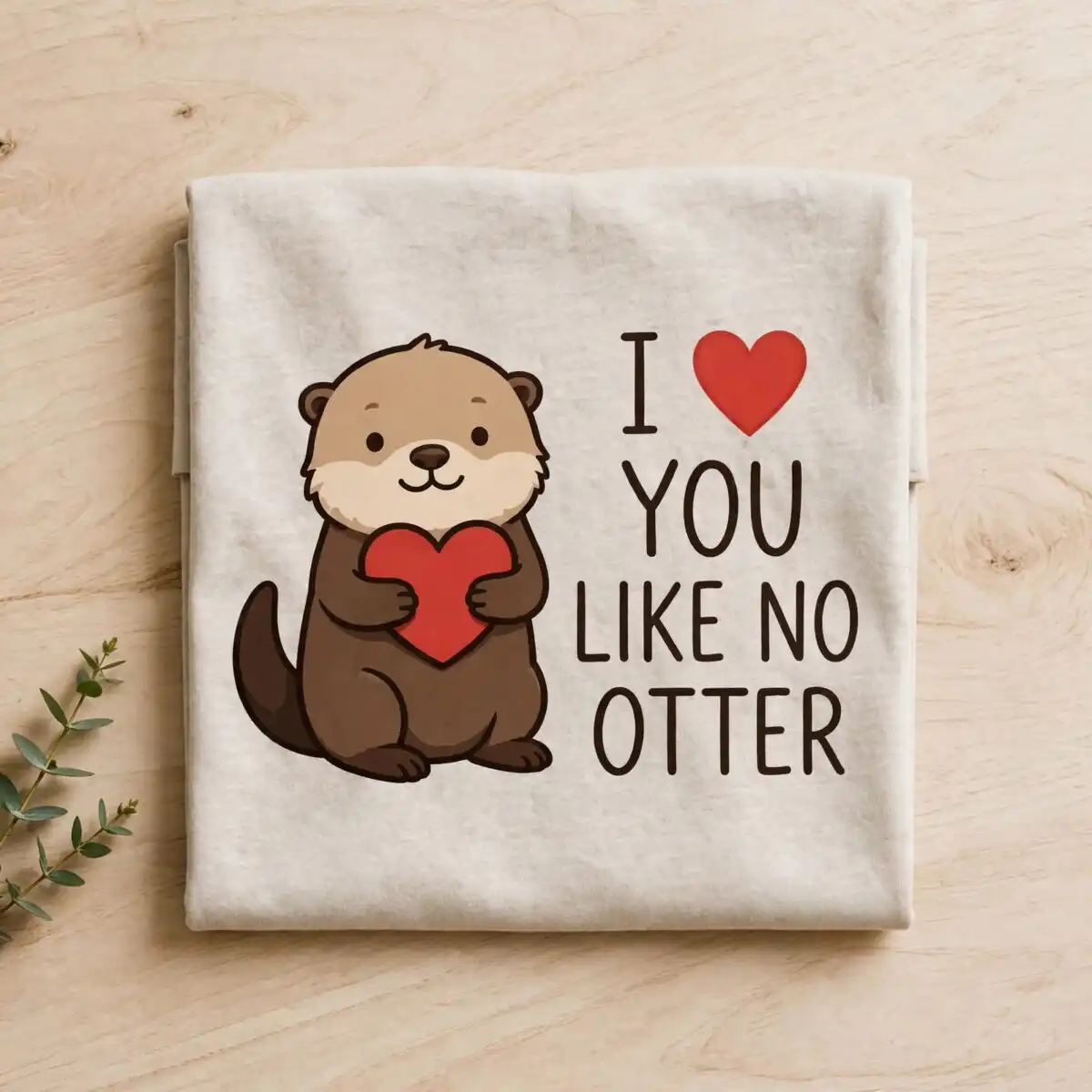
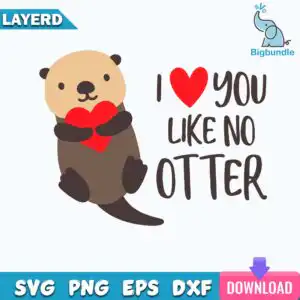
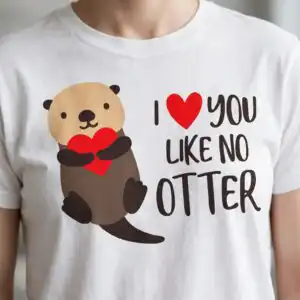
This I Love You No Otter design is a single cartoon sea otter holding a red heart, with the lettering “I ♥ YOU LIKE NO OTTER” set beneath it, delivered as a cut file in SVG, PNG, DXF, EPS and PDF. The artwork is a flat vector, minimalist piece in light tan, brown, dark brown, red and white, and it suits t-shirts, mugs, cards, stickers, vinyl decals and tote bags. The otter sits with the heart held in its paws, so the joke about the pun reads at a glance. Its hand-lettered text is bold enough to cut cleanly from vinyl or print crisply on a shirt. You can use it for Valentine’s Day, anniversaries or any gift for a partner who enjoys a good pun. Because the file is landscape and has a transparent PNG version, it fits neatly onto cards, tags and wide mug wraps. The white background is part of the file, so you can place the otter on any colour of fabric or card you choose.
Design breakdown
The design is cut in 6 layers and uses five colours: light tan, brown, dark brown, red and white. The otter is built from light tan for the body with brown and dark brown for shading and details, the heart is red, and the lettering “I”, “YOU”, “LIKE NO” and “OTTER” is set in dark brown. The white areas are background and can be removed when you prepare the file. Cut complexity is medium: the lettering and the heart outline have fine enough edges that you should cut it at 4 inches or larger for clean results. For vinyl, you can cut each colour as a separate layer and stack them when applying.
| Layers | 6 |
|---|---|
| Colours | 5 — light tan (#F0C48F), brown (#7A5A48), dark brown (#3D3129), red (#E8262B), white (#FFFFFF) |
| Lettering | I / YOU / LIKE NO / OTTER |
| Background | white |
| Cut complexity | medium |
| Orientation | landscape |
What’s included
- SVG
- PNG (300 dpi, transparent)
- DXF
- EPS
Works with
- Cricut Design Space
- Silhouette Studio (Designer Edition)
- Brother ScanNCut
- Adobe Illustrator
- Inkscape
- CorelDRAW
How to use
Download the zip file and unzip it to a folder on your computer. Open Cricut Design Space, Silhouette Studio, Brother ScanNCut or your design software, then choose Upload and import the SVG file. Check the layers and colours, resize the design to your project, and send it to your cutter. For printing on shirts, mugs or cards, use the transparent PNG at 300 dpi instead.
Licence
Personal and small-business commercial use. Sell finished physical items; do not resell or redistribute the files themselves.
FAQ
What files are included with this I Love You No Otter design?
You get SVG, PNG, DXF, EPS and PDF files. The PNG is 300 dpi with a transparent background, so it works well for printing.
Can I put this sea otter design on a 20oz tumbler?
Yes, the design works on a 20oz tumbler when you use the PNG for printing or the SVG for vinyl. Size it to the wrap area first so the lettering stays readable.
Which machines and programs can I use with these files?
The files work with Cricut Design Space, Silhouette Studio (Designer Edition), Brother ScanNCut, Adobe Illustrator, Inkscape and CorelDRAW. The PNG can also be used with standard home printers and sublimation software.
Can I resell the finished items I make with this design?
Yes, you can use it for personal and small-business commercial use and sell finished physical items. You may not resell or redistribute the design files themselves.