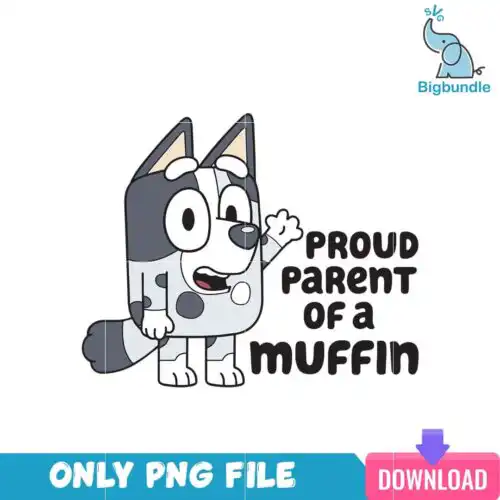
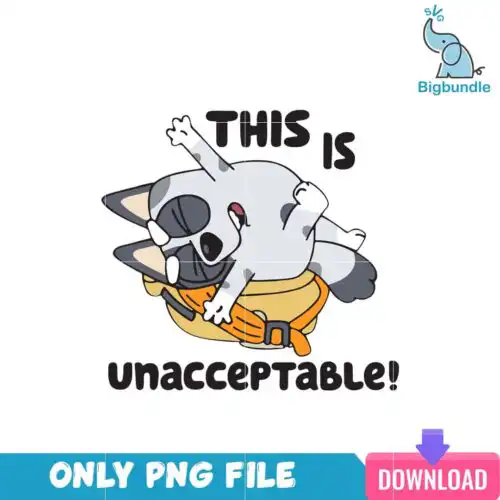
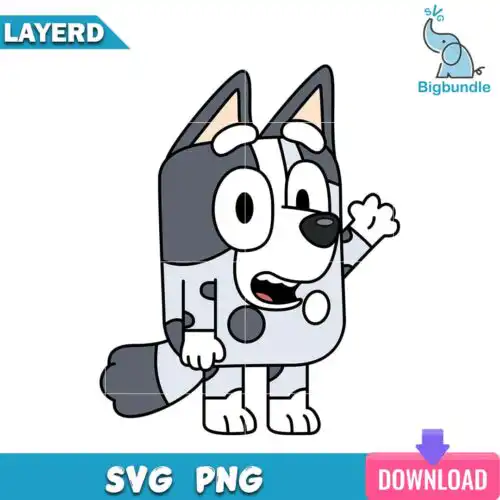
Muffin SVG files are cut-ready character designs of the playful Muffin, available as cut-file designs with SVG, PNG, DXF, EPS and PDF, and as PNG-only designs with 300 dpi transparent PNGs for sublimation and printing, used to make shirts, tote bags, mugs, tumblers, stickers and party decor. These designs are united by one expressive little pup in mixed poses, outfits and moods, from outline and silhouette versions to full-color PNG bundles. That mix makes them perfect for year-round projects for kids and family fans who want funny, cute and relatable graphics that cut clean and press well on both light and dark materials.
Choosing the right design
These designs come as single artwork, so you are choosing between styles, not sets. Start with how you will make it. Cut-file designs include SVG, PNG, DXF, EPS and PDF for vinyl, paper and print-and-cut; PNG-only designs are 300 dpi transparent files for sublimation, DTF and direct printing, and each design lists its own files. Outline and silhouette versions are single-layer, ideal for small items like baby onesies, left-chest logos, mugs and decals where tiny details would weed poorly. Full-color versions are better for larger fronts, tote bags and tumblers where expression reads. Before cutting, check if the file is layered or flat, test size at 3 inches for mugs and 9-11 inches for adult shirts, and mirror for HTV.
Muffin SVG for shirts vs tumblers what works best
Outlines and silhouettes work best for shirts because they weed fast and stay readable after washing. For tumblers and mugs, use the full-color PNGs with a transparent background so the face and outfit details stay crisp on a curved surface. Keep shirt graphics 9 to 11 inches wide for adults, 6 to 8 for youth, and keep tumbler wraps under 3.5 inches tall to avoid distortion.
Should I use svg or png for Muffin SVG designs?
Use SVG for any vinyl cut on Cricut or Silhouette and use PNG for printing and sublimation. Cut-file designs include SVG, PNG, DXF, EPS and PDF for cutting, while PNG-only designs are 300 dpi transparent PNGs made for sublimation printers, DTF and print-and-cut. Check the file list on the design you pick, because not every design includes SVG. PNG gives you color without layering.
How to cut layered Muffin SVG on Cricut?
Upload the SVG to Cricut Design Space, ungroup to see the layers, and cut by color on your mat. Cut-file designs are typically single-layer outlines, so layering is minimal, but for any multi-color version keep the registration square and use transfer tape for alignment. Use everyday iron-on for shirts at 315°F for 15 seconds, cold peel, and use permanent vinyl for mugs and decals with a weeding hook for small ears.
What size should Muffin SVG be for baby and youth shirts?
Size down more than you think for small shirts so the character stays cute, not crowded. For baby bodysuits use 4 to 5 inches wide, for toddler tees 5.5 to 6.5 inches, for youth 7 to 8 inches, centered 1.5 inches below the collar. Outlines and single-color silhouettes scale cleanest at those sizes. Test cut in cardstock first to check ear and paw details before cutting vinyl.
Cut-file designs include SVG, PNG (300 dpi, transparent), DXF, EPS and PDF for cutting machines and design software. PNG sublimation designs are PNG only (300 dpi, transparent background) for sublimation, DTF, print-and-cut and Canva or Photoshop. Each design page lists exactly what is included.
Will these work with Cricut, Silhouette and sublimation printers?
Yes. SVG, DXF and PNG work with Cricut Design Space, Silhouette Studio Designer Edition, Brother ScanNCut, Illustrator, Inkscape and CorelDRAW. The 300 dpi transparent PNGs work with sublimation printers like Epson and Sawgrass, DTF workflows, Canva and Photoshop for mugs, tumblers and shirts.
Can I sell shirts and mugs I make with these Muffin SVG files?
Yes for small-business use. You can sell finished physical items like shirts, mugs, tote bags and decals you make with the files. You cannot resell, share or redistribute the digital files themselves as files, bundles or templates. Check the license on each design before you list your finished products.