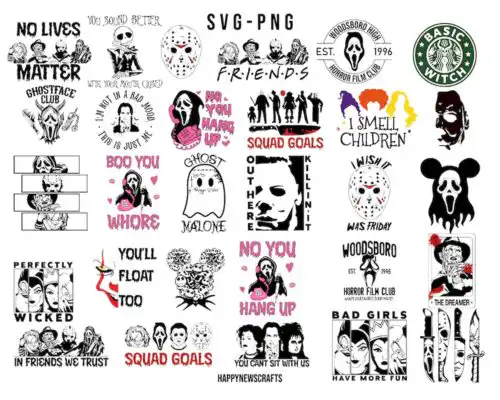
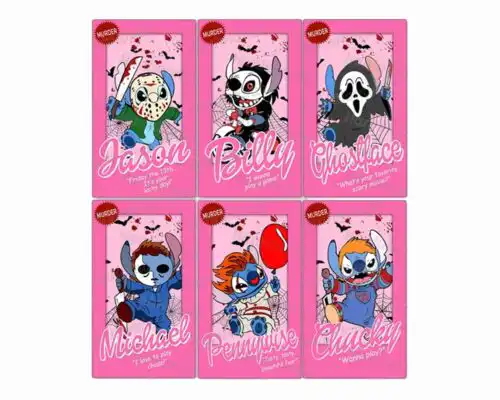
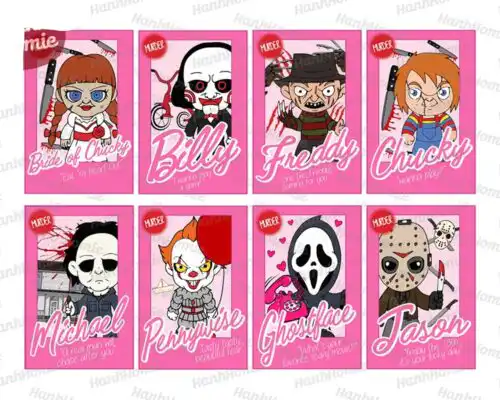
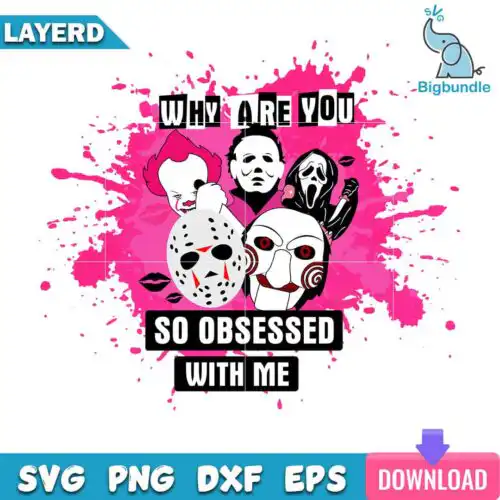
Pennywise SVG files are horror clown cut files and print files for making shirts, tumblers, masks, stickers and party decor, available as cut-file designs that include SVG, PNG, DXF, EPS and PDF, and as PNG-only designs for sublimation and printing. These designs are united by the red balloon clown look from IT, but they span a wide range of interpretations, from scary face portraits and mask art to cute character mashups, floral twists, quarantine jokes and retro collage styles. That mix makes them useful year-round for horror movie fans, Halloween crafting, and everyday spooky streetwear, with options that work for both bold statement pieces and small, playful details.
Choosing the right design
Start with how you plan to make it. If you are cutting vinyl with Cricut or Silhouette, choose layered cut-file designs that include SVG, DXF and EPS — you can separate colors, weed easily and resize without losing edges. If you are sublimating tumblers, mugs or doing DTF, PNG-only designs with 300 dpi transparent backgrounds will keep gradients and shading smooth. For small items like baby onesies, face masks or chest logos, pick bold, low-detail silhouettes with fewer layers. For large backs, tumbler wraps or signs, go for detailed or inflated 3D-style art. Always check the file list on each design, test cut size at 100%, mirror for HTV, and do a small vinyl swatch or print test before committing.
Pennywise SVG for shirts vs tumblers
Use bold layered versions for shirts and soft, detailed PNGs for tumblers. For shirts, single-color or 2-3 layer SVGs press cleanly on cotton and glitter vinyl and weed fast. For tumblers and mugs, choose high-resolution transparent PNG wraps that wrap without seams and keep the clown face, balloon and shading intact. These designs include both types, so check if you need SVG cut layers or a sublimation-ready PNG.
Do I need svg or png for pennywise designs?
You need SVG for vinyl cutting and PNG for printing and sublimation. Cut-file designs here include SVG plus PNG, DXF, EPS and PDF for Cricut, Silhouette, Brother ScanNCut and laser. PNG-only designs are made for sublimation, DTF and print-and-cut and come as 300 dpi with transparent background. Each product lists its own included files, so you can pick the format that matches your workflow.
How to cut layered Pennywise SVG on Cricut?
Ungroup layers in Cricut Design Space, assign colors, and cut by color on HTV or permanent vinyl. Use Designer Edition features for DXF if needed, weed small details like teeth and balloon strings first, and use transfer tape for alignment. For multi-layer clown faces, press the base layer for 3-5 seconds to tack, then add top layers. PNG versions do not need layering — print then cut or sublimate directly.
What size should Pennywise SVG be for shirts?
Size adult shirts at 10 to 11 inches wide for front or back, youth at 8 to 9 inches, and baby or toddler at 5 to 6 inches. For left chest or pocket, keep it at 3.5 to 4 inches so small details stay readable. If the design has thin lines or inflated shading, go slightly larger and use a weeding box. Always measure your blank and do a test cut before final press.
What file formats come with Pennywise SVG designs?
Cut-file designs include SVG, PNG at 300 dpi with transparent background, DXF, EPS and PDF. PNG-only designs are for sublimation and printing and come as PNG at 300 dpi with transparent background. Not every design includes every format, so the file list on each design shows exactly what is included.
Will these work with Cricut, Silhouette and sublimation printers?
Yes. SVG, DXF, EPS and PDF work with Cricut Design Space, Silhouette Studio Designer Edition, Brother ScanNCut, Illustrator, Inkscape and CorelDRAW. PNG files work with sublimation printers like Epson and Sawgrass, DTF and print-and-cut workflows, plus Canva and Photoshop for mockups and stickers.
Can I sell shirts and tumblers made with these Pennywise SVG files?
Yes, for personal and small-business commercial use. You can sell finished physical items like shirts, tumblers, masks and signs that you make. You cannot resell, share or redistribute the digital files themselves as files, or claim to be official or licensed merchandise.