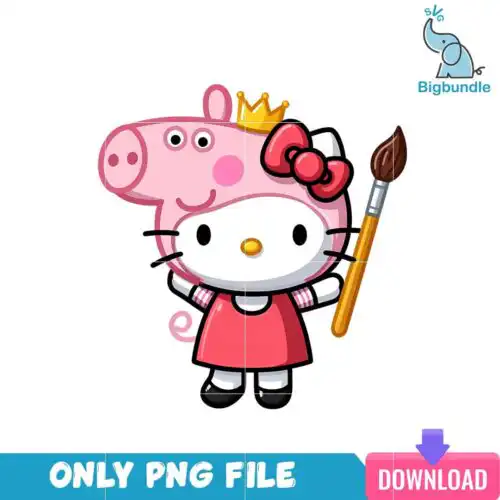
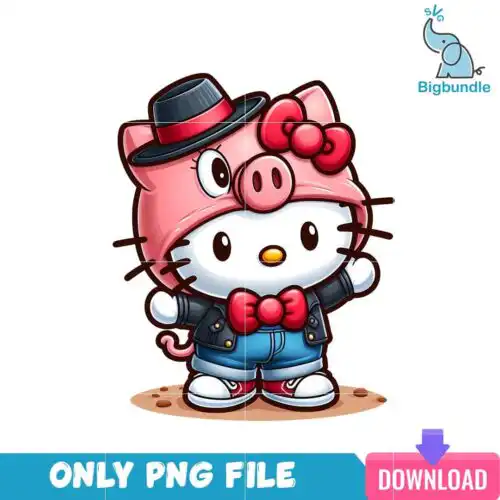
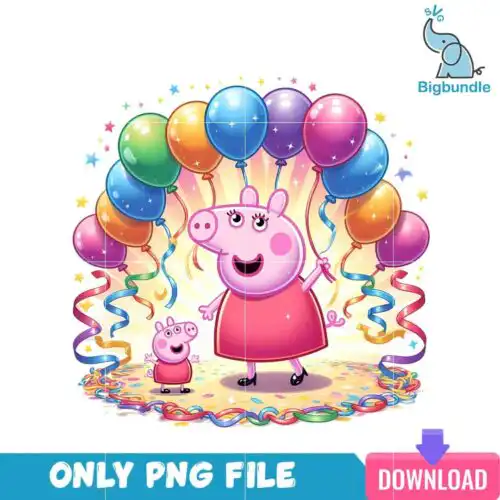
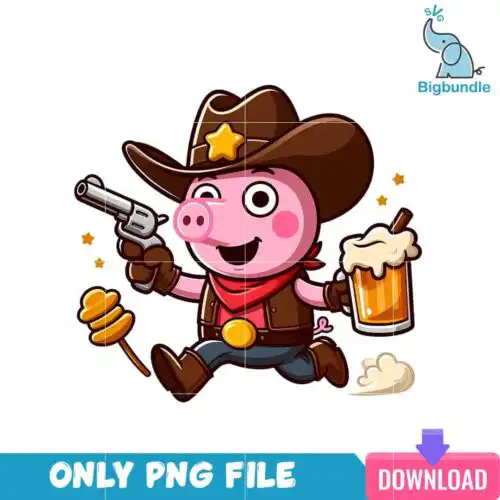
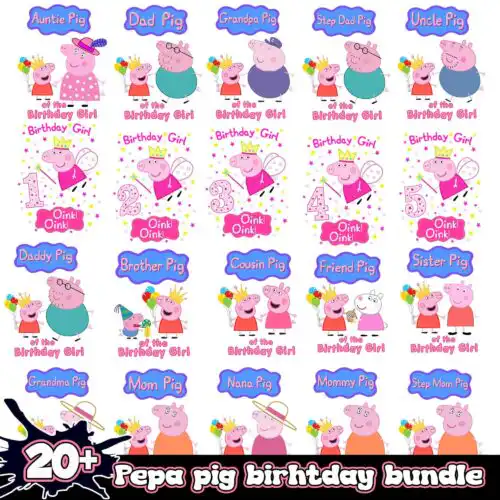
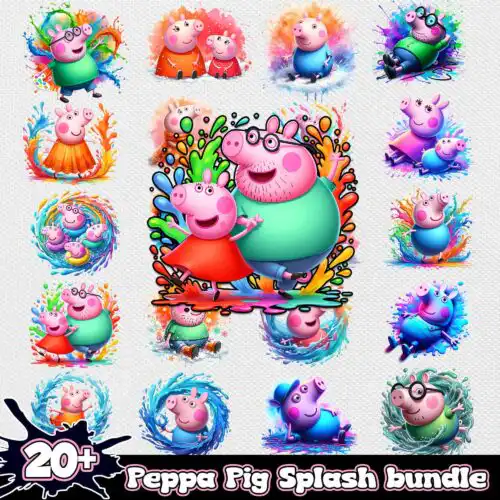
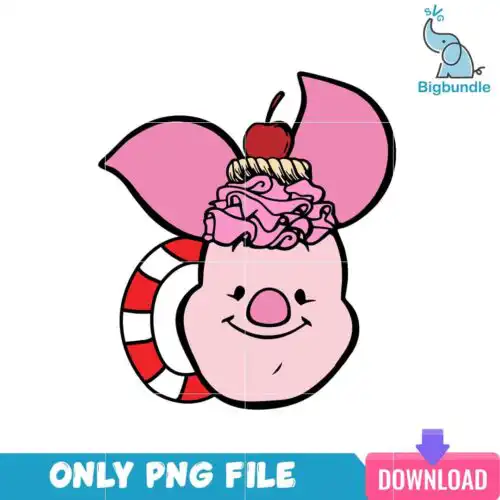
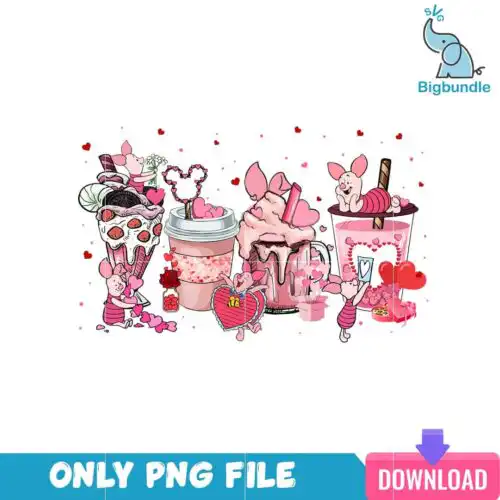
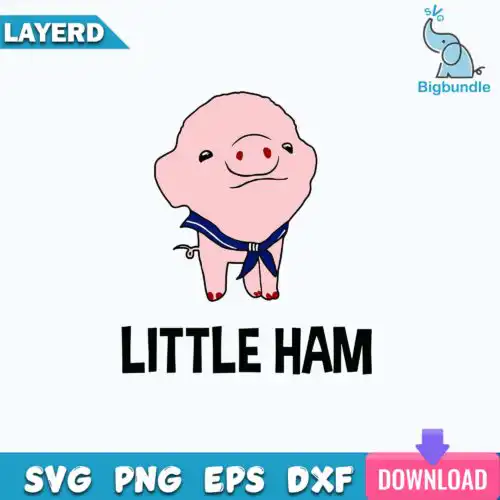
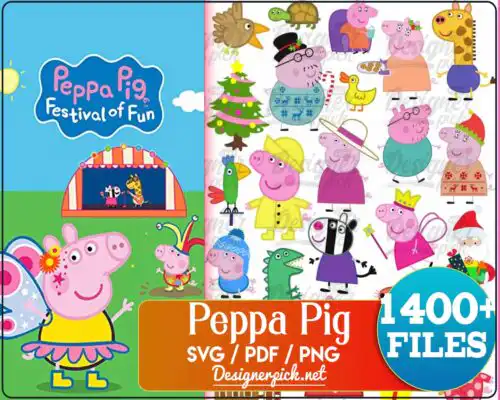
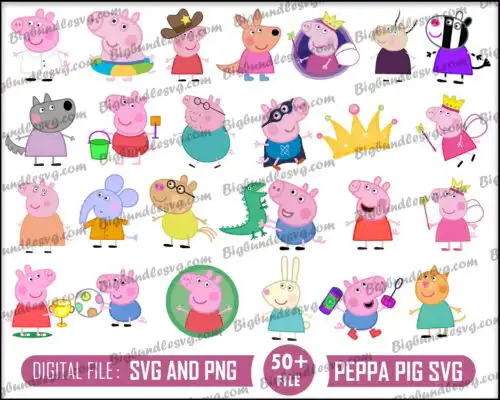
Pig SVG files are cut-ready and print-ready pig artwork supplied as SVG, PNG, DXF, EPS and PDF for vinyl cutting or as high-resolution PNG with transparent background for sublimation and printing, used to make shirts, tumblers, mugs, stickers, tote bags and nursery decor. These designs are united by the pig itself — from cute and cartoonish to funny and farmhouse-inspired — so you can find one that fits kids projects, farm life, year-round gifting and everyday humor. They work for both small detailed makes and bold statement pieces, and appeal to crafters making for family, friends, markets or small shops.
Choosing the right design
Choose between layered and single-layer options in this group. Layered versions give you separate colors you can stack in vinyl for a dimensional look, while single-layer or flat-color versions cut faster and weed easier for small decals and bulk shirts. For tiny items like baby onesies, keychains and stickers, look for simple silhouettes with thick lines. For adult tees, tote bags and wood signs, you can use busier artwork with extra details. Before you cut, check what each design lists for its files — cut-file designs include SVG, PNG, DXF, EPS and PDF, while PNG-only designs are made for sublimation and direct printing. Always mirror for heat-transfer vinyl, size a test cut on scrap, and keep the 300 dpi PNG for print projects.
Pig SVG for shirts or tumblers which is better
Both work, but different styles suit each surface. For shirts, choose bolder silhouettes with clean outlines that hold up on fabric and stay readable after washing. For tumblers and mugs, pick compact designs with fewer tiny inner cuts so weeding and wrapping around a curve is easier. If you want one set to do both, go for a mid-detail version with solid shapes.
Pig SVG vs png what should I use
Use SVG for vinyl cutting and PNG for printing. SVG keeps crisp edges at any size and gives you separate layers in Cricut Design Space or Silhouette Studio. PNG with transparent background at 300 dpi is better for sublimation, DTF and print-then-cut stickers. Cut-file designs in this group include SVG, DXF, EPS, PDF and PNG, while PNG-only designs are for sublimation and printing, and each design lists its own files.
How to cut layered Pig SVG on Cricut?
Layered Pig SVG files cut by color, one layer at a time. Import the SVG into Design Space, ungroup to see the color layers, size the whole group together, then cut each color on its matching vinyl. Use transfer tape to stack layers from the bottom up, pressing firmly between layers. For small details, turn on a slower cut setting and weed with a fine-point tool before pressing.
What size should Pig SVG be for adult and kids shirts?
Size adult shirts at 10 to 11 inches wide for the chest, youth at 8 to 9 inches, and baby or toddler at 5 to 6 inches. For pocket logos and left-chest placements, use 3 to 4 inches for all ages. In your cutting software, lock proportions while resizing and run a quick test print on paper to check placement before cutting vinyl or printing your transfer.
It depends on the design type. Cut-file designs include SVG, PNG (300 dpi transparent), DXF, EPS and PDF for cutting and printing. PNG-only designs are high-resolution PNG with transparent background for sublimation, DTF and print-and-cut. Each product page lists exactly which files are included, so check there before you buy.
Do Pig SVG files work with Cricut and Silhouette?
Yes. These designs work with Cricut Design Space, Silhouette Studio Designer Edition, Brother ScanNCut, Adobe Illustrator, Inkscape, CorelDRAW, Canva, Photoshop, and sublimation printers like Epson and Sawgrass, plus DTF and print-and-cut workflows. Use SVG or DXF for cutting machines and PNG for sublimation and printing.
Can I sell what I make with Pig SVG files?
Yes for finished physical items. The licence covers personal and small-business commercial use, so you can sell shirts, mugs, tumblers, signs and other handmade products you make. You cannot resell, share or redistribute the digital files themselves as cut files, bundles or free downloads.
Instant Download Download immediately after successful payment
Secure Payment Experience 100% secure payments, ensuring your transactions are safe.
Outstanding Support Service beyond compare with our exceptional team.
Premium Quality We are meticulous in every detail, ensuring unparalleled excellence.