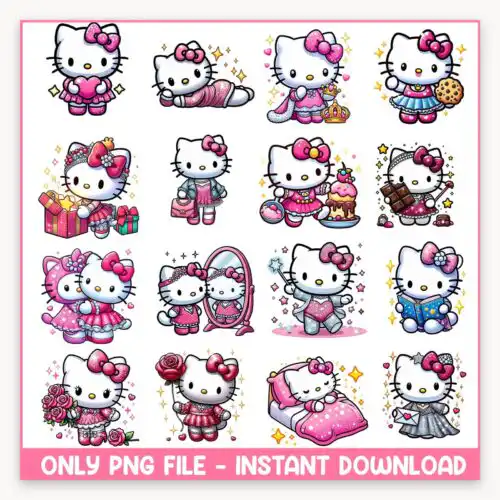
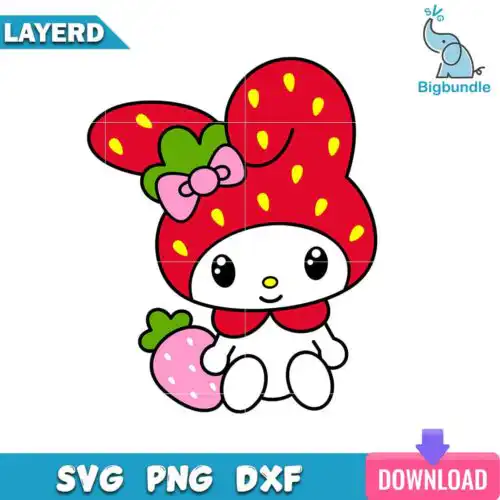
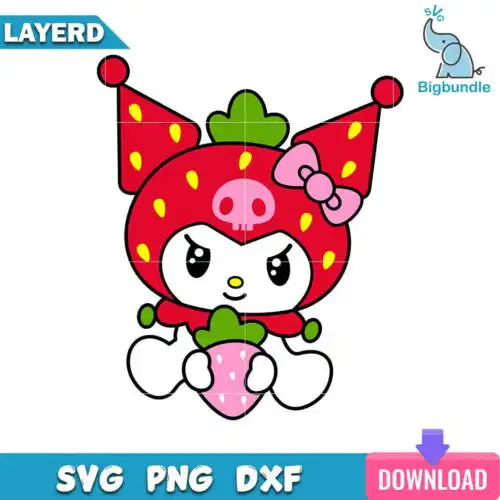
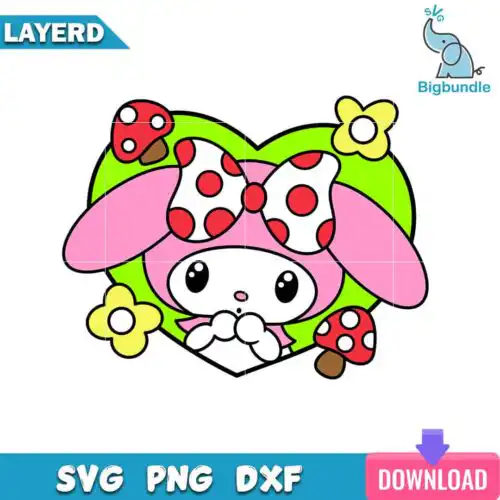
Sanrio SVG are cartoon-style cut files of cat characters in different poses and outfits with sparkling elements, where cut-file designs include SVG, PNG (300 dpi, transparent), DXF, EPS and PDF and PNG-only designs are PNG for sublimation and printing, made for birthday shirts, mugs, tumblers, cards and stickers. These designs are united by a cute, flat cartoon look that reads clean even at small sizes, with sweet outfits and sparkle details that suit birthday themes. If you love kawaii birthday makes, custom kids apparel, party favors and giftable drinkware, these designs give you a consistent style across all of them without redrawing a new look for each item.
Choosing the right design
Decide by layers and end use. Single-layer versions cut faster, weed easier and suit small items like baby onesies, cups and party bags where detail gets lost. Layered flat versions give you color separation for HTV and keep edges crisp for larger shirt fronts and totes. For tumblers and mugs, choose the simpler poses with fewer sparkles so they wrap cleanly. For birthday shirts, go for outfits and poses that leave space to add a name or age. Before you cut, check each design's own file list — cut-file designs include SVG, PNG, DXF, EPS and PDF and work with Cricut, Silhouette and laser workflows, while PNG-only designs are 300 dpi transparent PNG for sublimation, DTF and print-then-cut, and each design shows exactly what is inside.
What size should Sanrio SVG be for adult youth baby shirts?
Use 10-11 inches wide for adult shirts, 8-9 inches for youth, and 5-6 inches for baby. These flat cartoon cats scale well, but keep sparkle elements above 0.25 inches so they don't break up when weeding. For glitter HTV, add 0.2 inches to the size because glitter shrinks slightly and hides fine lines.
Sanrio SVG vs png which is better for shirts and mugs
SVG is better for vinyl shirts and PNG is better for mugs and sublimation. These flat cartoon designs work both ways — cut-file designs include SVG, DXF, EPS and PDF for vinyl and laser cutting, while PNG (300 dpi, transparent) gives you clean print edges for sublimation, DTF, and mug presses. Check the individual file list on each design.
How to cut layered Sanrio SVG on Cricut or silhouette?
Cut layered versions by color, starting with the base flat shape and stacking sparkles last. Mirror for HTV, use a light tack mat for small pieces, and weed from the inside out around ears and bows. Press each HTV layer for 2-3 seconds to tack, then do a full 10-15 second press at the end so small cartoon details don't lift.
Can you add name to Sanrio SVG for birthday?
Yes, you can add a name or age to these for birthday personalization. Place the name under the pose or curve it around the sparkling elements so you don't cover the outfit. Use a chunky rounded font to match the flat cartoon style, keep the name at least 0.5 inches tall, and weld any overlapping letters before cutting.
It depends on the design type. Cut-file designs include SVG, PNG (300 dpi, transparent), DXF, EPS and PDF for cutting and printing. PNG-only designs are 300 dpi transparent PNG for sublimation, DTF and print-and-cut workflows. Each design lists its own files, so check the design before you buy.
Do these work with Cricut, Silhouette and sublimation printers?
Yes. Cut-file versions work with Cricut Design Space, Silhouette Studio Designer Edition, Brother ScanNCut, Illustrator, Inkscape, CorelDRAW and Canva. The transparent PNG versions work with sublimation printers like Epson and Sawgrass, DTF, Photoshop and other print workflows.
Can I sell shirts and mugs I make with these?
Yes, for small business use. You can sell finished physical items like birthday shirts, mugs, tumblers, totes and cards. You cannot resell, share or redistribute the digital files themselves as files, and you cannot claim them as official or licensed.