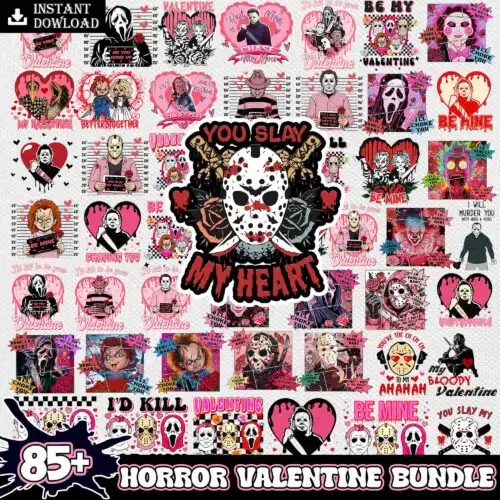
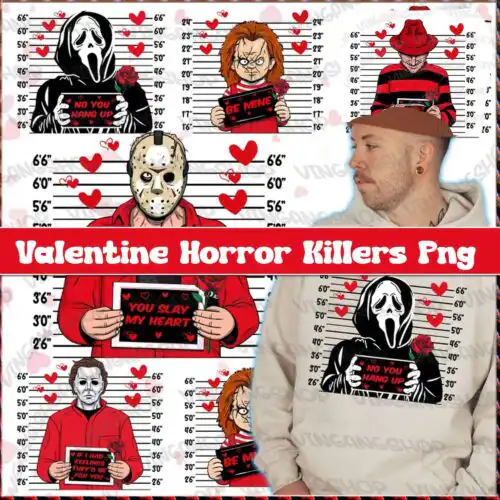
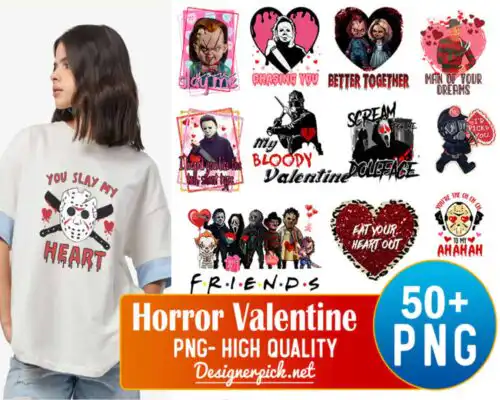
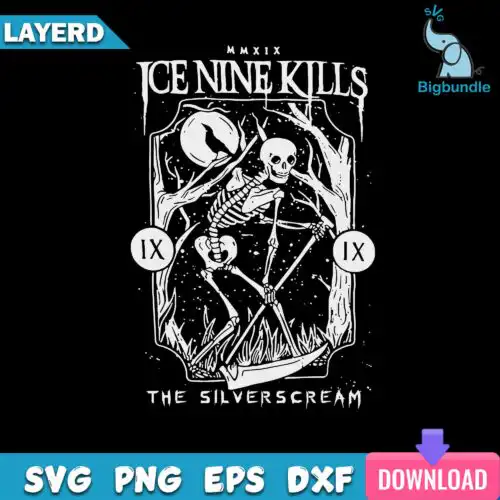
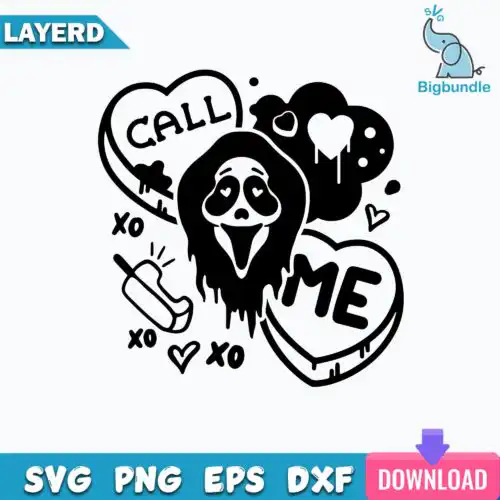
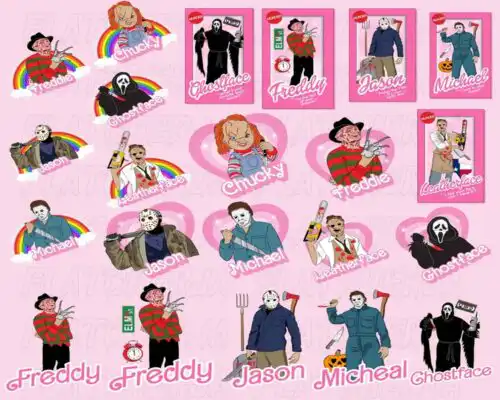
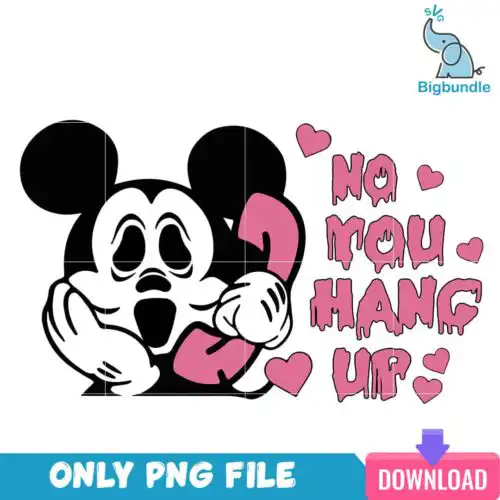
Scream SVG files are horror-inspired cut and print designs offered as cut-file sets with SVG, PNG, DXF, EPS, PDF or as PNG-only 300 dpi files with transparent background, made for shirts, tumblers, mugs, tote bags, stickers, and home decor. These designs share the same iconic masked look but vary widely across the group, with mixed subjects and mixed styles that work year-round. You will find bold graphic versions for statement tees, distressed and retro versions for vintage vibes, clean single-color cuts for fast weeding, and detailed full-color artwork for sublimation and direct-to-film.
Choosing the right design
Start by deciding how you want to make it. These designs are split between two design types, so check each design's file list: cut-file designs include SVG, PNG, DXF, EPS, PDF, while PNG-only designs are for sublimation and printing. For small items like baby onesies or left-chest logos, choose single-layer, bold outlines with less fine detail. For large backs, hoodies, or 20oz tumblers, layered and detailed versions hold up better. If you use heat-transfer vinyl, look for designs separated into solid color layers. For sublimation, pick high-resolution PNG with a clean transparent background. Always mirror HTV before cutting and test size on paper first.
Which Scream SVG is best for shirts vs tumblers?
Use bold, single-color or two-color cuts for shirts and detailed full-color artwork for tumblers. Shirts need clean weeding and soft hand-feel, so simpler silhouettes work best for vinyl. Tumblers and mugs wrap around a curve and show fine detail well, so the detailed 300 dpi PNG versions look sharper. Check the file list to make sure your chosen design offers the format your project needs.
Scream SVG vs png what should I use on Cricut
Use SVG for vinyl and use PNG for print-then-cut or sublimation on Cricut Design Space. SVG cuts in layers, scales without quality loss, and works with DXF and EPS if you use other cutters. PNG at 300 dpi with transparent background is for sublimation, DTF, and print-and-cut, not for vinyl layering. Cut-file designs include both SVG and PNG, while PNG-only designs are printing only.
How to size Scream SVG for adult youth baby shirts?
Size adult front designs at 10 to 11 inches wide, youth at 7.5 to 9 inches, and baby at 4.5 to 5.5 inches wide. Keep small details at least 0.25 inches thick for easy weeding on youth and baby sizes. For left-chest or pocket placements, use 3 to 4 inches regardless of age. Always do a test cut in paper and measure against the actual garment before cutting vinyl.
Can I sublimate Scream SVG or use HTV?
Yes, you can do both, but pick the right file type for each method. For sublimation, use the 300 dpi transparent PNG on light polyester or poly-coated blanks with a sublimation printer. For HTV, use the SVG and cut mirrored layers in Cricut Design Space, Silhouette Studio, or ScanNCut. PNG-only designs are made for sublimation and printing workflows, so they will not include SVG, DXF, or EPS.
Cut-file designs include SVG, PNG at 300 dpi with transparent background, DXF, EPS, and PDF. PNG sublimation designs are PNG only at 300 dpi with transparent background for printing. Each design lists its own included files, so check before you choose. All work with print-and-cut and DTF workflows.
What machines and software work with these files?
Cut-file designs work with Cricut Design Space, Silhouette Studio Designer Edition, Brother ScanNCut, Adobe Illustrator, Inkscape, and CorelDRAW. PNG files work with sublimation printers like Epson and Sawgrass, DTF and print-and-cut workflows, Canva, and Adobe Photoshop. PNG-only designs do not cut in layers, they are for printing.
Can I sell shirts and tumblers I make with these designs?
Yes. These come with personal and small-business commercial use. You can sell finished physical items like shirts, tumblers, mugs, and decor that you make. You cannot resell, share, or redistribute the digital files themselves as-is, and you cannot claim them as your own artwork. Licensed or official branding is not included.