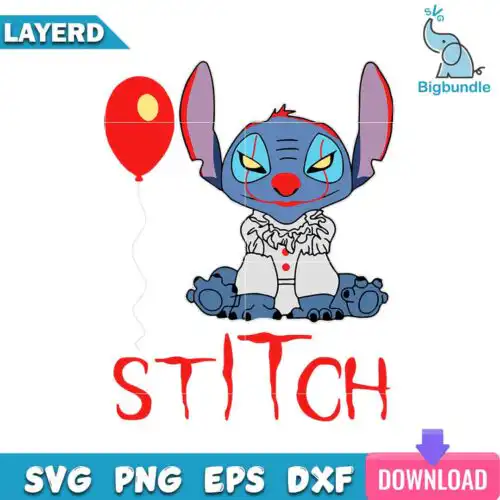
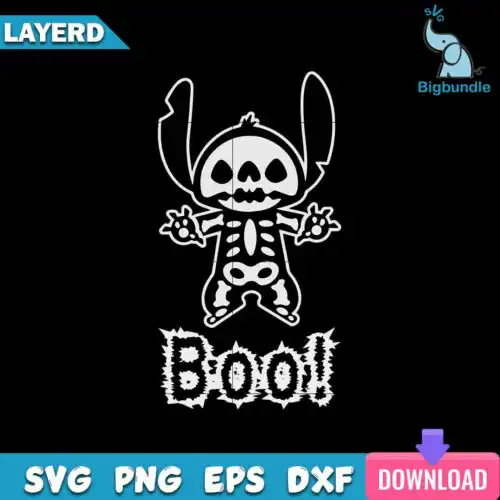
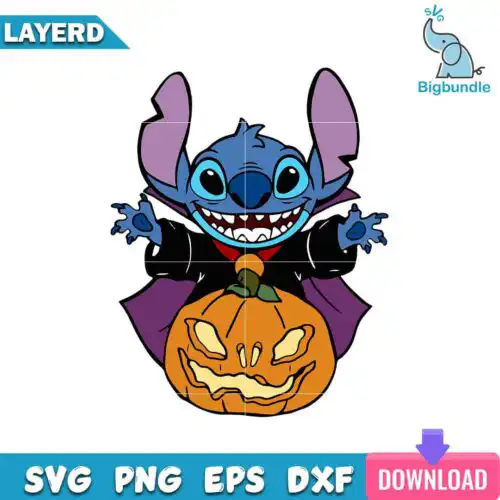
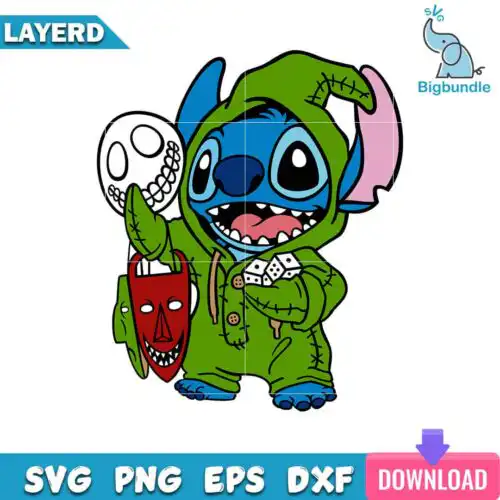
Stitch Halloween SVG files are cut files and 300 dpi transparent PNG designs made to make Halloween shirts, bags, mugs, tumblers, stickers and home decor. These designs are united by the same mischievous alien in Halloween mode, from cute costume looks to spooky horror-inspired mashups, all reimagined for October. That mix makes them perfect for crafters selling at fall markets, parents making family matching tees, and anyone who wants a playful, slightly creepy twist on a favorite character. Cut-file versions include SVG, PNG, DXF, EPS and PDF, while PNG-only designs are for sublimation and printing; each design lists its own included files.
Choosing the right design
Decide by how you plan to make it. For heat-transfer vinyl and adhesive vinyl, pick layered versions when you want separate colors you can weed and stack; single-layer versions cut faster and suit small items like baby onesies, mini totes, or mug decals where tiny layers are hard to weed. For sublimation, DTF, or print-and-cut, choose the high-res PNGs and use the transparent background to place them cleanly. Check the file list before you buy: cut-file designs include SVG, PNG, DXF, EPS, PDF and the 300 dpi PNGs, while PNG-only designs are for sublimation and printing. If you work small, avoid designs with ultra-thin lines or tiny eyes; if you work large on shirts or yard signs, those details will hold up beautifully.
Are Stitch Halloween SVG better for shirts or tumblers?
Both work, but pick the layout by the surface. Shirts handle wide, layered designs best because you have space for color layers and texture. Tumblers, mugs and cans need compact, single-layer or PNG-based designs that wrap cleanly without tiny weeding. For curved drinkware, look for bold outlines and minimal inner details so the image stays readable when wrapped.
Should I use SVG or PNG for Stitch Halloween SVG?
Use SVG for vinyl and PNG for sublimation and printing. SVG cuts crisp lines in any size and lets you separate colors for Cricut Design Space or Silhouette Studio. PNG at 300 dpi with transparent background is better for sublimation printers, DTF, and print-and-cut because it keeps shading and distressing. Check the design design: cut-file designs include SVG, DXF, EPS and PDF plus PNG, while PNG-only designs are for printing.
How to cut layered Stitch Halloween SVG on Cricut?
Cut layered Stitch Halloween SVG files by color in Cricut Design Space. Upload the SVG, keep layers grouped, size it to your blank, then cut each color on its own mat and press from the bottom layer up. Use a weeding box around small pieces, mirror only for HTV, and press with medium pressure so top layers do not shrink. For Silhouette Studio Designer Edition, open the SVG and use the Layers panel to assign colors.
What size should Stitch Halloween SVG be for shirts?
Use 9.5 to 11 inches wide for adult shirts, 7 to 8.5 inches for youth, and 4 to 5.5 inches for baby. That keeps proportions right and leaves room for seams. Size up slightly for puff or glitter vinyl, and down slightly for left-chest or pocket prints. Always do a quick test cut of the eyes and mouth at your final size to make sure tiny pieces weed cleanly.
What file formats come with Stitch Halloween SVG designs?
It depends on the design type. Cut-file designs include SVG, PNG at 300 dpi with transparent background, DXF, EPS and PDF for cutting and printing. PNG-only sublimation designs are PNG at 300 dpi with transparent background for sublimation printers, DTF and print-and-cut workflows. Each design lists its exact files on its product page, so check there before cutting.
Do these work with Cricut, Silhouette and sublimation?
Yes. The SVG files work with Cricut Design Space, Silhouette Studio Designer Edition, Brother ScanNCut, Adobe Illustrator, Inkscape, CorelDRAW and Canva. The 300 dpi transparent PNGs work with sublimation printers like Epson and Sawgrass, DTF and print-and-cut workflows, plus Photoshop and other printing software.
Can I sell shirts and mugs I make with these?
Yes for finished physical items. All designs are for personal and small-business commercial use, so you can sell the shirts, tote bags, mugs, tumblers and decor you make. You cannot resell, share or redistribute the digital files themselves as files, as templates, or inside other digital bundles.