

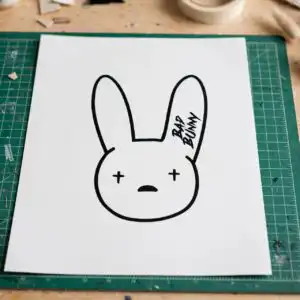
Bad Bunny Themed Clip SVG Summer Party Shirt, Tumbler and Mug Cut File
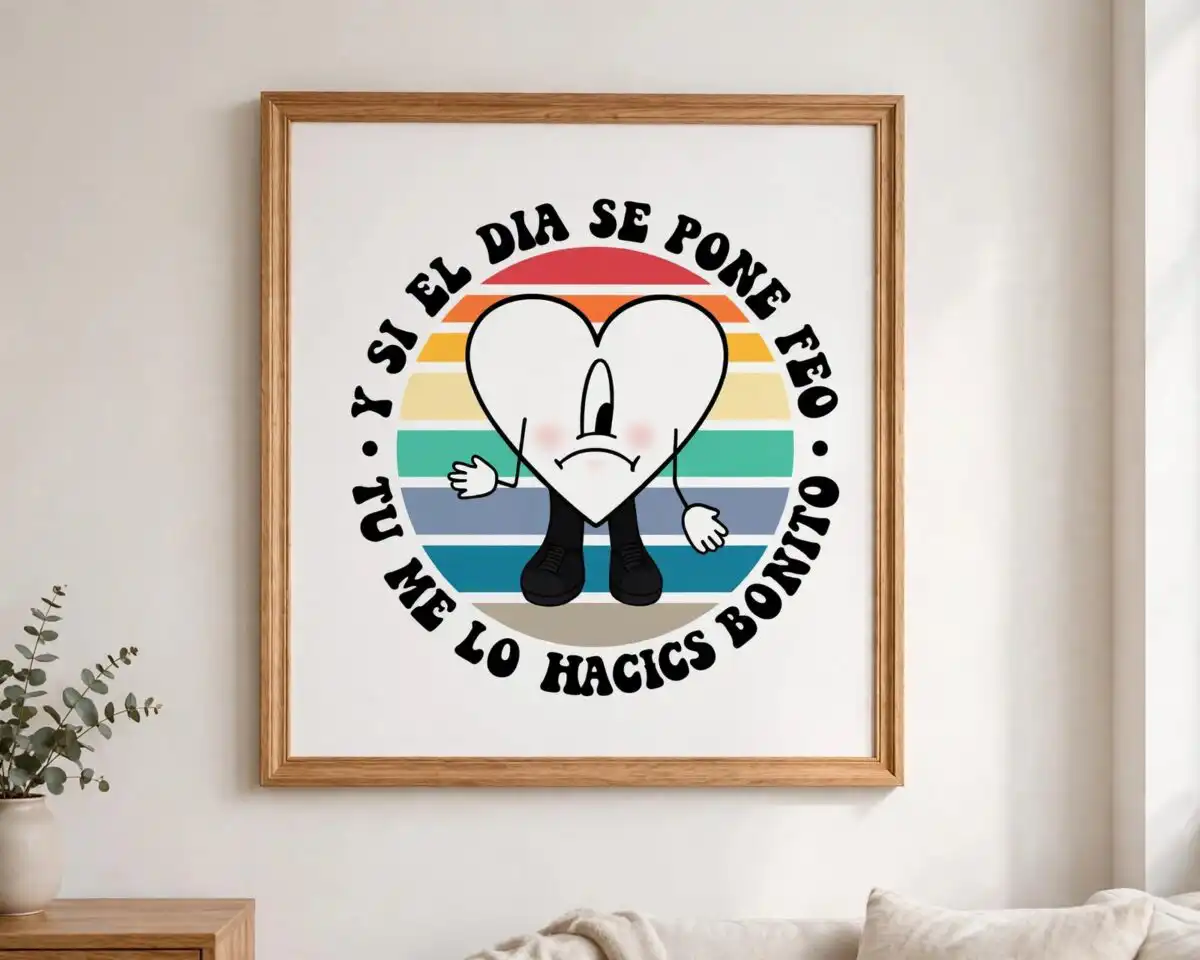
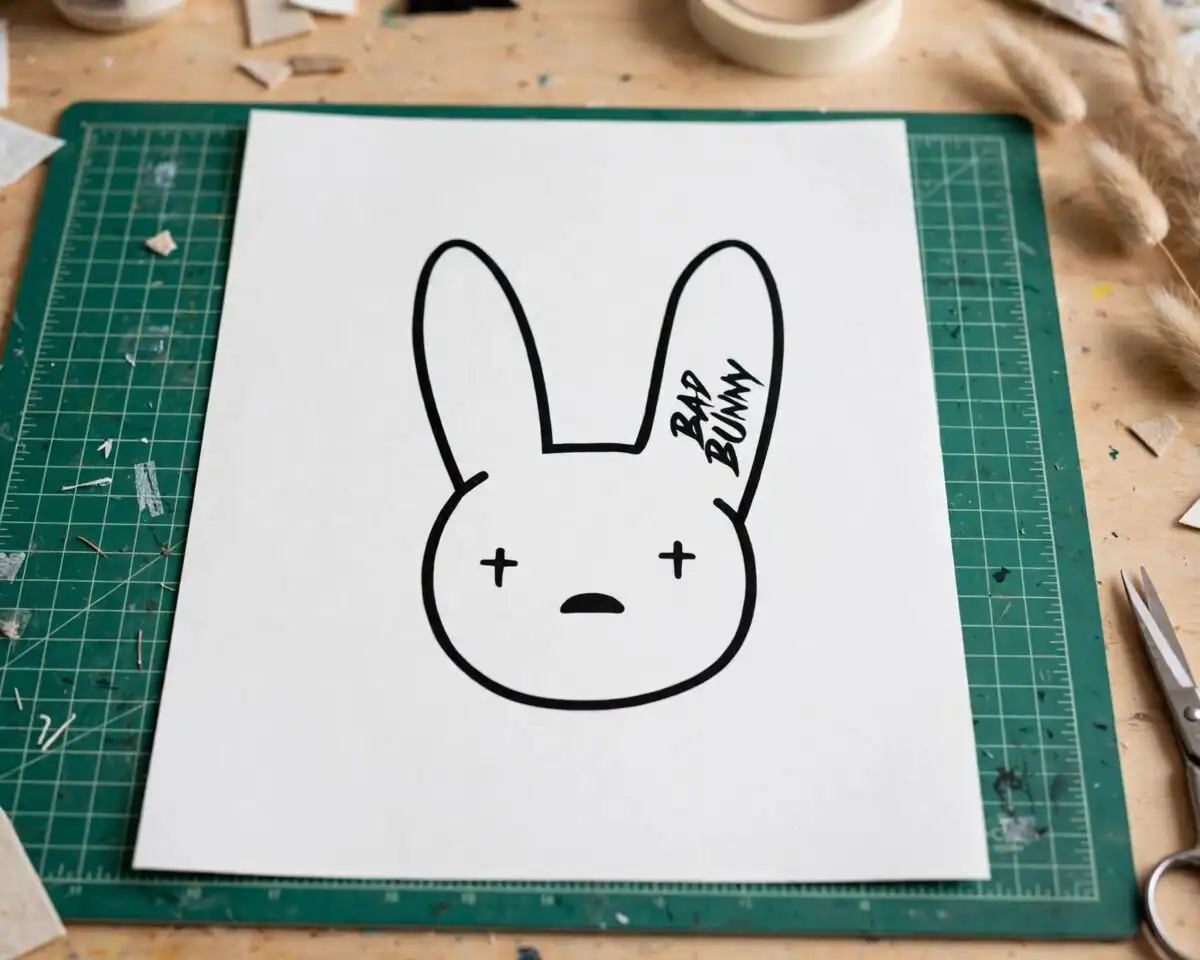
This Bad Bunny themed clip SVG is a bundle of illustrated summer graphics built around the artist, his bunny logo and “Un Verano Sin Ti” lettering, supplied as SVG, PNG, DXF, EPS and PDF files for shirts, tumblers, mugs, stickers and vinyl decals. You get portraits of the artist in a bucket hat and sunglasses, the bunny head logo, a red heart character with arms and legs, palm trees, a sun, a cocktail glass and a cooler, all drawn in a cartoon, retro pop-art style. The main colours are bold red, navy blue and yellow, with pink and orange accents on a white background. The lettering reads “BAD BUNNY”, “UN VERANO SIN TI” and “TU ME LO HACES BONITO”, so each piece can be cut and placed on its own. Because the designs are on separate layers, you can pick the figures you want and leave out the rest. The files open in Cricut Design Space, Silhouette Studio and most other cutting software.
Design breakdown
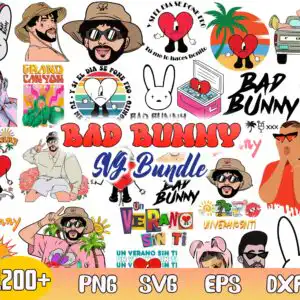
This is a collage sheet of 30 distinct designs shown in the preview, and the set is cut in 4 layers. Among the designs shown in the preview are the bunny head logo, the red heart character with arms and legs, the artist with a peace sign in a bucket hat, and the Ford pickup truck. The palette uses red, navy blue, yellow, orange, pink, tan, green, purple, black and white. Cut complexity is high because of fine outlines on the bunny ears, the sunglasses and the cactus and flower details, so cut these pieces at 4 inches or larger. Lettering such as “BAD BUNNY” and “UN VERANO SIN TI” is in bold, heavy letters that cut cleanly as single shapes.
| Layers | 4 |
|---|---|
| Colours | 10 — white (#FFFFFF), black (#000000), red (#E53935), pink (#F8C8D8), navy blue (#1E3A8A), yellow (#F9A825) |
| Lettering | BAD BUNNY / UN VERANO SIN TI / Y SI EL DIA SE PONE FEO / TU ME LO HACES BONITO / GRAND CANYON / NATIONAL PARK / 1200+ / PNG / SVG / EPS / DXF |
| Background | white |
| Cut complexity | high |
| Orientation | portrait |
What’s included
- SVG
- PNG (300 dpi, transparent)
- DXF
- EPS
Works with
- Cricut Design Space
- Silhouette Studio (Designer Edition)
- Brother ScanNCut
- Adobe Illustrator
- Inkscape
- CorelDRAW
How to use
Download the ZIP file from your order and unzip it to a folder on your computer. Open Cricut Design Space, Silhouette Studio or your software of choice and choose Upload or Open. Select the SVG file for the design you want, then import it into your project. Resize the image to fit your shirt, tumbler or sticker, and check that the layers line up before you cut. Use the PNG files for printing or sublimation.
Licence
Personal and small-business commercial use. Sell finished physical items; do not resell or redistribute the files themselves.
FAQ
What files are included in this Bad Bunny themed clip SVG download?
You get SVG, PNG, DXF, EPS and PDF files. The PNG files are 300 dpi with a transparent background, so they can be printed or used for sublimation.
Can I put a Bad Bunny design on a 20oz tumbler?
Yes, the wrap-style designs suit a 20oz tumbler, and the PNG files are sized for sublimation printing. Check that the artwork fits your tumbler’s printable area before you print.
Which machines and programs does this file work with?
It works with Cricut Design Space, Silhouette Studio (Designer Edition), Brother ScanNCut, Adobe Illustrator, Inkscape and CorelDRAW. The PNG files can be sent to any standard printer or sublimation workflow.
Can I resize the designs and use them for a small business?
Yes, the files can be resized without losing quality because they are vector SVG and EPS files. The licence covers personal and small-business commercial use for finished physical items, but you may not resell or redistribute the files themselves.


