

Bad Bunny Valentine’s Day SVG Cut File Collection for Shirts, Mugs and Tumblers
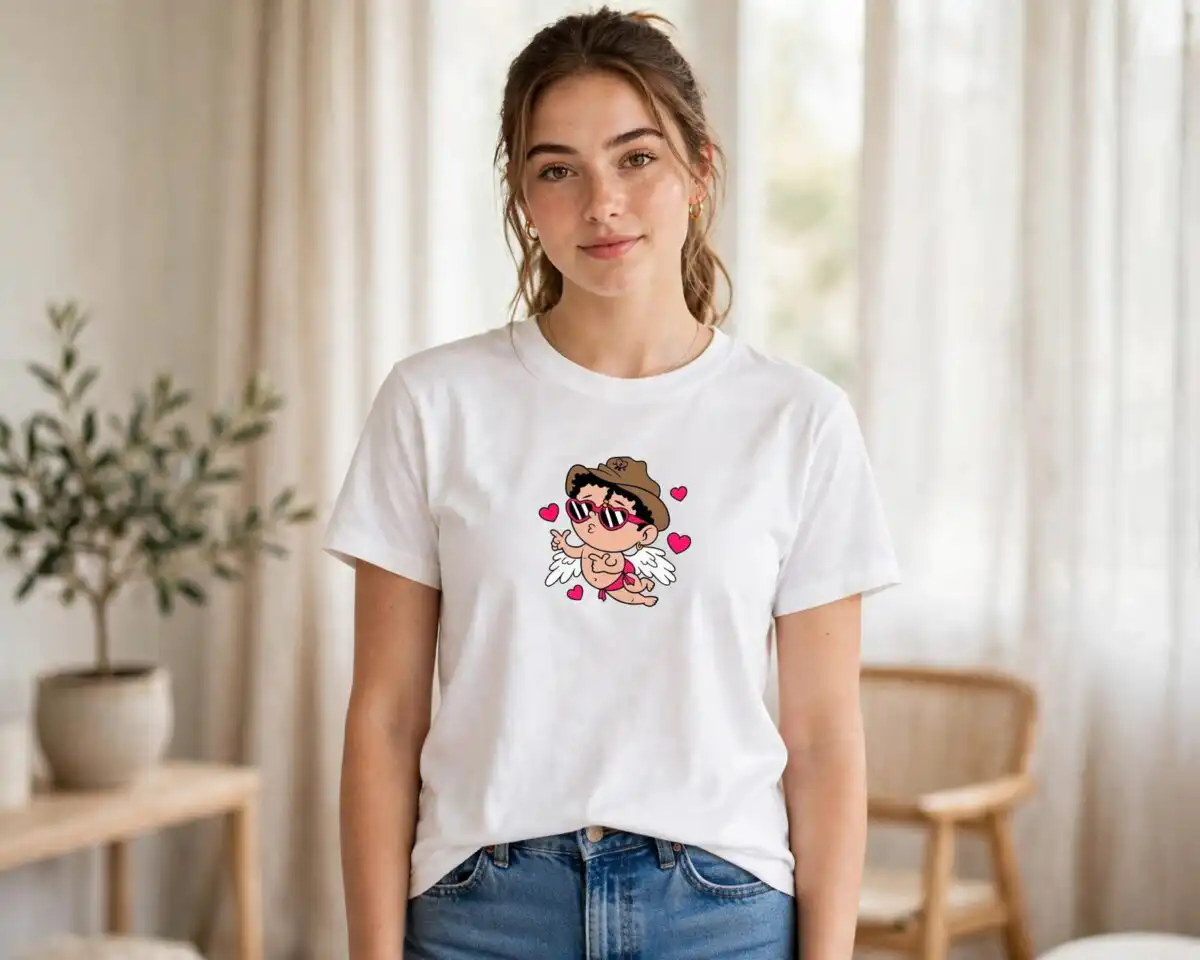
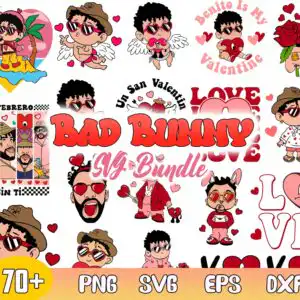
This Bad Bunny Valentine’s Day design is a collage of cartoon caricatures of the singer, paired with cherry red hearts, red roses, a cupid with angel wings, and LOVE lettering, and you receive it as SVG, PNG, DXF, EPS and PDF files. Every piece sits on a white background, so you can pull out the characters you want. The artwork uses six colours: cherry red, pastel pink, white, dark brown, golden yellow and sky blue. You will see sunglasses, a cowboy hat, a teddy bunny plush, an envelope, rings and a palm tree among the figures. Phrases such as “Be Mine,” “Benito Is My Valentine,” “Un San Valentin,” “SIN TI” and “UN FEBRERO” appear throughout. The collage suits valentines day shirt SVG projects, and the files work for shirts, mugs, tote bags, stickers, vinyl decals, tumblers and cards. Because the artwork has a lot of small pieces, it cuts best at a reasonable size on a Cricut or Silhouette.
Design breakdown
The preview sheet is a landscape collage on a white background, with the artwork separated into 3 layers. The palette is cherry red, pastel pink, white, dark brown, golden yellow and sky blue. Among the designs shown in the preview are a cartoon Bad Bunny character in a cowboy hat, a cupid with angel wings, a teddy bunny plush holding a red heart, a palm tree with a LOVE lettering block, a red rose beside an envelope, and a checkered border strip. The lettering includes BAD BUNNY, Be Mine, Benito Is My Valentine and UN FEBRERO. The cut is high in complexity, with many fine outlines and small gaps between shapes, so weeding takes care and the pieces are best cut at 4 inches or larger.
| Layers | 3 |
|---|---|
| Colours | 6 — cherry red (#D7262E), pastel pink (#F7A8C0), white (#FFFFFF), dark brown (#2B1A14), golden yellow (#F5C518), sky blue (#7BC8E8) |
| Lettering | BAD BUNNY / 70+ / PNG / SVG / EPS / DXF / Be Mine / Benito Is My Valentine / Un San Valentin / LOVE / UN FEBRERO / SIN TI |
| Background | white |
| Cut complexity | high |
| Orientation | landscape |
What’s included
- SVG
- PNG (300 dpi, transparent)
- DXF
- EPS
Works with
- Cricut Design Space
- Silhouette Studio (Designer Edition)
- Brother ScanNCut
- Adobe Illustrator
- Inkscape
- CorelDRAW
How to use
Download the zip file and unzip it to a folder on your computer before you open anything. For a Cricut, open Design Space, choose Upload, and select the SVG you want. For Silhouette Studio Designer Edition, use File, Open, or import the DXF. Ungroup the pieces you do not need, resize them, and send them to your mat. PNG files work well for sublimation and printing.
Licence
Personal and small-business commercial use. Sell finished physical items; do not resell or redistribute the files themselves.
FAQ
What files are included in this Bad Bunny Valentine’s Day download?
You receive SVG, PNG, DXF, EPS and PDF files. The PNG files are 300 dpi with a transparent background, which suits printing and sublimation. The SVG, DXF and EPS files suit cutting machines and design software.
Can I put this Bad Bunny design on a 20oz tumbler?
Yes, the design can be used on a 20oz tumbler through sublimation or vinyl. Choose the characters you want, resize them to fit the wrap, and print or cut them. The PNG files are the easiest starting point for sublimation.
Which machines and software does this work with?
The files work with Cricut Design Space, Silhouette Studio (Designer Edition), Brother ScanNCut, Adobe Illustrator, Inkscape and CorelDRAW. They also print cleanly from any standard printer or sublimation setup. Use the SVG or DXF for cutting and the PNG for printing.
Can I resize the design, and can I resell the files?
Yes, you can resize the files in your software without losing quality, since SVG and DXF are vector formats. The licence covers personal use and small-business commercial use, where you sell finished physical items. You may not resell or redistribute the files themselves.


