

Toy Story Logo SVG Birthday Mega for Shirts, Mugs and Party Decor
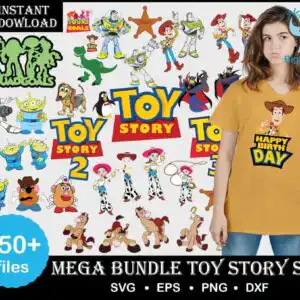
This Toy Story logo SVG collection is a large bundle of cartoon clip-art designs for cutting, printing and sublimation, and it is made for shirts, mugs, vinyl decals and party decorations. You get SVG, PNG at 300 dpi with a transparent background, DXF, EPS and PDF files. The preview sheet shows Woody, Buzz Lightyear, Jessie, Bullseye, Rex and Slinky Dog drawn in a Pixar-style cartoon look, with Zurg, the Little Green Men aliens and Mr. Potato Head beside them. Bold lettering reads TOY STORY, TOY STORY 2, TOY STORY 3, HAPPY BIRTH DAY and #SQUADGOALS, and the palette runs through Toy Story yellow, red, blue, green and tan brown, with a mustard Woody birthday shirt on a woman in the mockup. Use it to make a birthday shirt, a party banner or a set of fan-craft mugs.
Design breakdown
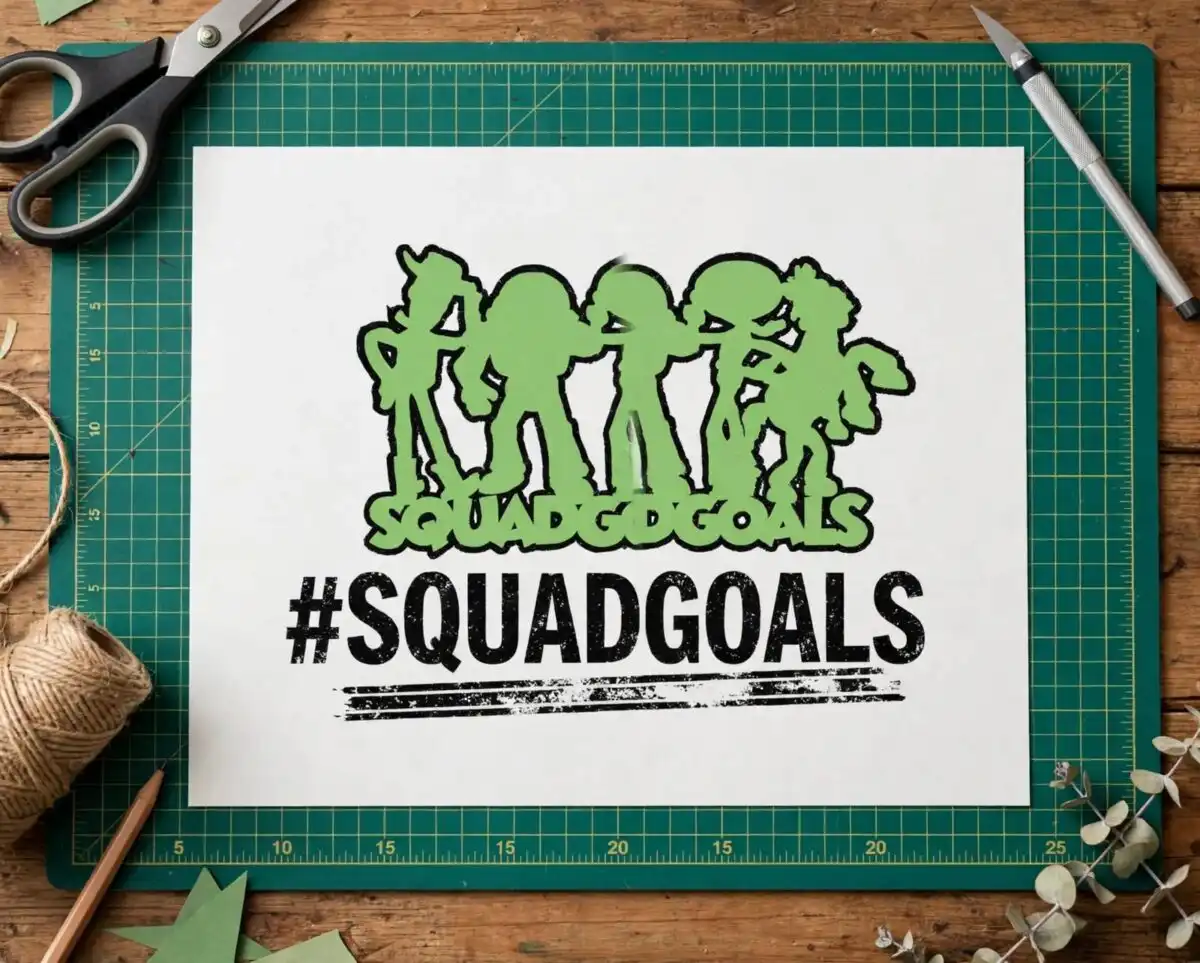
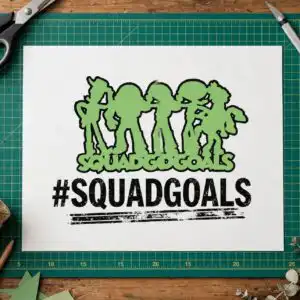
The preview sheet shows 45 distinct designs laid out as a collage on a white background, including Woody cowboy figures, Buzz Lightyear, Jessie, the Bullseye horse, Rex the dinosaur, Slinky Dog, the Little Green Men aliens, Mr. Potato Head, Zurg, a sheriff badge, a penguin, a cowboy hat, a lasso, a #SQUADGOALS silhouette and Toy Story logo blocks. Among the designs visible in the preview are the Slinky Dog, the Rex dinosaur, the Little Green Men aliens, the Zurg figure and the HAPPY BIRTH DAY Woody shirt. The artwork uses eight colours: black, white, Toy Story yellow, red, blue, green, tan brown and mustard. The designs are cut in 3 layers, and the finer parts such as the lasso and the badge details need a careful cut, so cut them at 4 inches or larger on vinyl.
| Layers | 3 |
|---|---|
| Colours | 8 — black (#000000), white (#FFFFFF), Toy Story yellow (#F2C230), red (#E0302A), blue (#1E73BE), green (#6DBE45) |
| Lettering | INSTANT DOWLOAD / SQUAD GOALS / #SQUADGOALS / TOY STORY / TOY STORY 2 / TOY STORY 3 / HAPPY BIRTH DAY / 750+ files / SVG • EPS • PNG • DXF |
| Background | white |
| Cut complexity | high |
| Orientation | portrait |
What’s included
- SVG
- PNG (300 dpi, transparent)
- DXF
- EPS
Works with
- Cricut Design Space
- Silhouette Studio (Designer Edition)
- Brother ScanNCut
- Adobe Illustrator
- Inkscape
- CorelDRAW
How to use
Download the zip file from your order and unzip it to a folder on your computer. Open Cricut Design Space, Silhouette Studio or Brother ScanNCut, then use the Upload button to import the SVG file you want. Check the layers in the layer panel, resize the design to your item, and cut. For printed transfers or sublimation, use the PNG file, which has a transparent background.
Licence
Personal and small-business commercial use. Sell finished physical items; do not resell or redistribute the files themselves.
FAQ
What files are included in this Toy Story logo SVG bundle?
You get SVG, PNG at 300 dpi with a transparent background, DXF, EPS and PDF files. The SVG files are for cutting machines and design software, and the PNG files are for printing and sublimation.
Can I use this Toy Story design on a 20oz tumbler?
Yes, the PNG files work well for tumbler wraps and mug printing. Size the design to fit your tumbler wrap before printing, and use the SVG files if you want to cut vinyl decals for the tumbler instead.
Which machines and programs does this work with?
It works with Cricut Design Space, Silhouette Studio (Designer Edition), Brother ScanNCut, Adobe Illustrator, Inkscape and CorelDRAW. Any of these can open the SVG and DXF files.
Can I resize the designs and use them for my small business?
Yes, you can resize the designs to any size you need. The licence covers personal and small-business commercial use, so you can sell finished physical items, but you may not resell or redistribute the files themselves.





