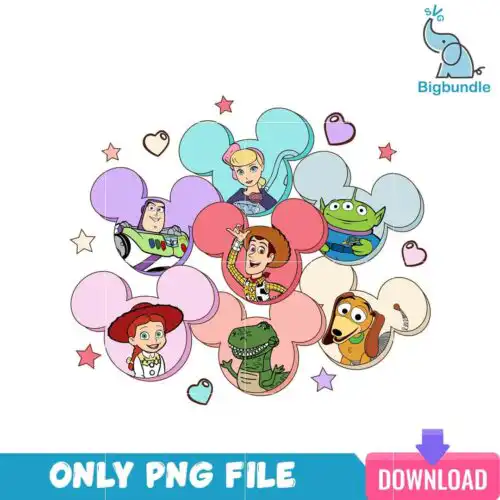
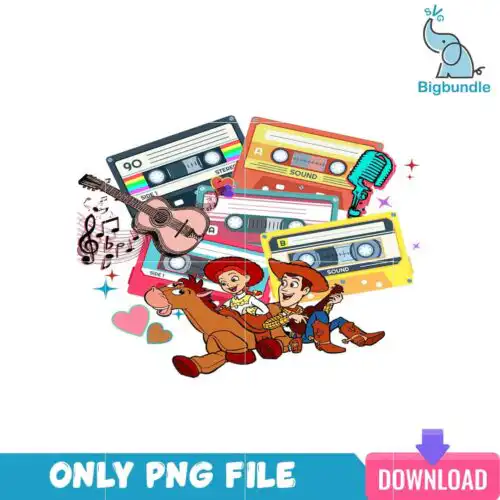
Toy Story SVG files are cut files and printable graphics with Woody, Buzz, Forky and familiar Toy Story phrases, supplied as SVG, PNG, DXF, EPS and PDF for making shirts, tumblers, mugs and gifts. These designs pull together the characters, toys, and quotes people actually want to wear and gift, from friendship phrases to holiday-inspired Toy Story graphics, so you can match a look to any age or project. Styles run from clean silhouettes and layered cut files to vintage-style prints and full-color PNGs for sublimation. Use them year-round for birthday tees, family vacation shirts, coffee cups, party favors and Valentine makes.
Choosing the right design
Choose by how you want to make it. If you cut vinyl, look for layered Toy Story SVG designs with separate colors for Woody, Buzz and Forky — they press clean on shirts and tote bags. For small items like baby onesies or coffee cups, pick single-layer silhouettes or bold quote designs like You've Got A Friend In Me that stay readable at 3-4 inches. For tumblers and full prints, full-color PNGs are faster than layering vinyl. Before you cut, check each design's file list: cut-file designs include SVG, PNG, DXF, EPS and PDF, while PNG-only designs are for sublimation and DTF printing. Check layer count, whether it is reversed for tumbler wraps, and if fine details will weed cleanly on your machine.
Toy Story SVG for shirts vs tumblers which to choose
Use layered SVG cut files for shirts and single-color or full-wrap PNGs for tumblers. Shirts need weeding-friendly layers that press flat with HTV, while tumblers need a 300 dpi transparent PNG that wraps without gaps. For shirts, pick designs with thick outlines and 2-4 layers. For tumblers, pick full-color Toy Story PNG designs sized for 20oz and 30oz straight wraps.
Should I use svg or png for Toy Story SVG?
Use SVG for vinyl and use PNG for sublimation or print-and-cut. SVG cuts crisp lines on Cricut and Silhouette and lets you recolor layers. PNG at 300 dpi with transparent background is better for sublimation, DTF, and white-toner printing where you want shading and vintage textures. Cut-file designs include both SVG and PNG, PNG-only designs are for printing — each design lists its included files.
How to cut layered Toy Story SVG on Cricut?
Cut layered Toy Story SVG files by color in Cricut Design Space and press bottom to top. Upload the SVG, ungroup to check layers, size to your blank, then cut each color on matte HTV and weed small pieces like eyes and letters. Press the base layer for 2-3 seconds to tack, add the next layer, and do a final full press. Use Silhouette Studio Designer Edition to open SVG directly.
What size should Toy Story SVG be for adult youth baby shirts?
Size Toy Story SVG designs at 10-11 inches wide for adult shirts, 7-8 inches for youth, and 4-5 inches for baby onesies and toddler tees. Keep quote designs like You've Got A Friend In Me a little wider so small letters stay readable. For left-chest logos, use 3-3.5 inches. Always measure your shirt blank and leave a 1-inch margin from collar and seams.
What file formats come with Toy Story SVG designs?
It depends on the design type. Cut-file Toy Story SVG designs include SVG, PNG (300 dpi, transparent), DXF, EPS and PDF for Cricut, Silhouette, ScanNCut, Illustrator and Inkscape. PNG sublimation designs are PNG only at 300 dpi with transparent background for sublimation, DTF and print-and-cut. Each design's design shows exactly what files are included.
Will these work with Cricut and Silhouette?
Yes. These Toy Story SVG files work with Cricut Design Space, Silhouette Studio Designer Edition and higher, Brother ScanNCut, Adobe Illustrator, Inkscape, CorelDRAW, Canva and Photoshop. For sublimation and DTF workflows they work with Epson, Sawgrass and other sublimation printers. SVG opens natively in Designer Edition for Silhouette users.
Can I sell what I make with Toy Story SVG files?
Yes, you can sell finished physical items you make — shirts, tumblers, mugs, gifts and party favors — under personal and small-business commercial use. You cannot resell, share or redistribute the digital files themselves as cut files, clipart or prints. These designs are inspired fan art and are not official or licensed merchandise.