Toy Story Characters Valentine Clipart PNG with Hearts and Balloons for Shirts, Mugs and
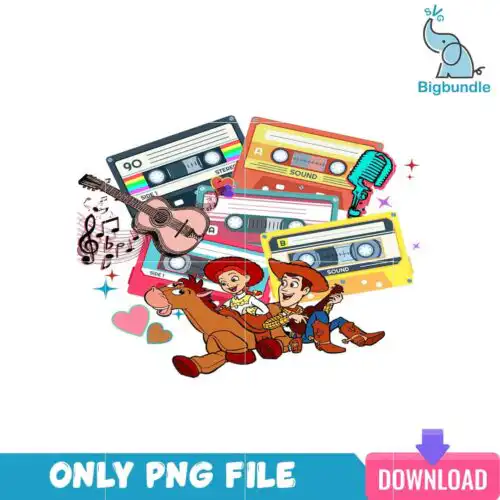
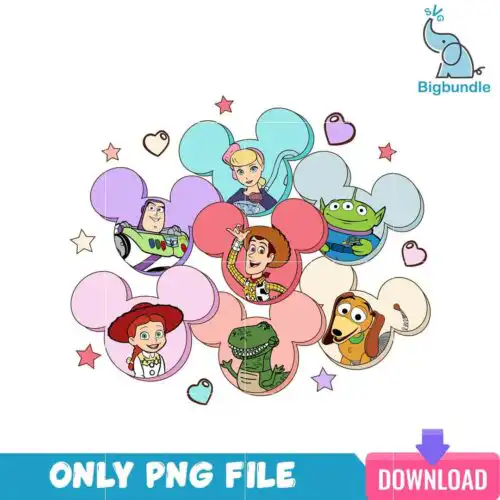
This Toy Story characters clipart PNG is one Valentine’s Day character illustration with Buzz Lightyear, Woody, Jessie, the Bullseye horse, Slinky Dog and the Little Green Alien, set around heart-patterned balloons and red hearts. You receive a single PNG file at 300 dpi with a transparent background, made for sublimation printing, DTF transfers and print-and-cut projects. The word “Valentine” is written across the top in blackletter lettering, and the palette is white, red, green, blue, yellow and brown. Because the background is transparent, the characters sit cleanly on a shirt, tote or mug without a white box around them. Each character is drawn in a bold cartoon style, so the scene reads clearly at a distance and rewards a closer look. It suits Disney fans, families, kids and crafters who want a romantic, playful piece for February gifts or classroom cards. You can place the artwork on a tee, a tumbler wrap or a canvas tote in a few minutes.
Design breakdown
This design is cut in 12 layers, with a six-colour palette of white, red, green, blue, yellow and brown. The main characters are Buzz Lightyear, Woody, Jessie, the Bullseye horse, Slinky Dog and the Little Green Alien, with Mickey-head balloons carrying heart patterns and scattered red hearts. The word “Valentine” appears in blackletter lettering. The file is a single design on a white background that is removed in the PNG, so the transparent edges are ready to use. Fine details in the lettering and balloon patterns need a cut at 4 inches or larger if you are cutting vinyl, and the high cut complexity means weeding takes some patience.
| Colours | 6 — white (#FFFFFF), red (#D71F2B), green (#5DB045), blue (#2B5BB5), yellow (#F2C230), brown (#8B5A2B) |
|---|---|
| Lettering | Valentine |
| Background | white |
| Orientation | landscape |
What’s included
- PNG (300 dpi, transparent background)
Works with
- Sublimation printers (Epson, Sawgrass)
- DTF / print-and-cut workflows
- Canva
- Adobe Photoshop
How to use
Download the ZIP from your order page and unzip it to a folder on your computer. Open the PNG in Canva, Adobe Photoshop or your sublimation software, then import it into your design layout. Resize it by dragging a corner so the proportions stay fixed. For sublimation, print on transfer paper with your Epson or Sawgrass printer, or send the file to your DTF or print-and-cut workflow. Check the preview on the garment or mug before pressing.
Licence
Personal and small-business commercial use. Sell finished physical items; do not resell or redistribute the files themselves.
FAQ
What files are included with this Toy Story characters clipart PNG?
You get one PNG file at 300 dpi with a transparent background. The design is a single image, so there are no extra SVG or DXF files in the download.
Can I use this Valentine design on a 20oz tumbler?
Yes, the PNG works on a 20oz tumbler using sublimation, and the transparent background helps it blend with the tumbler colour. Scale it to fit the wrap area before printing and check the placement on a blank first.
Which printers and software work with this file?
It works with Epson and Sawgrass sublimation printers, DTF and print-and-cut setups, and it opens in Canva and Adobe Photoshop. Any program that accepts PNG files can place it.
Can I resize the design and sell finished items made with it?
You can resize the PNG freely, and the licence allows personal and small-business commercial use. You may sell finished physical items, but you may not resell or redistribute the files themselves.