

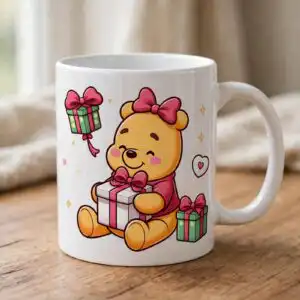
Baby Pooh Bear PNG Valentine’s Day Sublimation Design with Hearts and Gift Boxes
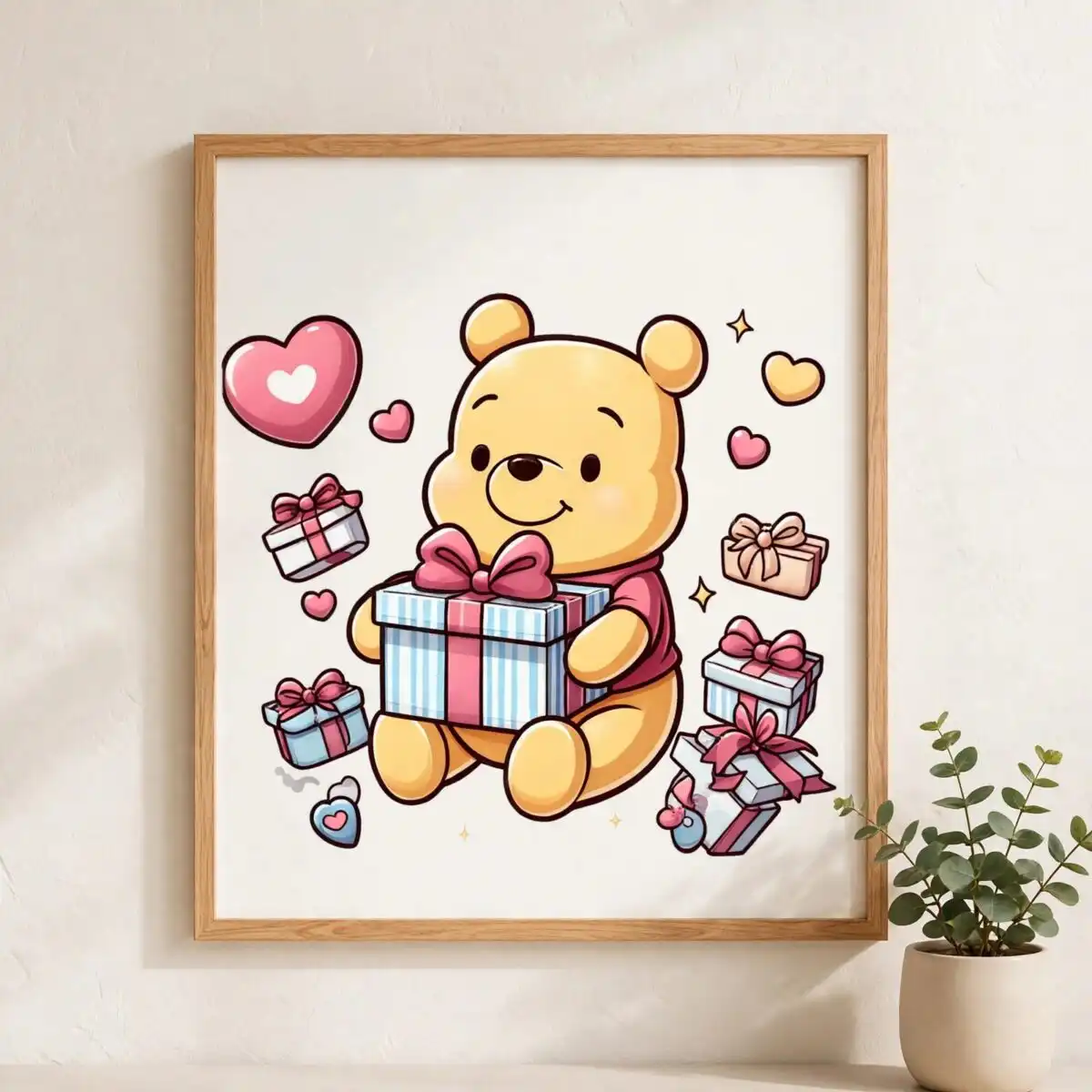
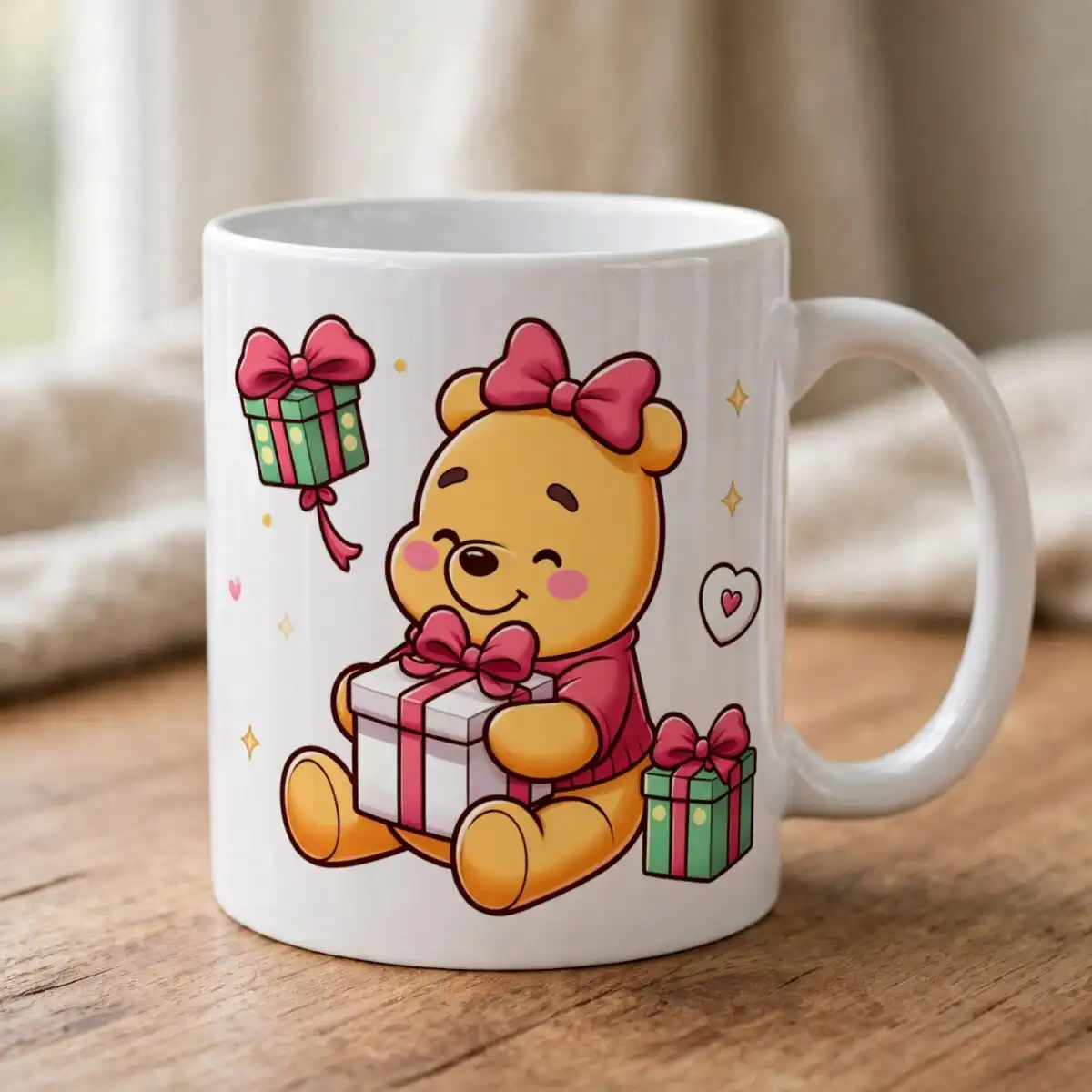
This Baby Pooh Bear PNG is a single cartoon design of a yellow Winnie the Pooh-style bear in Valentine’s Day and gift-giving poses, delivered as a transparent PNG for sublimation, t-shirts, mugs and cutting. The bear is drawn in golden yellow with dark brown outlines, and he is surrounded by red bows, a red heart balloon, pink hearts and small teal and white sparkles. You get one PNG at 300 dpi with a transparent background, so you can place the bear on a white or coloured blank without a box around him. The artwork shows a teddy bear beside gift boxes, wrapped presents, an envelope with music notes, and a pink bow headband. Use it for Valentine’s Day cards, birthday gifts or a sweet gift-making project for children.
Design breakdown
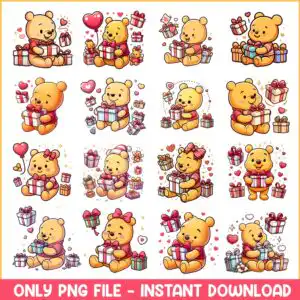
The design is cut in 8 layers and uses seven colours: golden yellow, red, pink, white, dark brown outline, teal and hot pink for the banner. The bear’s body and gift boxes use soft shading, while the outlines are kept clean and dark brown so the shapes separate easily when printed. The artwork includes a teddy bear, gift boxes, wrapped presents, red bows, a red heart balloon, hearts, sparkles, an envelope, small bees, music notes, flowers and a pink bow headband. The lettering in the file reads “ONLY PNG FILE – INSTANT DOWNLOAD”. The file is a single PNG on a transparent background, and the preview sheet shows 16 separate designs in a grid. Fine details such as the sparkles and the bees are best cut at 4 inches or larger.
| Colours | 7 — golden yellow (#F5B82E), red (#D9372B), pink (#F4A7B9), white (#FFFFFF), dark brown outline (#3B2A1A), teal (#7FC8C0) |
|---|---|
| Lettering | ONLY PNG FILE – INSTANT DOWNLOAD |
| Background | white |
| Orientation | portrait |
What’s included
- PNG (300 dpi, transparent background)
Works with
- Sublimation printers (Epson, Sawgrass)
- DTF / print-and-cut workflows
- Canva
- Adobe Photoshop
How to use
Download the ZIP from your order page and unzip it to a folder on your computer. Open the PNG in Canva, Adobe Photoshop or your sublimation software, then import it into your design project. Resize the bear to fit your blank, keeping the proportions locked. For sublimation, mirror the image before printing if your workflow needs it, then print with your sublimation printer and press as usual. For cutting or stickers, check the fine details at your chosen size before you cut.
Licence
Personal and small-business commercial use. Sell finished physical items; do not resell or redistribute the files themselves.
FAQ
What files are included with this Baby Pooh Bear PNG?
You receive one PNG file at 300 dpi with a transparent background. The file is ready to import into your design software without any extra steps.
Can I put this bear design on a 20oz tumbler?
Yes, the PNG works well for a 20oz tumbler wrap when it is sized to the wrap area. Check the fine sparkles and bees at the final size so they print clearly on the tumbler.
Does this design work with a Sawgrass or Epson sublimation printer?
Yes, the file works with Sublimation printers including Epson and Sawgrass models. It also works with DTF and print-and-cut workflows, as well as Canva and Adobe Photoshop.
Can I resize this PNG and use it for my small business?
Yes, you can resize the PNG for your projects. The licence covers personal and small-business commercial use, but you may sell finished physical items only and may not resell or redistribute the files themselves.


