

Bella Princess Chanel Luxury SVG Cut File for Shirts, Mugs and Tote Bags
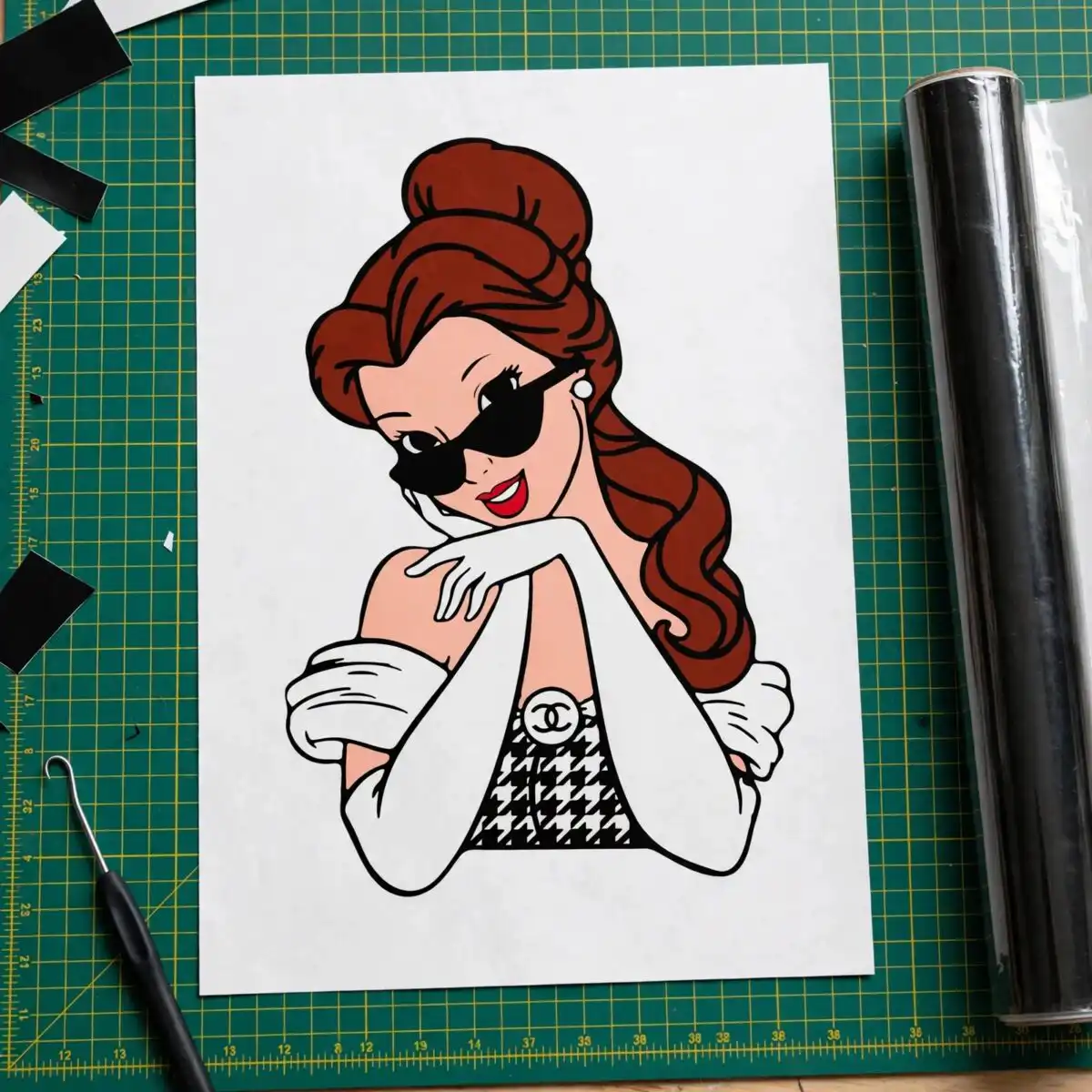
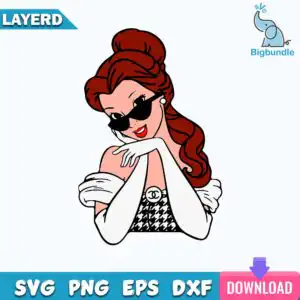
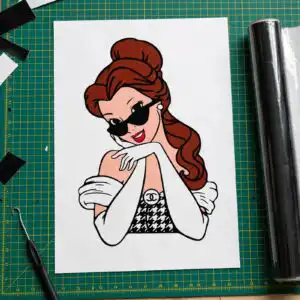
This Bella Princess Chanel Luxury SVG is a single cut-file design of a Disney-style princess with auburn hair in a bun, black cat-eye sunglasses and arms crossed. You receive SVG, PNG, DXF, EPS and PDF files, made for shirts, mugs, tote bags, vinyl decals and sublimation. The artwork is a flat vector in bold outline, built from auburn red-brown hair, skin tone peach, black and white. Her black-and-white houndstooth top carries a white CC-style logo medallion, and the pose gives the piece a playful, confident attitude. Pearl earrings, white gloves and off-shoulder white sleeves complete the look. The lettering reads LAYERD SVG PNG EPS DXF DOWNLOAD, so the design is easy to spot in your file folder. It suits everyday wear, birthday gifts and fans of fashion-themed princess designs.
Design breakdown
The design is cut in 5 layers using 5 colours: auburn red-brown for the hair, skin tone peach for the face and arms, black for the sunglasses and houndstooth pattern, white for the gloves, sleeves and logo medallion, and red for the lips. The black sunglasses, hair bun and houndstooth top are the largest shapes, and the white gloves and medallion are small inside shapes that need careful weeding. Fine details such as the pearl earring and houndstooth pattern are best cut at 4 inches or larger. The file has a white background and a single-sheet layout with one design, and is supplied as a portrait artwork.
| Layers | 5 |
|---|---|
| Colours | 5 — auburn red-brown (#8B2A1A), skin tone peach (#F9D5C2), black (#1A1A1A), white (#FFFFFF), red lips (#D92B2B) |
| Lettering | LAYERD / SVG / PNG / EPS / DXF / DOWNLOAD |
| Background | white |
| Cut complexity | medium |
| Orientation | portrait |
What’s included
- SVG
- PNG (300 dpi, transparent)
- DXF
- EPS
Works with
- Cricut Design Space
- Silhouette Studio (Designer Edition)
- Brother ScanNCut
- Adobe Illustrator
- Inkscape
- CorelDRAW
How to use
Download the ZIP file and unzip it to a folder on your computer. Open Cricut Design Space, Silhouette Studio or Brother ScanNCut software and choose Upload, then select the SVG file. Keep the layers grouped so the colours stay separate. Resize the design to your project, cut each colour, then layer and press or apply it to your item. For sublimation, use the PNG file.
Licence
Personal and small-business commercial use. Sell finished physical items; do not resell or redistribute the files themselves.
FAQ
What files are included with this Bella Princess Chanel Luxury SVG?
You get SVG, PNG, DXF, EPS and PDF files. The PNG is 300 dpi with a transparent background, so it works well for sublimation and printing.
Can I use this princess design on a 20oz tumbler?
Yes, the design works on a 20oz tumbler when printed with sublimation or used as a vinyl decal. Resize it to fit the wrap area before cutting or printing.
Which machines and programs does this file work with?
It works with Cricut Design Space, Silhouette Studio (Designer Edition), Brother ScanNCut, Adobe Illustrator, Inkscape and CorelDRAW. The SVG and DXF files are the most common choices for cutting machines.
Can I resize this file and use it for a small business?
Yes, you can resize the file freely. The licence covers personal and small-business commercial use for finished physical items, but you may not resell or redistribute the files themselves.





