


Ben 10 Big Ben Shirt SVG: Alien Characters, Omnitrix Dials and Logo for Birthday
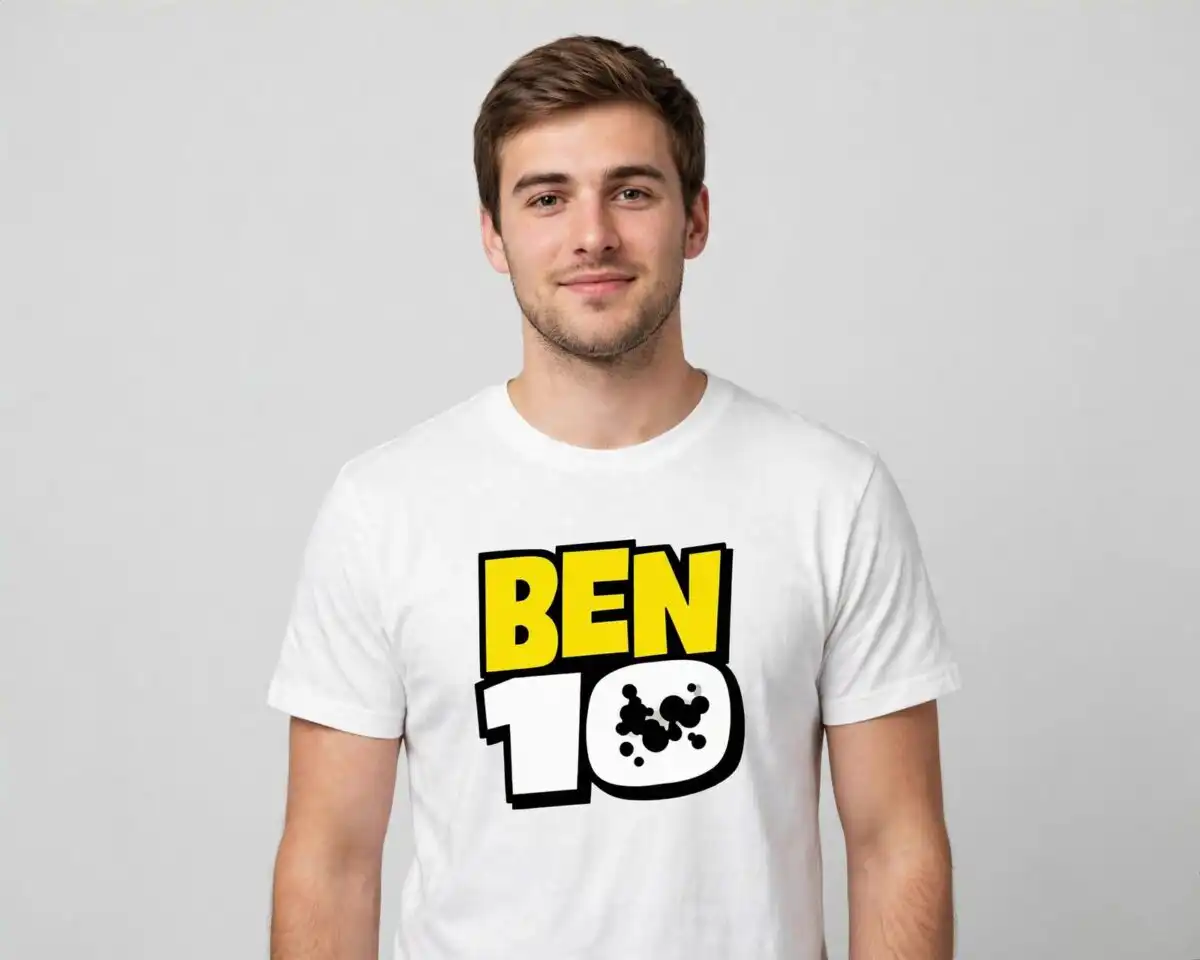
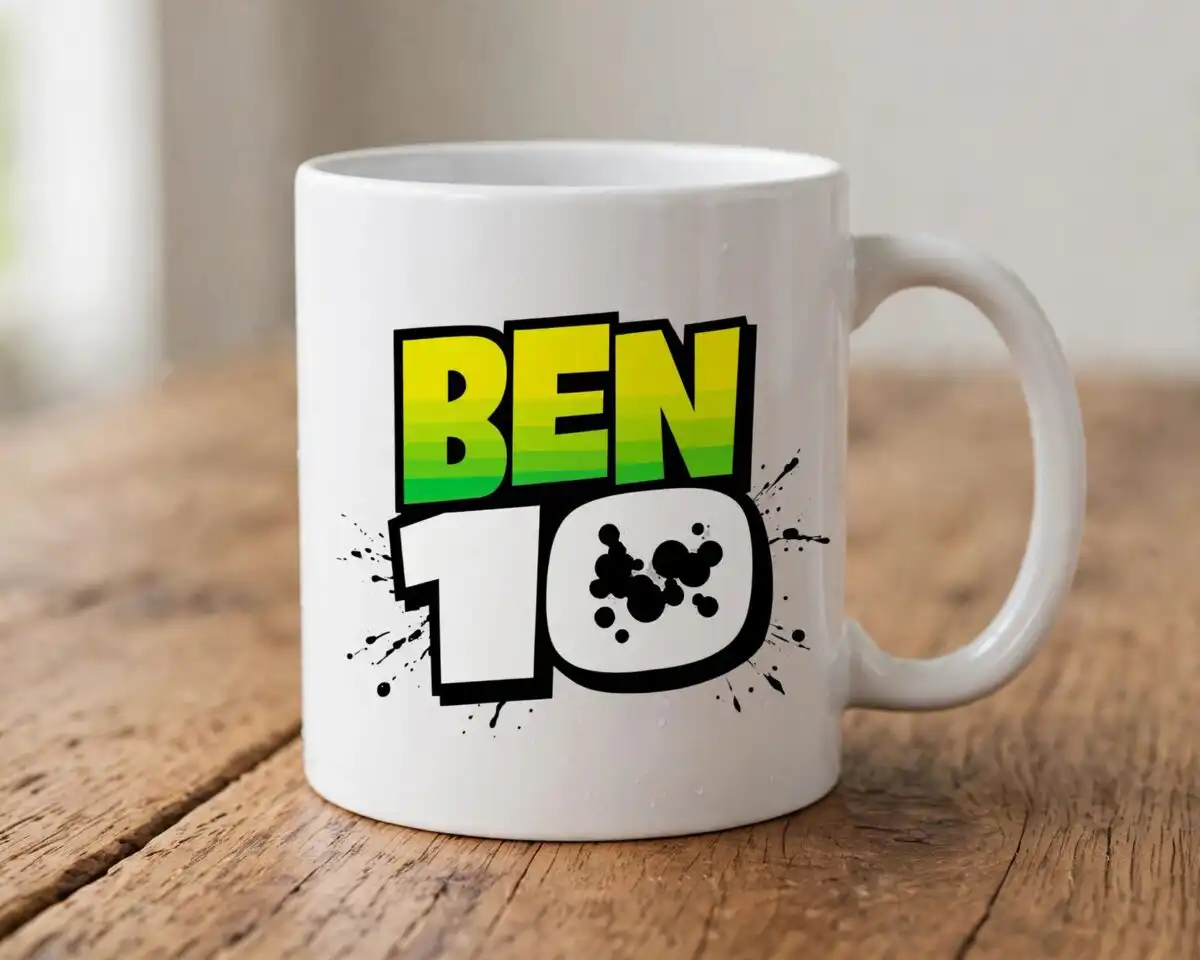
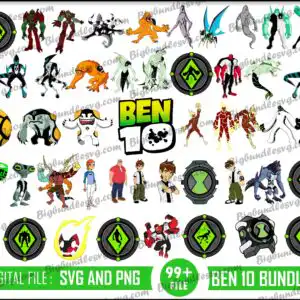
This Big Ben SVG is a cartoon clip-art bundle of Ben 10 artwork, supplied as cut files in SVG, PNG, DXF and EPS formats. It is made for iron-on shirts, vinyl decals, sublimation, stickers and party decorations. The sheet shows Ben Tennyson human figures, alien characters such as Heatblast, Four Arms, XLR8 and Diamondhead, Omnitrix watch dials, the Ben 10 logo and a yellow Cannonbolt ball, all in bold bright green, black, white, yellow, orange and dark red. The artwork is styled after the animated TV series and includes flame and fire motifs that suit a bold birthday theme. Each piece is a separate design you can cut or print on its own. The preview is watermarked, and the files you download are the clean versions. Ben Tennyson PNG files come with a transparent background at 300 dpi, so they layer neatly over other designs.
Design breakdown
The preview sheet shows designs laid out in a grid, including Omnitrix watch dials, Ben 10 logo artwork, Ben Tennyson human figures and the Ben 10 alien characters Heatblast, Four Arms, XLR8, Diamondhead, Wildmutt and Stinkfly, among others. Several designs in the preview are a yellow Cannonbolt ball and Omnitrix hero-badge icons. The colour palette is bright green, black, white, yellow, orange and dark red. Most designs are cut in 3 layers, and some of the finer alien details need a larger cut size, so cut them at 4 inches or bigger. The sheet has a white background and a landscape orientation. The preview includes 45 distinct designs. The bundle includes multiple file formats for each design.
| Layers | 3 |
|---|---|
| Colours | 6 — bright green (#3DD62A), black (#1A1A1A), white (#FFFFFF), yellow (#F5C518), orange (#E8612C), dark red (#B3202A) |
| Lettering | BEN 10 / DIGITAL FILE : SVG AND PNG / 99+ FILE |
| Background | white |
| Cut complexity | high |
| Orientation | landscape |
What’s included
- SVG
- PNG (300 dpi, transparent)
- DXF
- EPS
Works with
- Cricut Design Space
- Silhouette Studio (Designer Edition)
- Brother ScanNCut
- Adobe Illustrator
- Inkscape
- CorelDRAW
How to use
Download the zip file and unzip it on your computer before you open anything. Import the SVG file into Cricut Design Space, Silhouette Studio or Brother ScanNCut, and the cut lines will be ready to use. For printing, use the PNG files, which have transparent backgrounds. Resize each design in your software before you cut or print, and check the fine alien details at the size you plan to use.
Licence
Personal and small-business commercial use. Sell finished physical items; do not resell or redistribute the files themselves.
FAQ
What files are included in this Big Ben SVG download?
The download includes SVG, PNG, DXF, EPS and PDF files. The PNG files are 300 dpi with transparent backgrounds.
Can I use these Ben 10 designs on a kids birthday shirt?
Yes, the designs suit iron-on transfers and t-shirt designs for a kids birthday party. Cut the vinyl or print the transfer at a size that keeps the alien details clear.
Which machines and software work with these files?
The files work with Cricut Design Space, Silhouette Studio (Designer Edition), Brother ScanNCut, Adobe Illustrator, Inkscape and CorelDRAW. Use the PNG files for printing and sublimation.
Can I resize the designs and use them for a small business?
Yes, you can resize the designs in your software. The licence covers personal and small-business commercial use, so you can sell finished physical items, but you cannot resell or redistribute the files themselves.


