

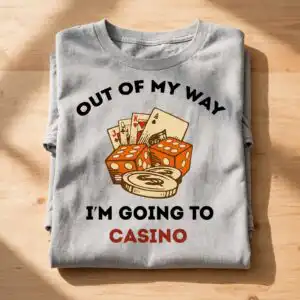
Out of My Way I’m Going to Casino Birthday Quote Graphic for Shirts, Mugs and Tote Bags
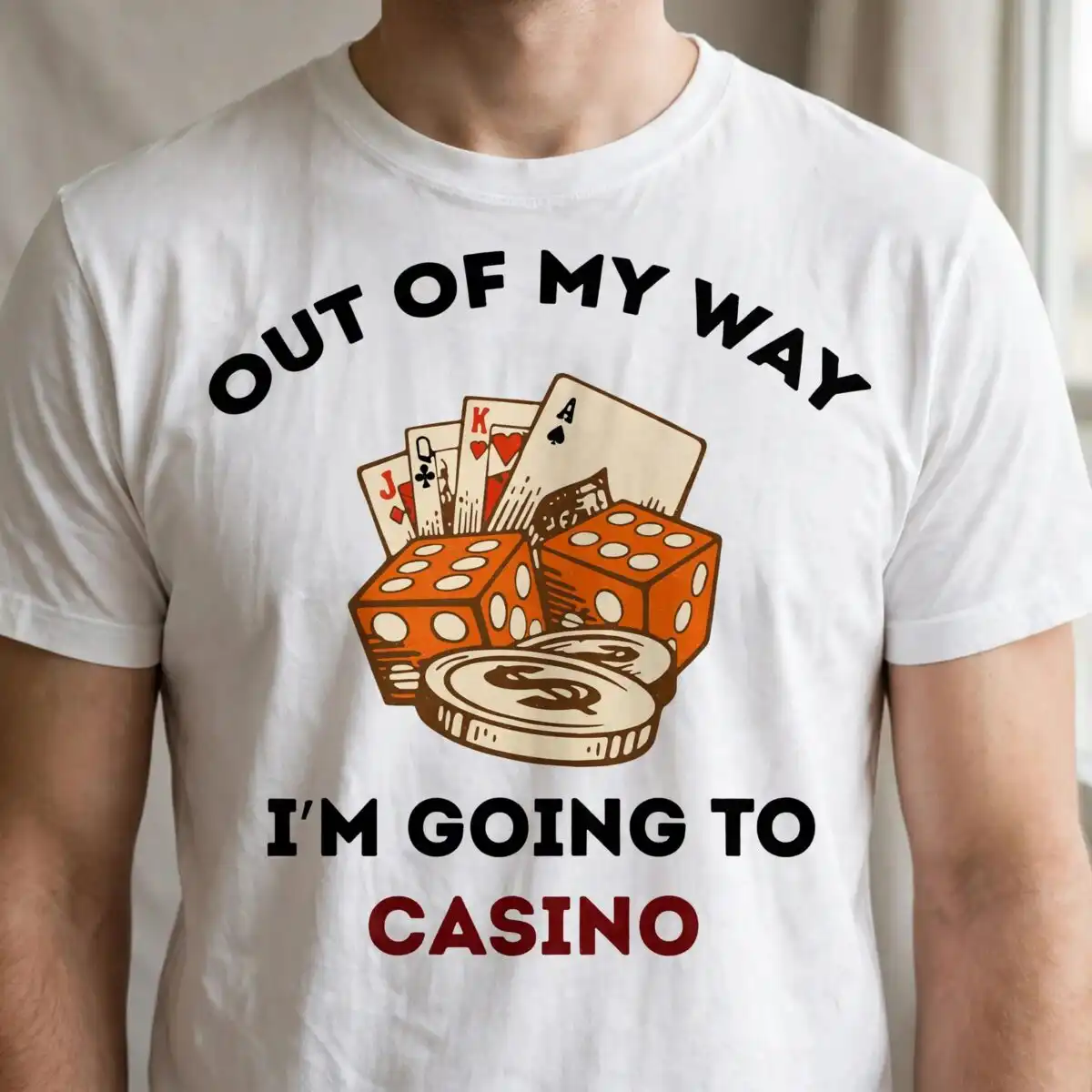
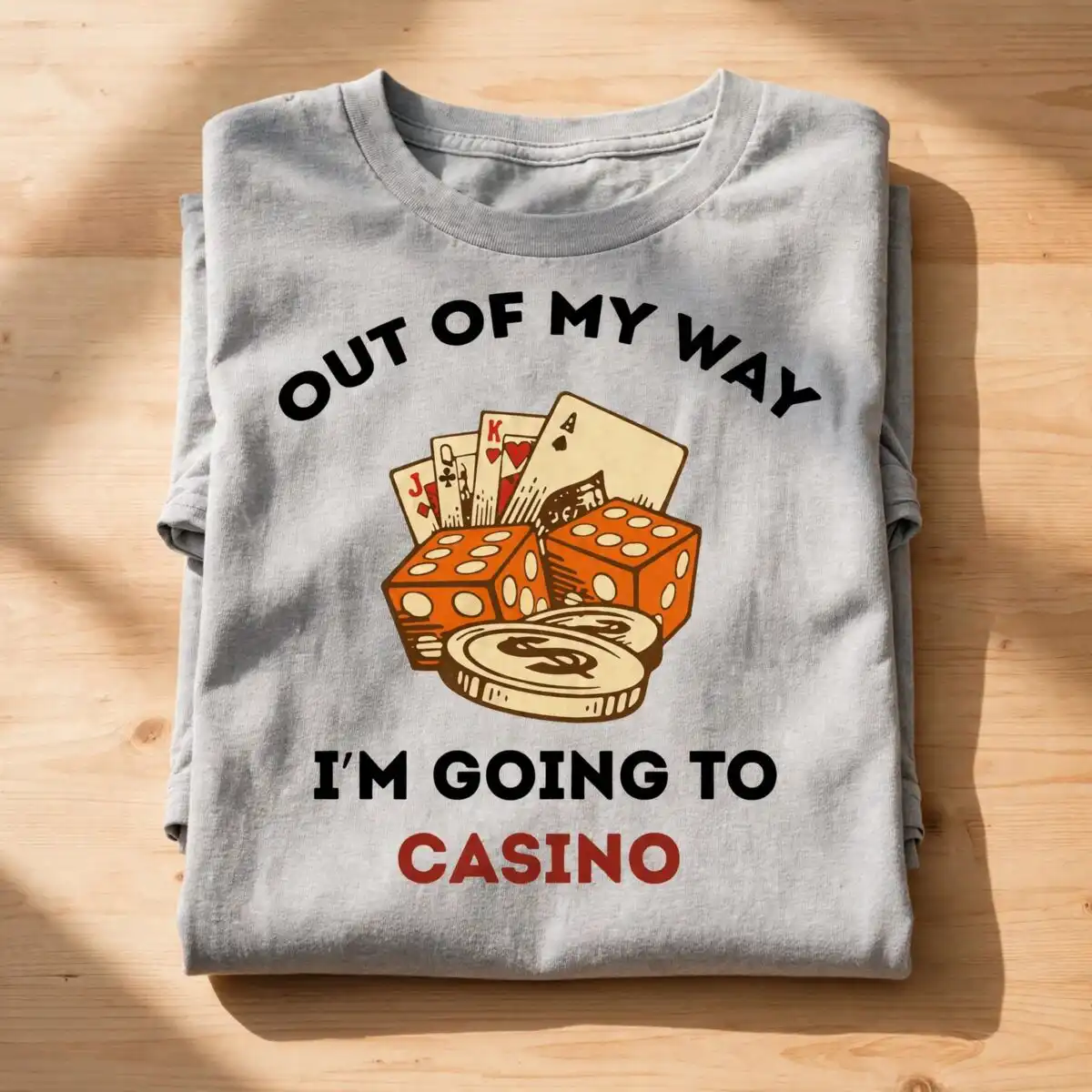
This birthday casino themed quote graphic is one square cut-file design of playing cards, orange dice and gold coins framing the arched lettering “OUT OF MY WAY I’M GOING TO CASINO”. You receive SVG, PNG, DXF, EPS and PDF files made for shirts, mugs, decals and tote bags. The artwork uses five flat colours: black, brick red, orange, cream and brown, set on a white background. The bold sans-serif lettering and vintage illustration style give it a playful, humorous feel that suits a birthday gift for anyone who loves a night at the tables. The design is built for adults, gamblers and casino fans, and it works as a casual gift for any birthday. Because the file is a vector, you can resize it for different projects without losing sharp edges on the cards, dice and coins. Cut it in Cricut Design Space, Silhouette Studio, Brother ScanNCut, or open it in Illustrator, Inkscape or CorelDRAW.
Design breakdown
The design is cut in 5 layers, one for each of the five colours: black, brick red, orange, cream and brown. The playing cards, orange dice and gold coins with dollar signs sit above and below the arched lettering, which reads “OUT OF MY WAY”, “I’M GOING TO” and “CASINO” in bold sans-serif type. The cream and brown layers add the vintage illustration tones behind the objects. The cut is medium complexity, so the smaller coin and card details need care when weeding, and it is best cut at 4 inches or larger. The file sits on a single sheet, so you can cut the whole graphic in one piece.
| Layers | 5 |
|---|---|
| Colours | 5 — black (#000000), brick red (#C0392B), orange (#E8651A), cream (#F5E6C8), brown (#8B5A2B) |
| Lettering | OUT OF MY WAY / I’M GOING TO / CASINO |
| Background | white |
| Cut complexity | medium |
| Orientation | square |
What’s included
- SVG
- PNG (300 dpi, transparent)
- DXF
- EPS
Works with
- Cricut Design Space
- Silhouette Studio (Designer Edition)
- Brother ScanNCut
- Adobe Illustrator
- Inkscape
- CorelDRAW
How to use
Download the zip file from your order and unzip it to a folder on your computer. For Cricut Design Space or Silhouette Studio, open the app, choose Upload, select the SVG file and insert it onto your canvas. For Brother ScanNCut, import the SVG through the ScanNCut Canvas. Check the layer colours before you cut, then size the graphic to your project.
Licence
Personal and small-business commercial use. Sell finished physical items; do not resell or redistribute the files themselves.
FAQ
What files are included with this casino quote graphic?
You receive SVG, PNG, DXF, EPS and PDF files. The PNG is 300 dpi with a transparent background, which suits printing and sublimation.
Can I use this birthday casino design on a 20oz tumbler?
Yes, the graphic works on a 20oz tumbler when you size it to fit the wrap. Keep the lettering at a width that leaves room around the cards, dice and coins so the design stays readable.
Which machines and programs does this file work with?
It works with Cricut Design Space, Silhouette Studio (Designer Edition), Brother ScanNCut, Adobe Illustrator, Inkscape and CorelDRAW. Any of these will open the SVG, DXF or EPS file directly.
Can I resize this file and sell items made with it?
Yes, the vector file can be resized for any project. The licence covers personal and small-business commercial use for finished physical items, but you may not resell or redistribute the files themselves.


